You can download any image or video from the canvas to your device. Download a single file or select multiple items and export them all at once as a ZIP.

Download a single file

1

Select an item on the canvas

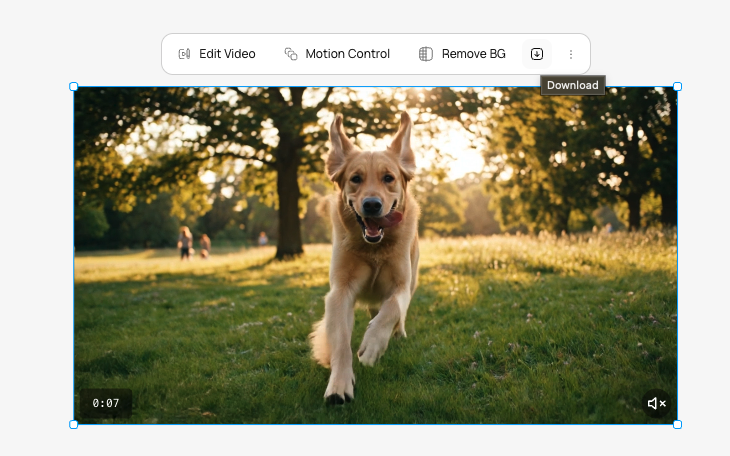
Click the image or video you want to download. The selection toolbar appears.
2

Click Download

In the selection toolbar, click the Download button. The file saves to your device.
Item typeDownload format
ImagePNG
VideoMP4
Canvas with a selected image showing the floating selection toolbar with Download button highlighted

Batch export as ZIP

1

Select multiple items

Hold Ctrl (or Cmd on Mac) and click each item you want to export. Or use rubber-band selection by dragging a rectangle over multiple items.
2

Click Download

With multiple items selected, click the Download button. All selected files are packaged into a single ZIP archive and downloaded to your device.
When multiple items are selected, Download is the only available action. Editing tools (remove BG, upscale, text edit, etc.) require a single item to be selected.

Preview before downloading

You can preview any item at full size before downloading:
1

Select an item

Click the image or video on the canvas.
2

Open preview

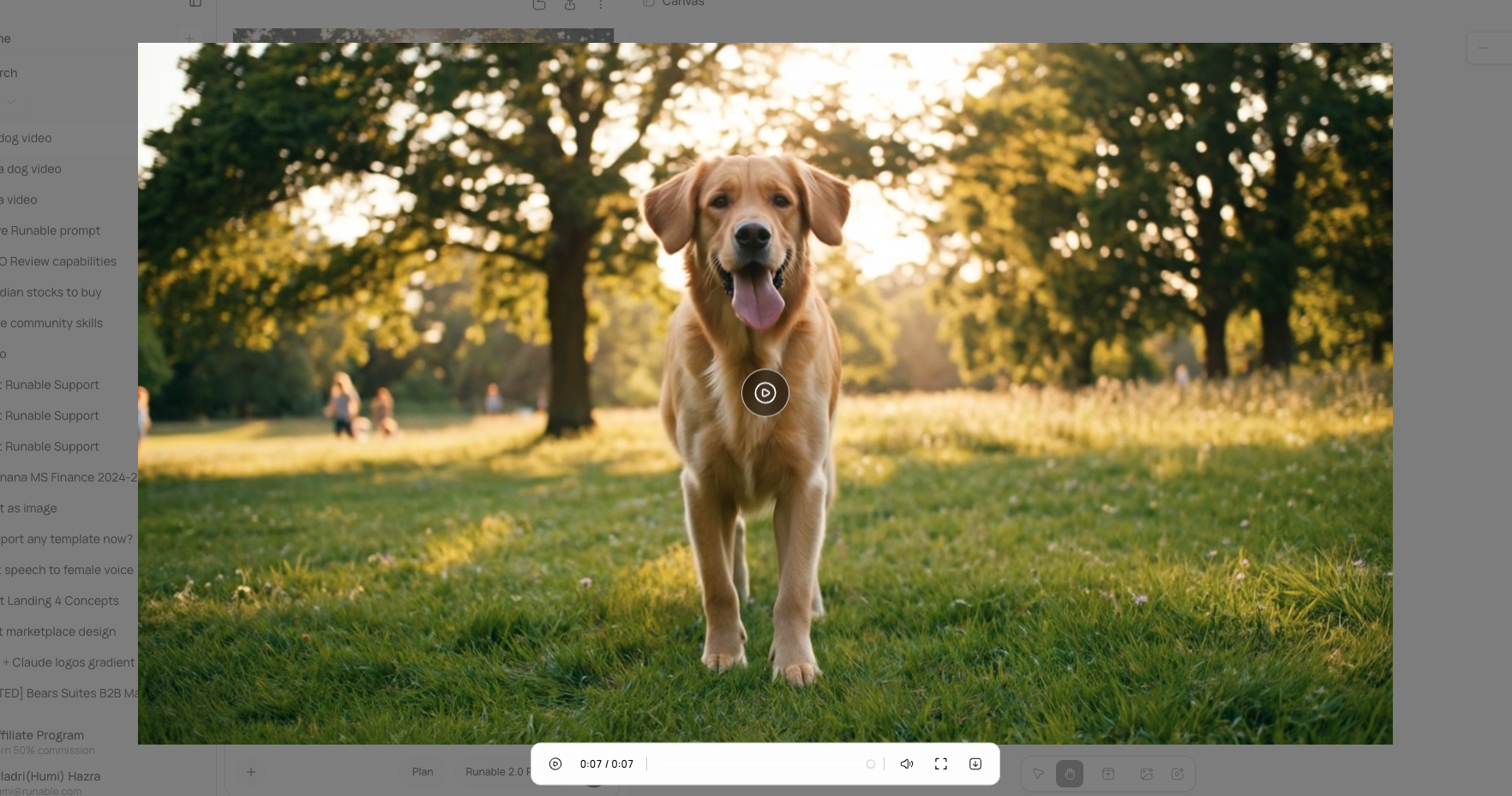
In the selection toolbar dropdown, click Preview. A full-screen modal opens with the image at full resolution or the video with playback controls.
Full-screen modal displaying a generated image at high resolution with a close button and download option

Video playback controls

When previewing a video in the full-screen modal, you have full playback controls:
ControlAction
Space / KPlay or pause
Arrow LeftSeek back 5 seconds
Arrow RightSeek forward 5 seconds
MMute or unmute
Progress sliderScrub to any point in the video

What you cannot do

  • You cannot choose a different file format for download. Images export as PNG, videos as MP4.
  • You cannot export the entire canvas as a single flattened image.
  • You cannot download items that are still generating. Wait for generation to complete.
  • You cannot set a custom resolution for downloads. Files download at their current resolution. Use Upscale to increase resolution before downloading.

Next steps