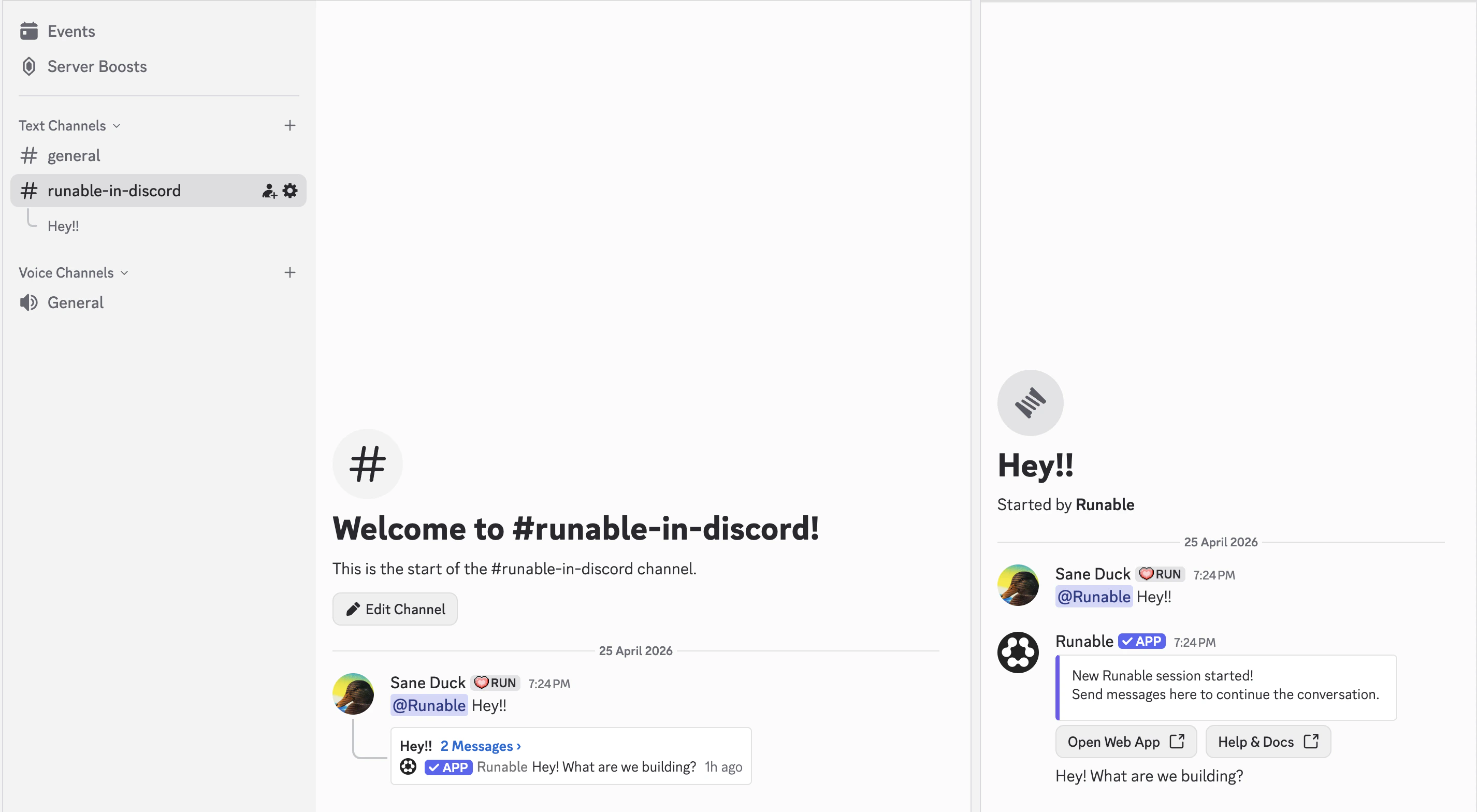
The Discord integration adds the Runable agent to your server. DM the bot for private conversations or mention it in any channel. The bot automatically creates threads to keep conversations organized. Generated artifacts (websites, decks, videos) appear inline with embed previews you can interact with right in Discord.

How to connect

1

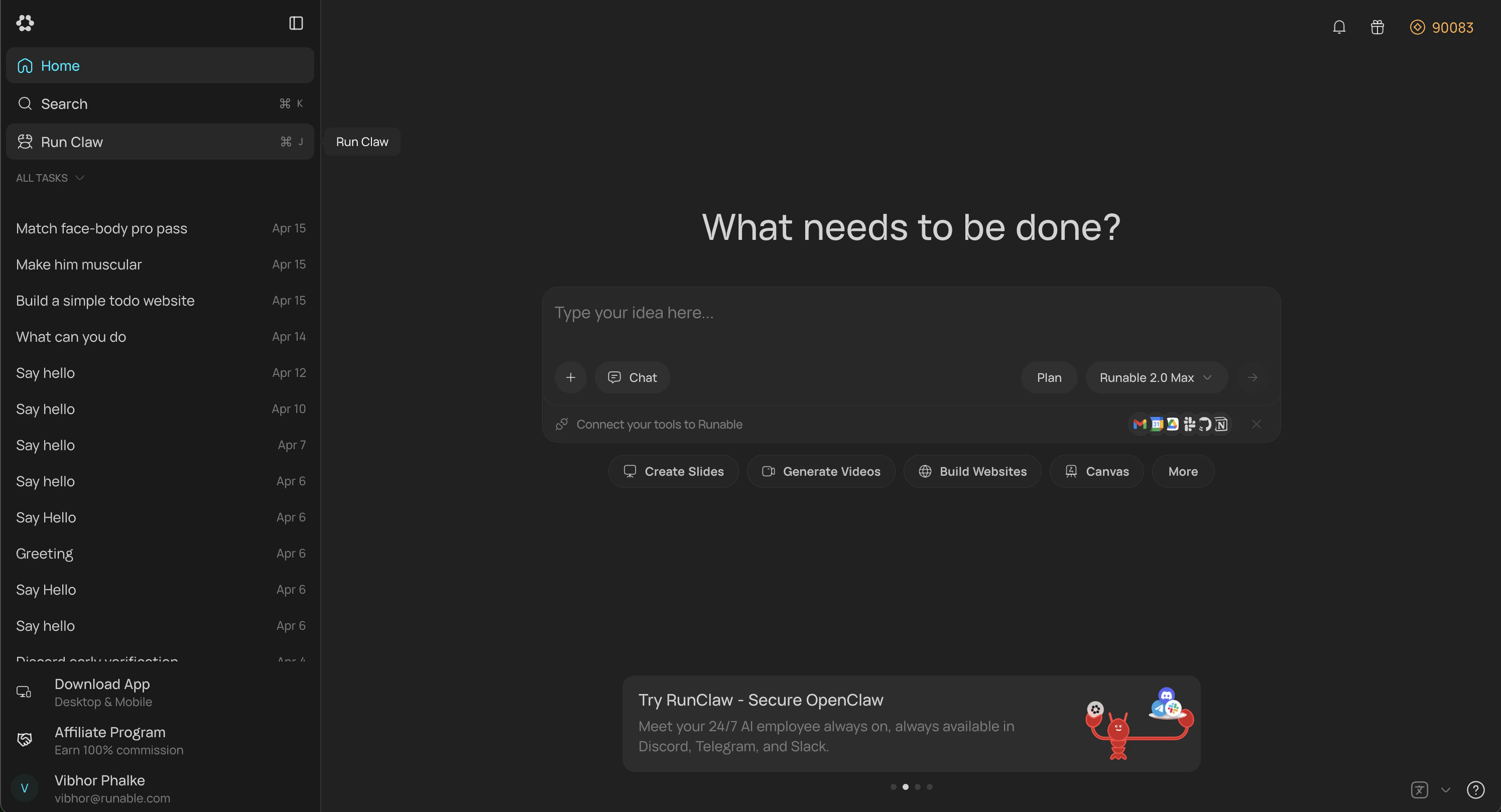
Open RunClaw Page

In the Runable web app, go to Sidebar  → Run Claw. You can also go to Settings → Runclaw and find same option there.
Screenshot 2026 04 25 At 6 37 39 PM

The Run Claw tab in Settings showing the Discord Connect button.

2

Connect Discord

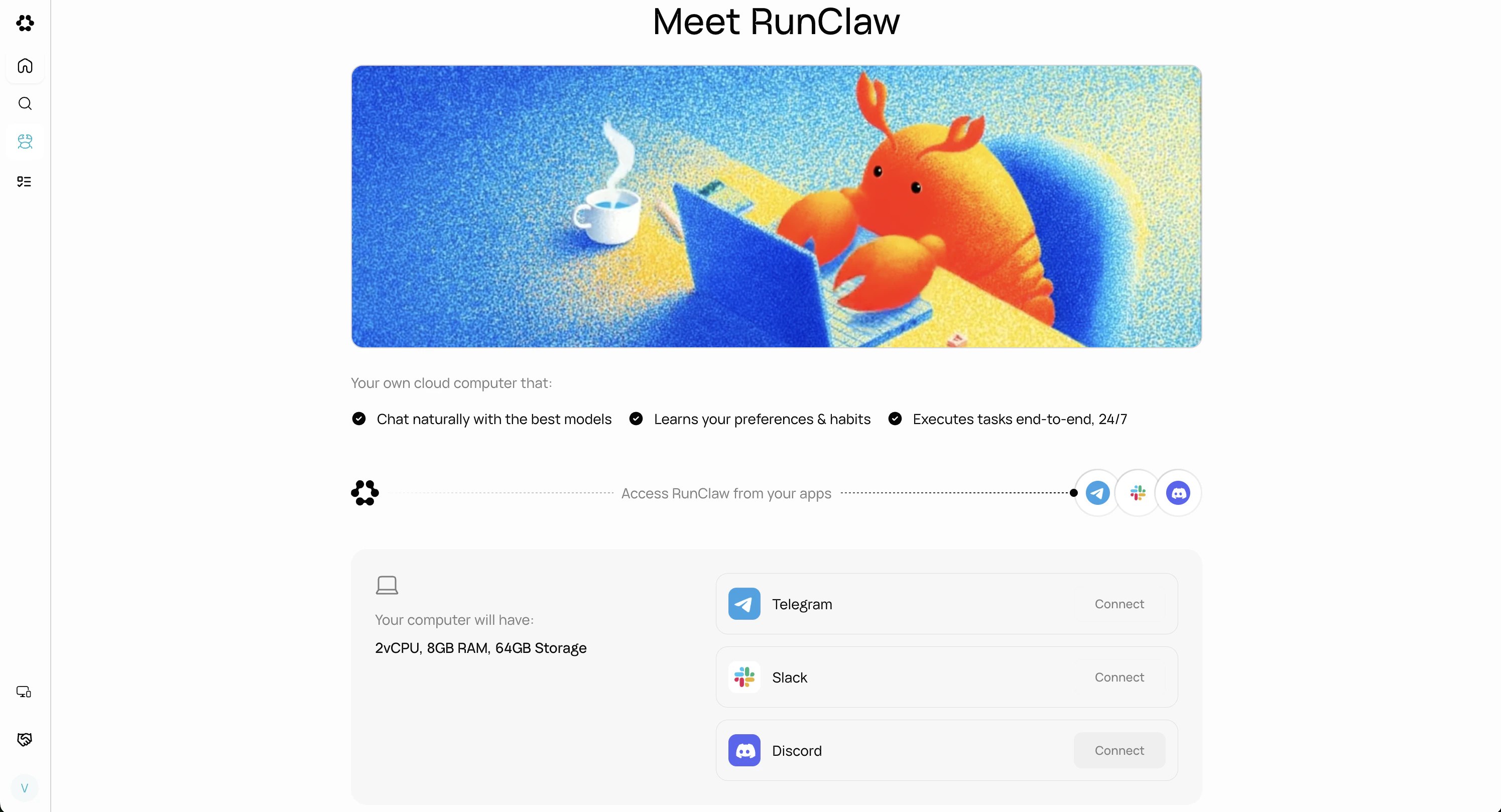
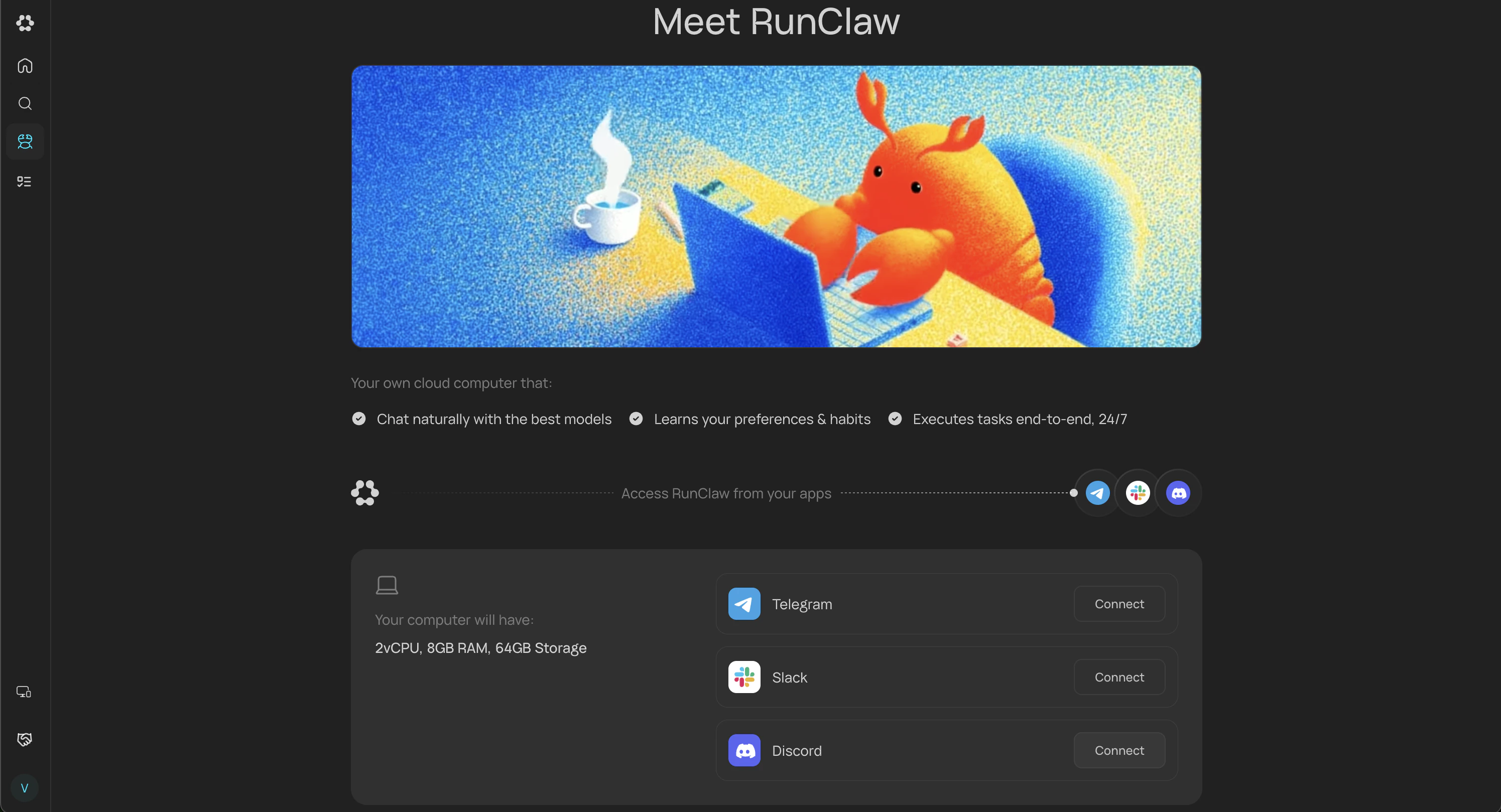
Click the Connect button on the Discord card.
Screenshot 2026 04 25 At 6 37 39 PM 1

Discord connection card

3

Select Server And Authorize

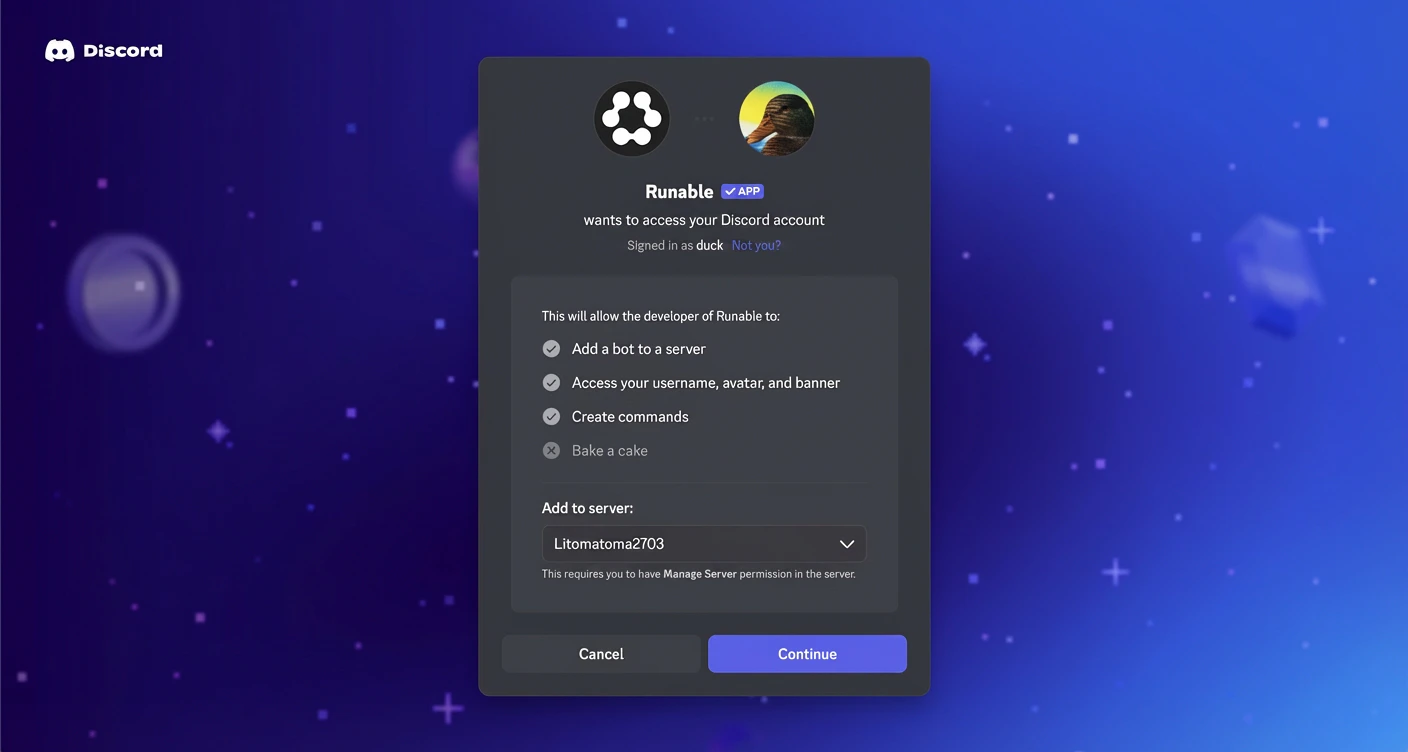
After clicking Connect, the Discord OAuth screen appears. Select the server where you want to add the bot and authorize access.
Image Xezqnja2y5

The Discord OAuth authorization page asking you to select a server.

4

Confirmation

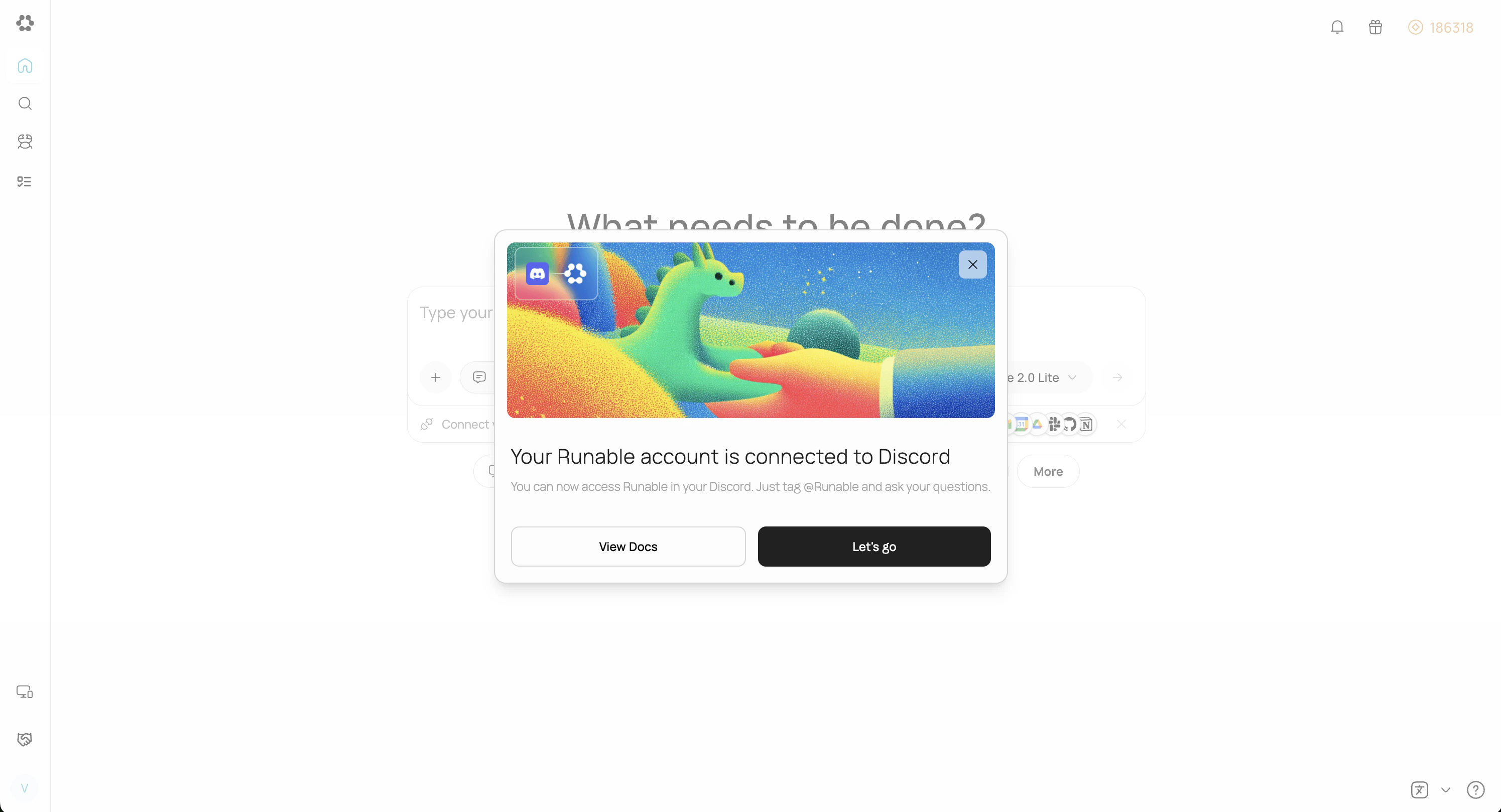
After authorization succeeds, you’ll be redirected to Runable and a confirmation popup will appear.
Screenshot 2026 04 25 At 7 15 25 PM
5

Start Chatting

Just mention @Runable in any channel to get your work done. The chat is synced with the web and mobile apps, so you can continue there anytime.
Screenshot 2026 04 25 At 7 25 33 PM

Two ways to use Discord

Send files

Attach files to your messages the way you normally attach files in Discord. The agent receives and processes all file types.

Supported Commands

How to disconnect

Go back to SettingsRun Claw in the Runable web app. Click Disconnect on the Discord card or remove the bot from the server.

Important Details

  • When one user installs Runable on a Discord server, members in the server can use the bot. All usage is billed to the account that installed it.
  • Direct messages with the bot are limited to the user who installed it on the server.
  • Discord provides native access control for the bot. Go to Server Settings → Integrations → Runable → Manage to configure who can use it and other settings.
  • Runable only processes messages that mention it directly. It does not see the surrounding thread or conversation history. Thread context is a planned feature.

Next steps

Connect Telegram

Set up Runable in Telegram with slash commands and instant connection.

Connect iMessage

Set up Runable in iMessage with slash commands and instant connection.