Set up the Runable agent in Telegram. Message it directly, send files, use slash commands, and more.
Telegram is the fastest platform to connect. You tap one link, press Start, and the bot is ready. From there, you message it like any other Telegram contact and the Runable agent responds in real time.
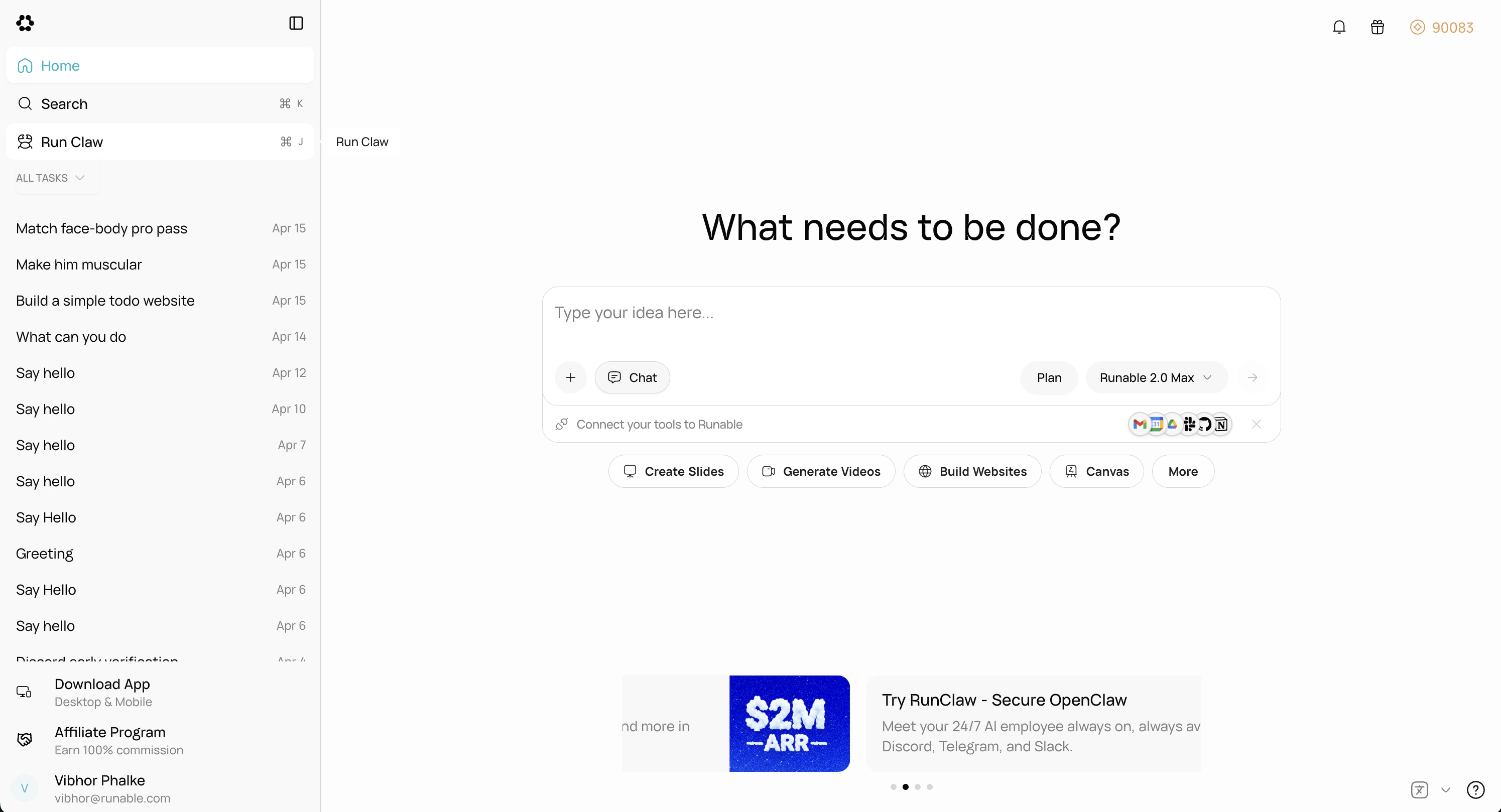
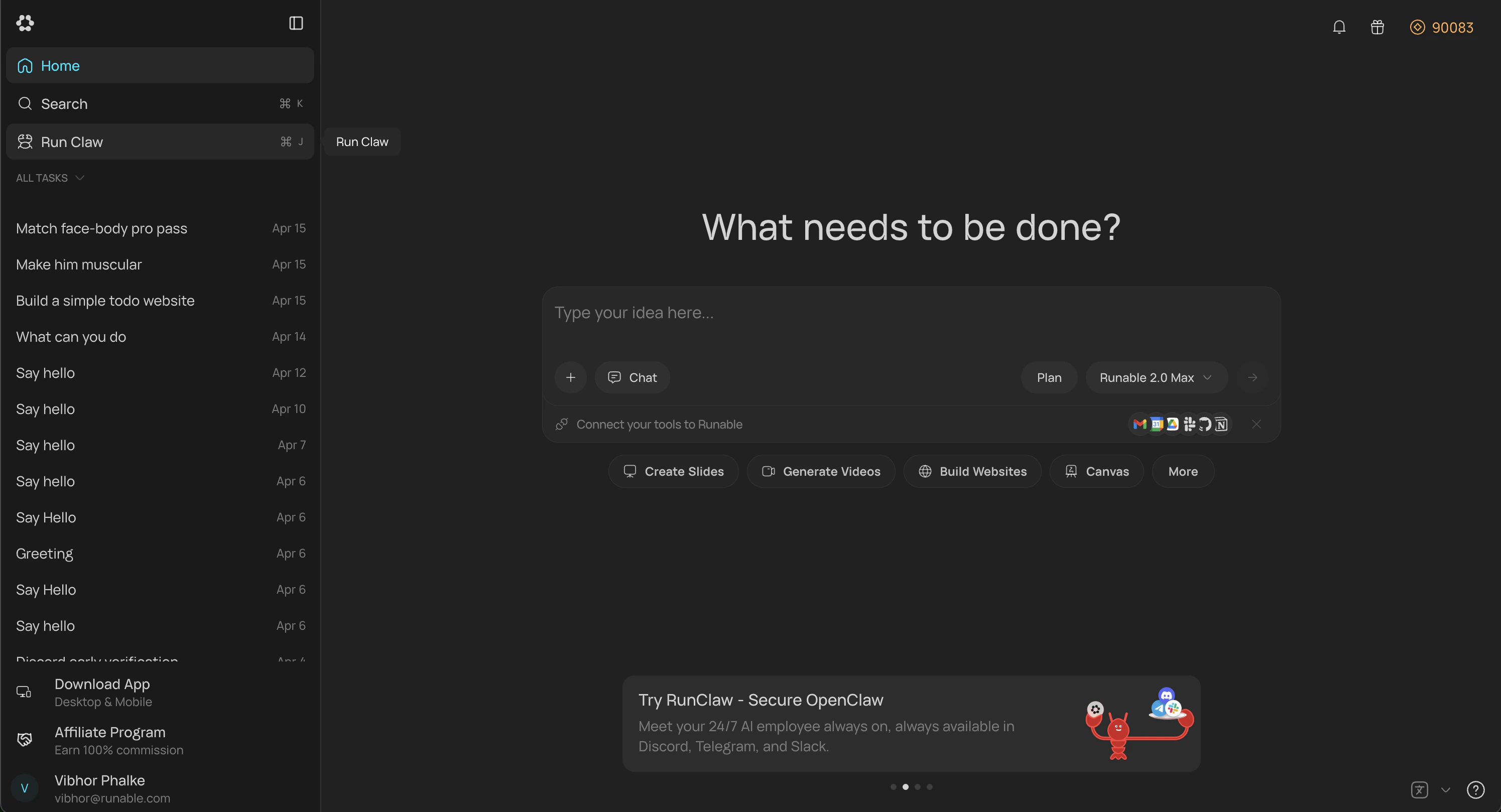
In the Runable web app, go to Sidebar → Run Claw. You can also go to Settings → Runclaw and find same option there.
2
Connect Telegram
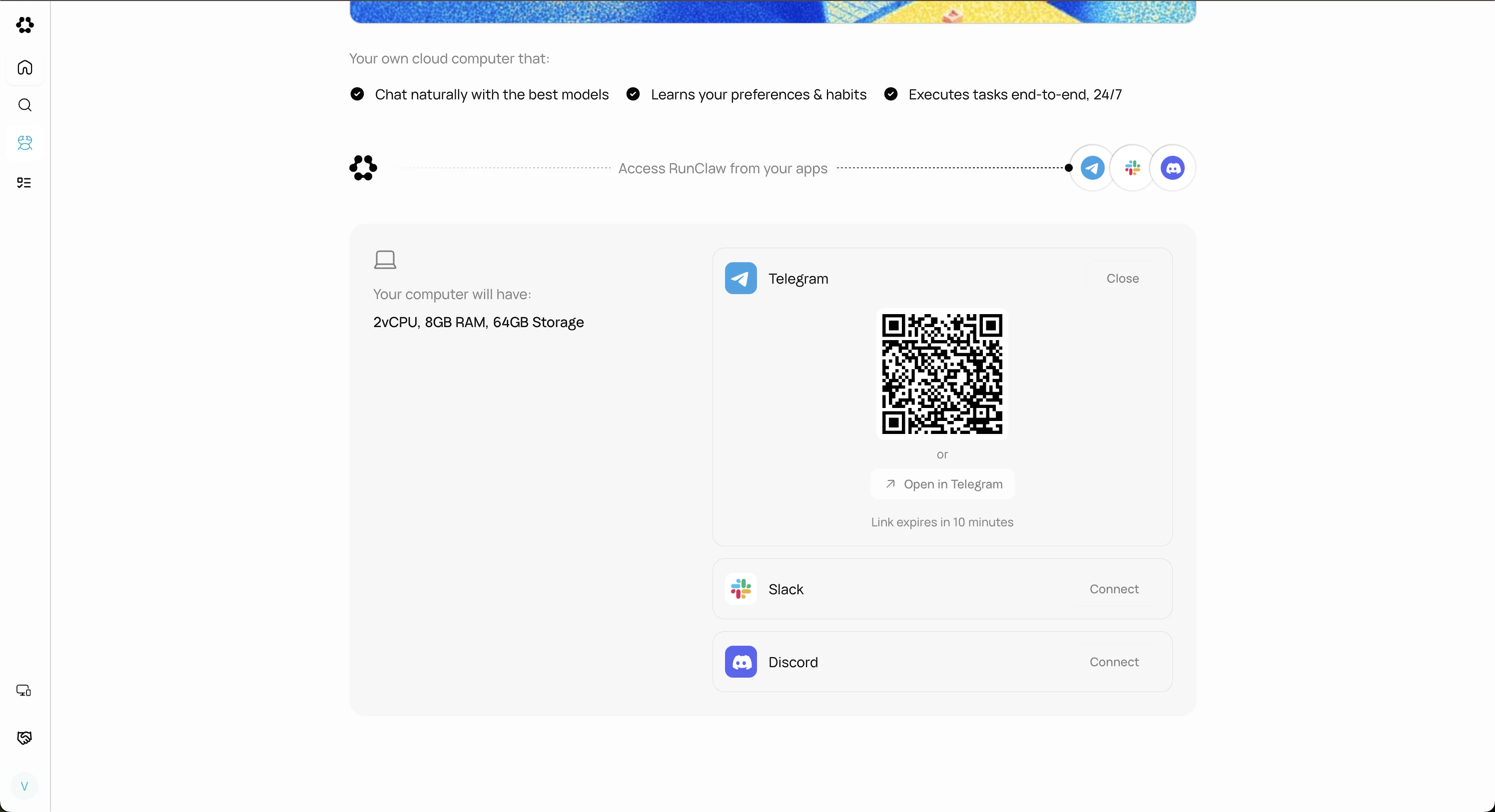
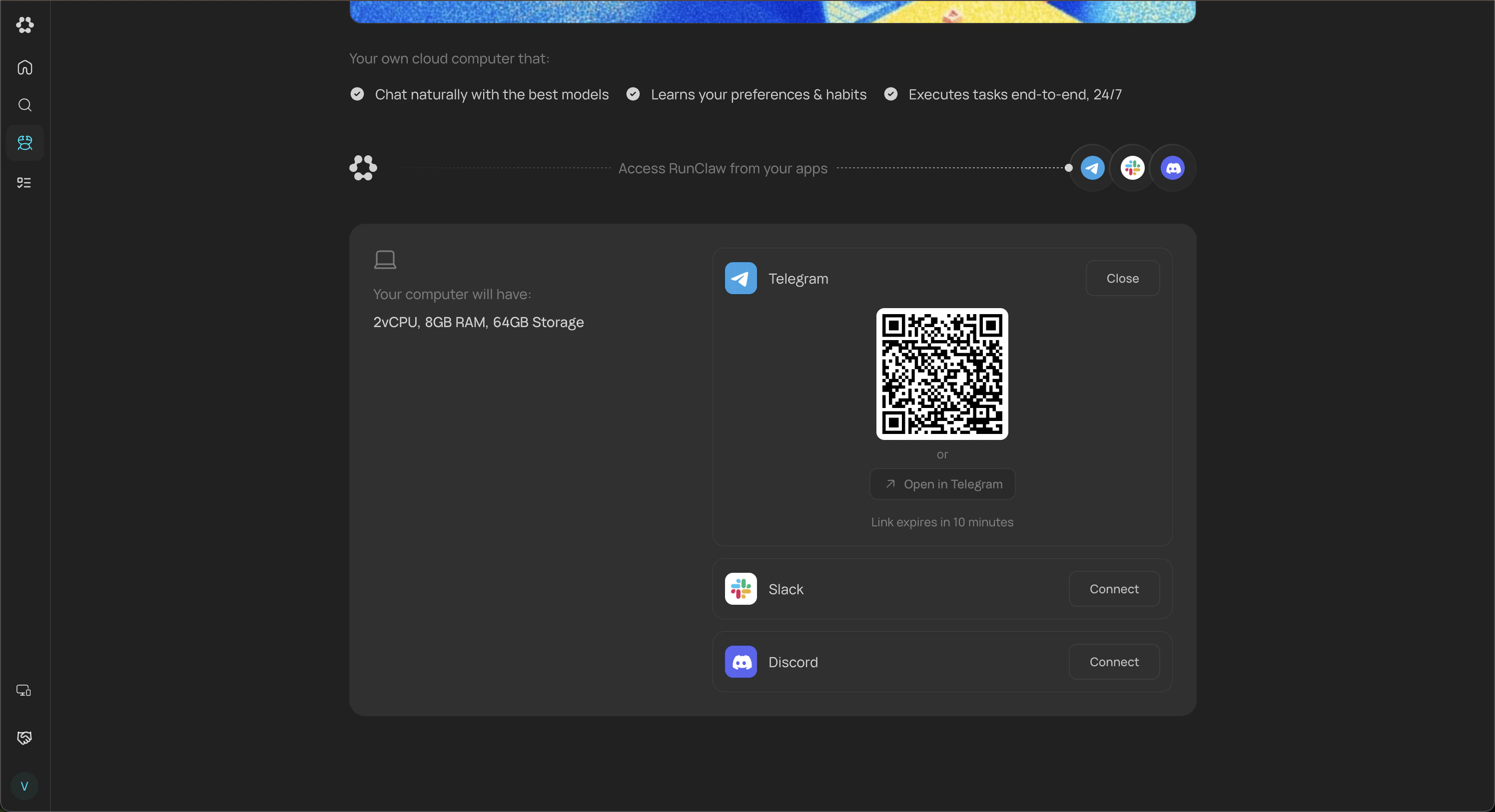
Click Connect on the Telegram card. You’ll see a QR code and an open link. Scan the QR with your phone or tap the link to start a chat with the bot in Telegram.
3
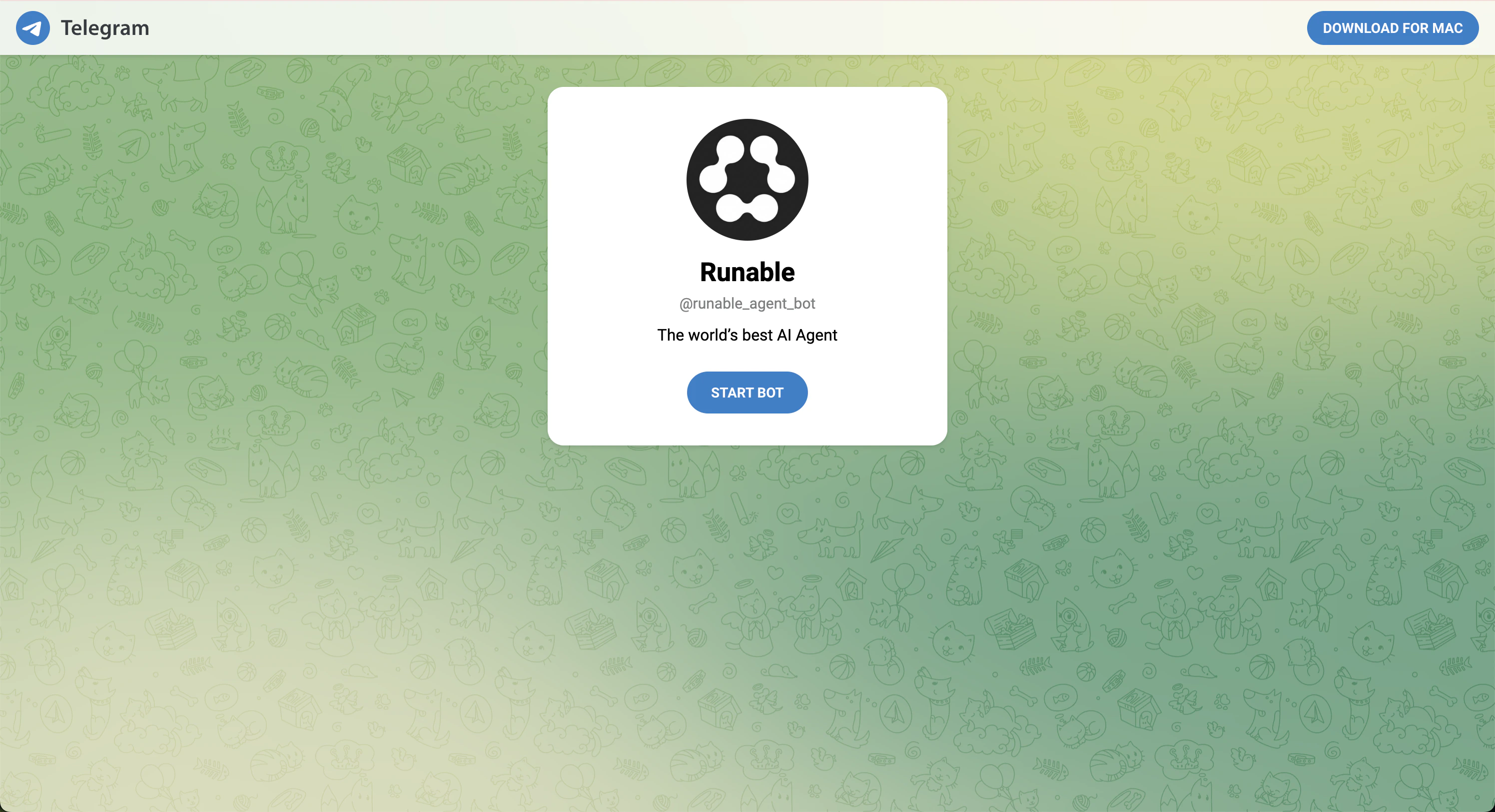
Start Chat Screen
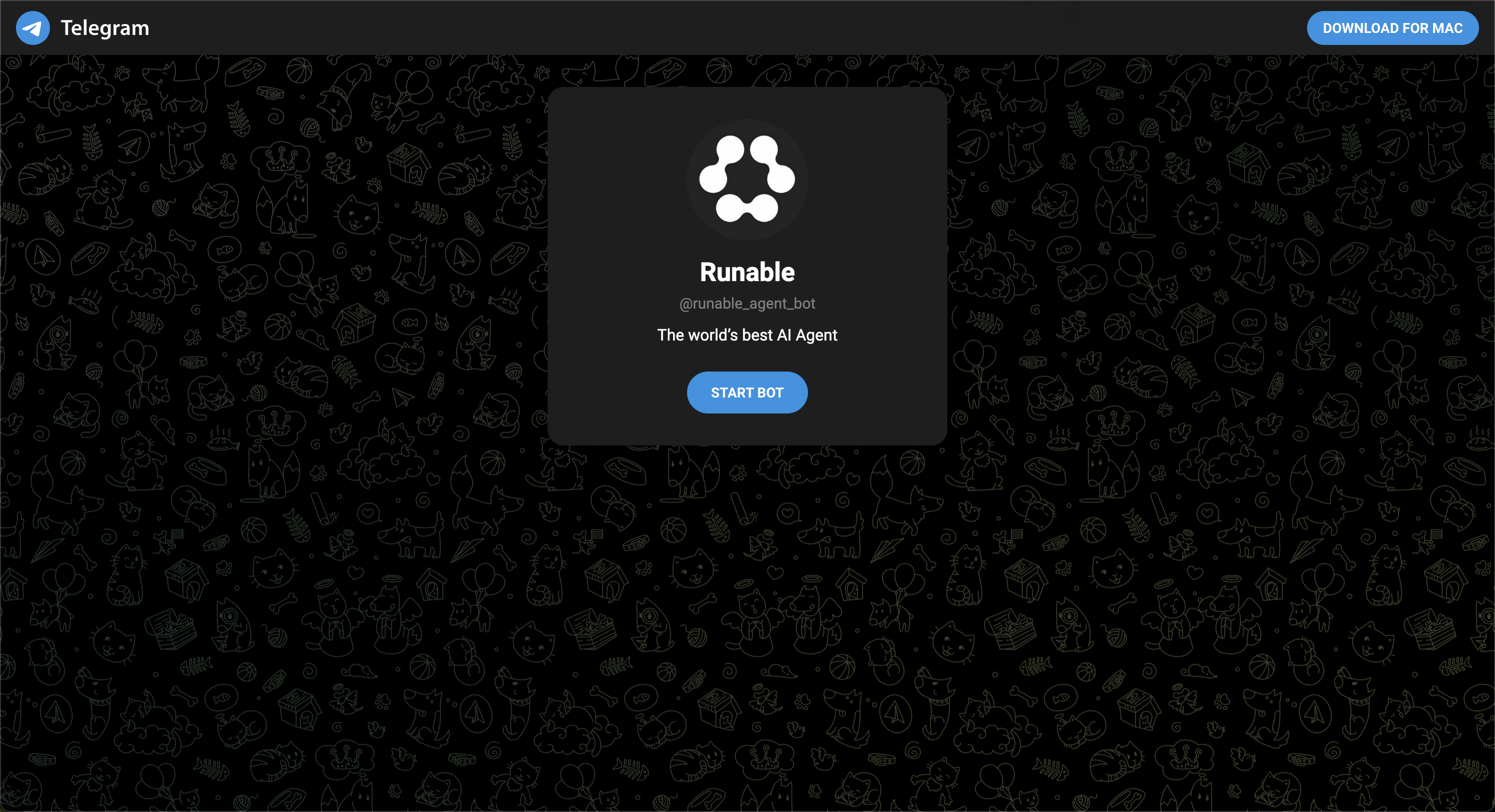
You’ll be redirected to the Start Bot screen for the Runable bot. Tap Start Bot to send a /start command, which links your Telegram account to Runable. This requires Telegram to be installed on your device (desktop or mobile) or signed in to Telegram Web, without an active Telegram session, the button won’t work.
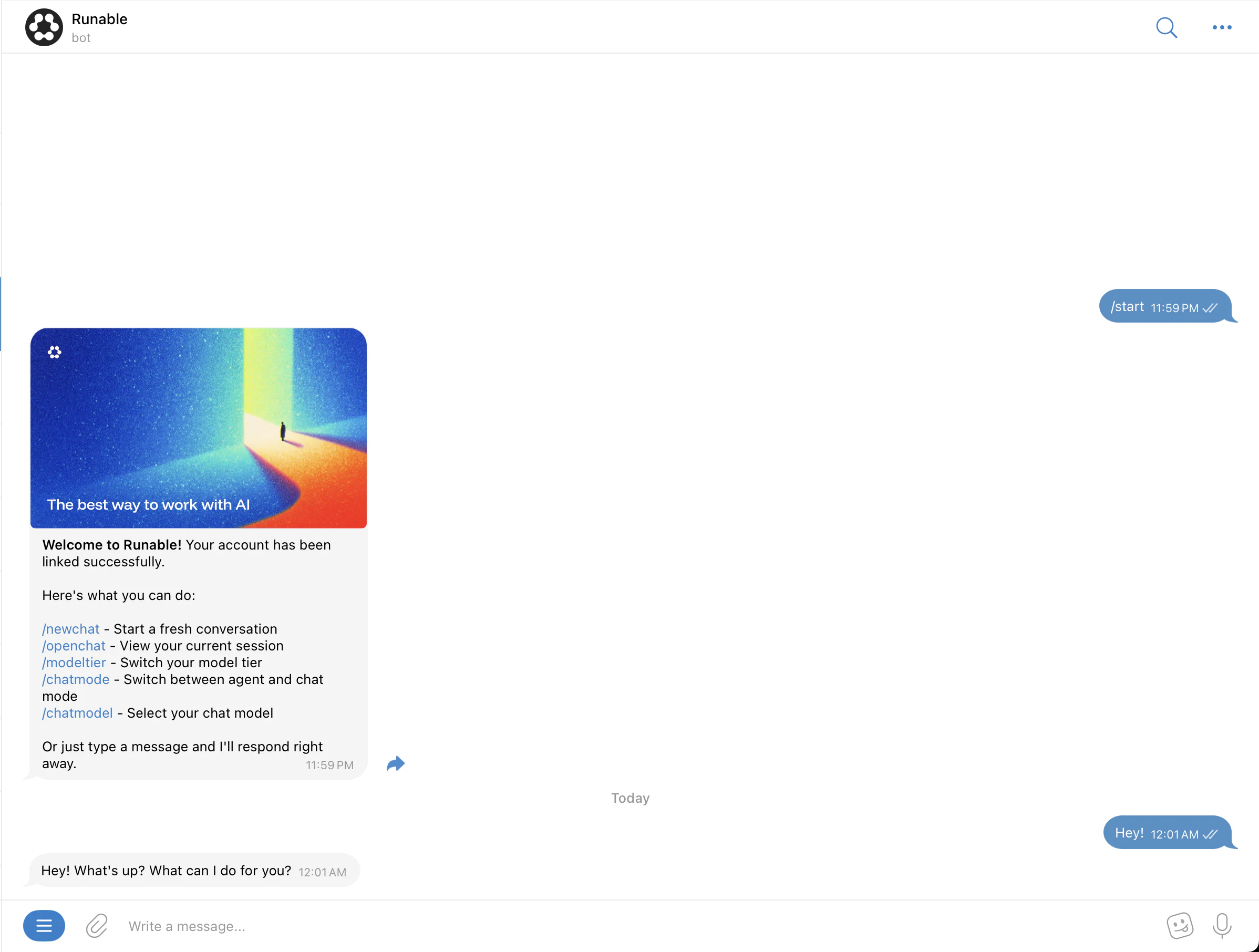
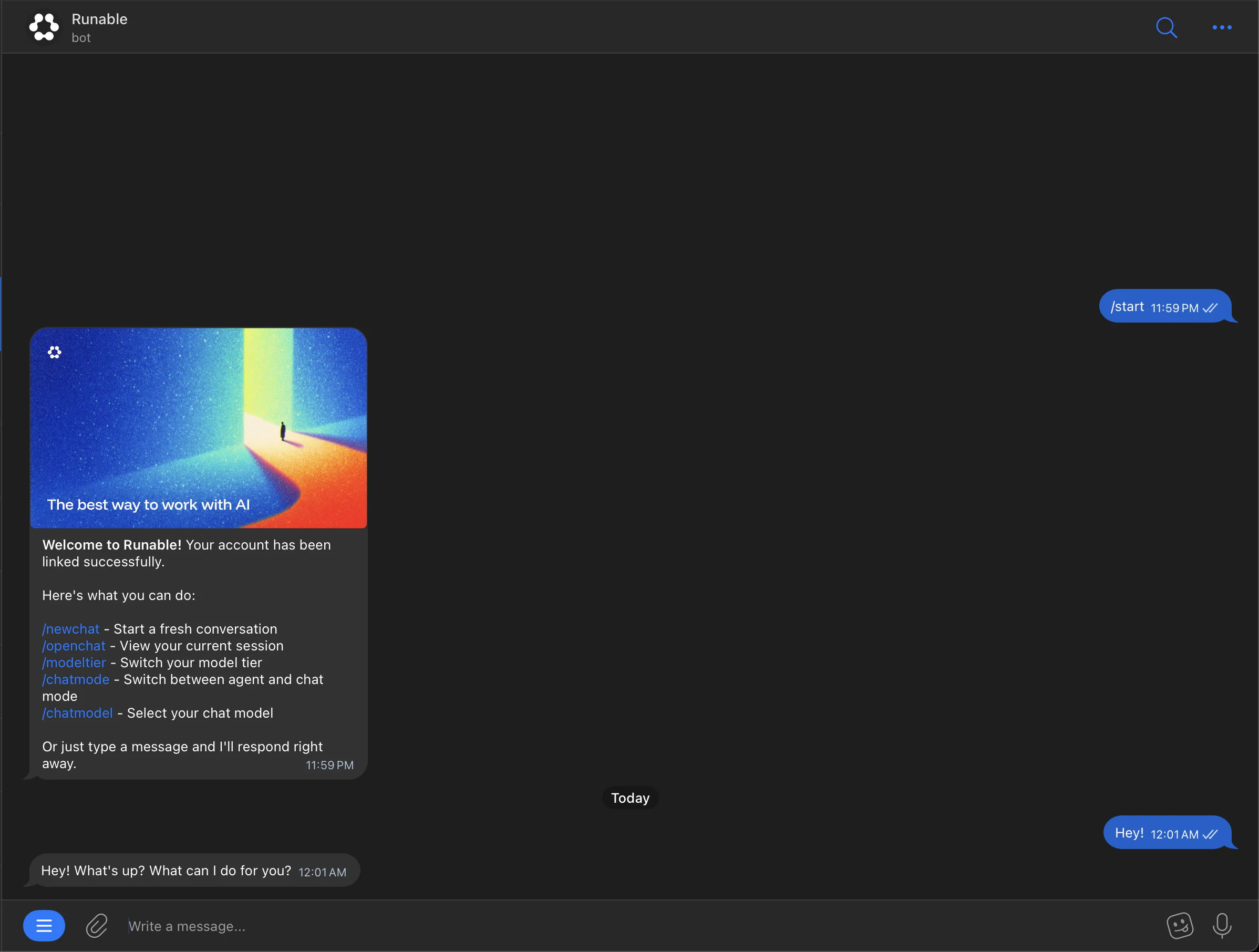
The bot responding after you tap Start, confirming the connection.
4
Start chatting
You’ll see a connection success message. You can now start chatting with the Runable bot in Telegram.
The bot supports DMs only. It cannot be added to group chats or channels.
Each Telegram account can be linked to one Runable account at a time. To connect a different Runable account, disconnect the existing one first from your Runable settings.