
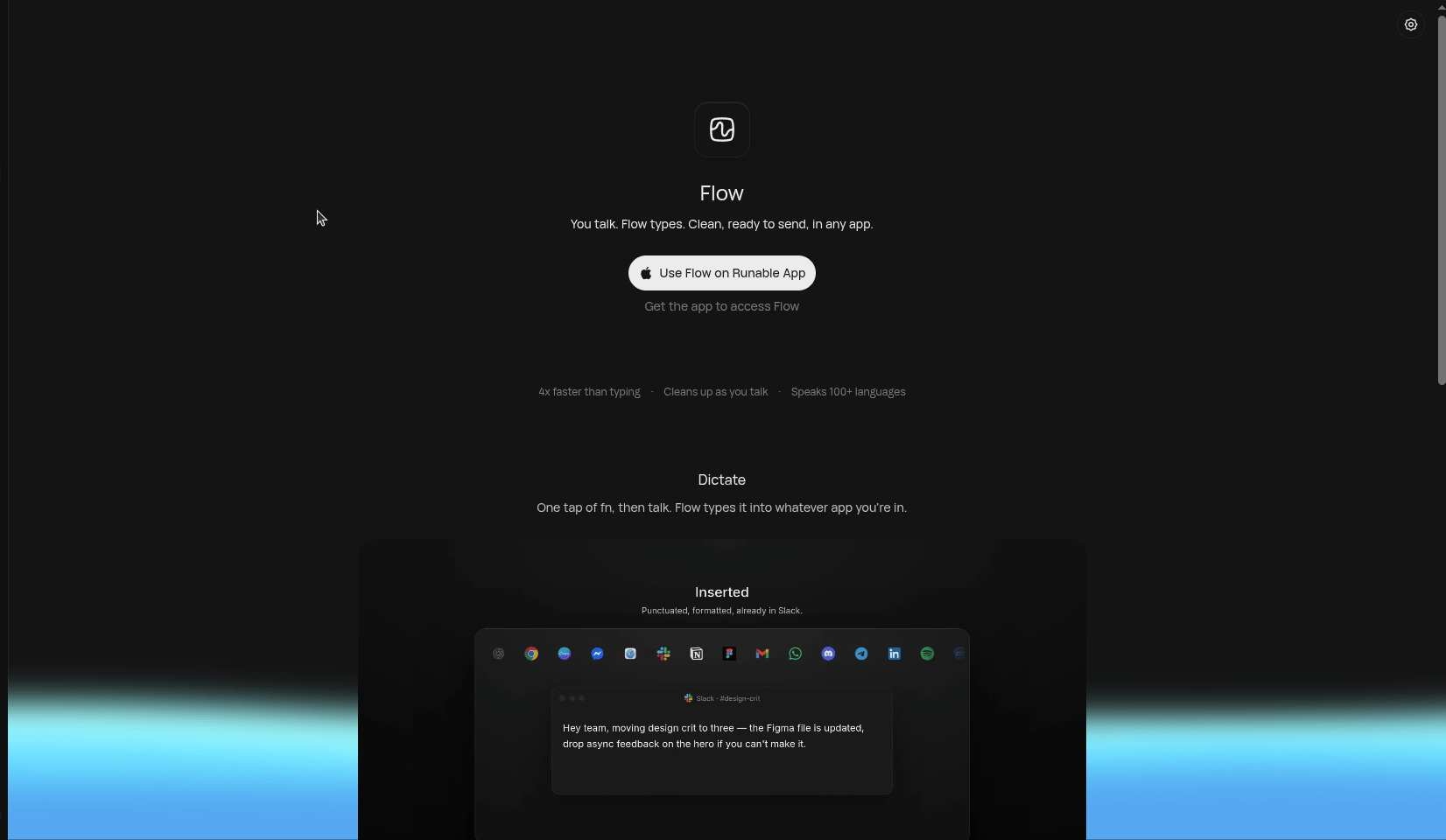
Flow types into whatever app you're in.
Key features
4x faster than typing
You can say it faster than you can type it. Flow keeps up with natural speech.
Cleans up as you talk
Filler words, false starts, and rambling get tidied into ready-to-send writing.
Speaks 100+ languages
Dictate in any of 100+ languages and Flow transcribes accurately.
Works in any app
Flow types directly into whatever app has focus — no copy-pasting needed.
Install Flow
1
Download the Runable app for Mac
Flow ships with the Runable desktop app. Get it from runable.com/flow.
2
Sign in with your Runable account
Flow is free with Runable — there’s no separate subscription.
3
Grant microphone and accessibility permissions
Flow needs microphone access to hear you and accessibility access to type into other apps. macOS will prompt you on first use.
Use Flow
1
Place your cursor where you want text
Click into any text field — a reply in Slack, an email draft, a doc, a terminal.
2
Tap the fn key and talk
One tap of fn starts dictation. Speak naturally — don’t worry about ums, pauses, or restarting a sentence.
3
Flow types it in, cleaned up
Your words appear in the app as polished, ready-to-send text. Tap fn again to stop.