Go from a prompt to a live website with a database, payments, and custom domain.
This guide walks you through building a website from scratch. You describe what you need, the agent builds it, and you deploy it live.
1
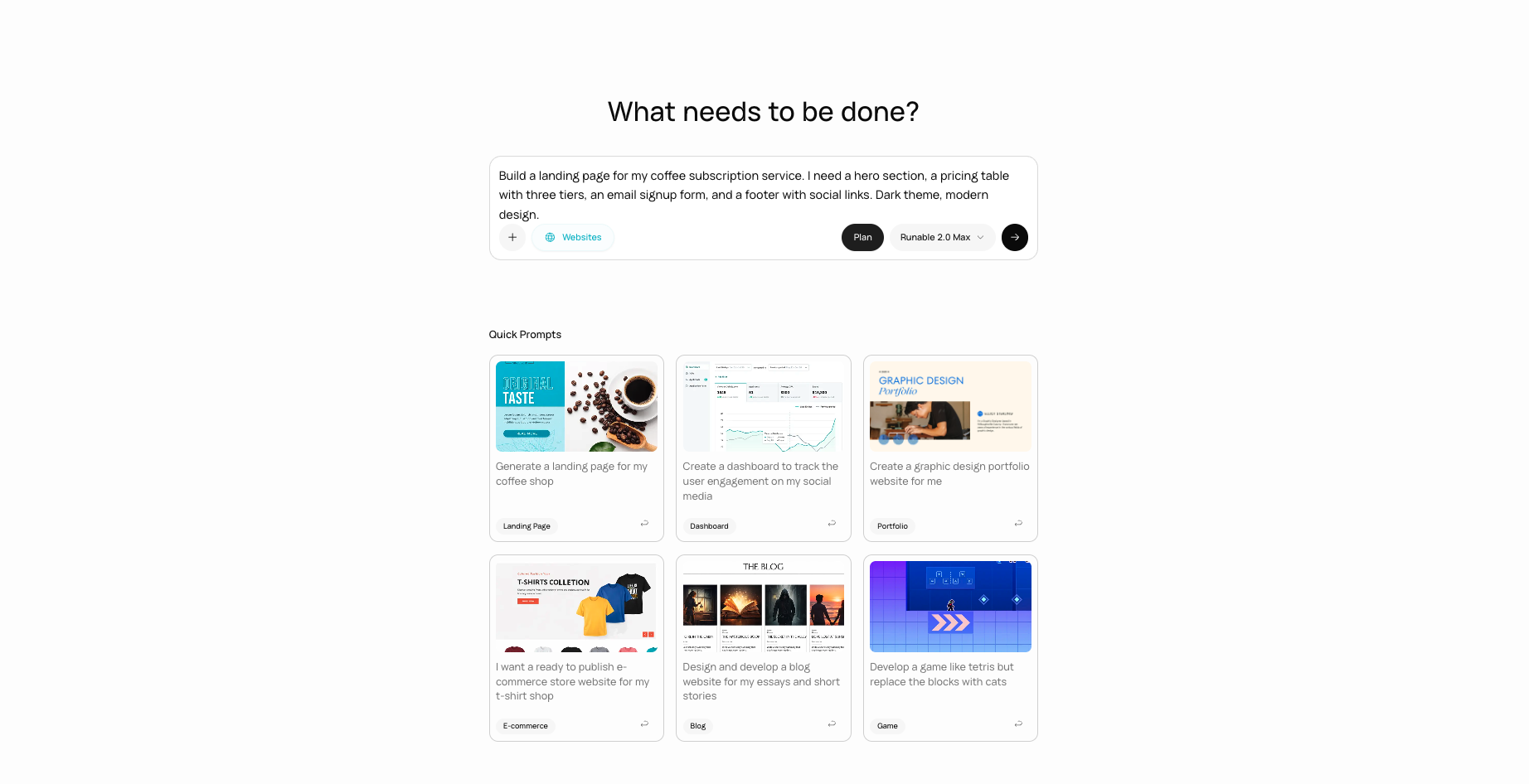
Select Website as your artifact type
On the home dashboard, click the artifact picker and select Website (or type directly and mention you want a website).
The artifact picker with Website selected.
2
Describe your website
Tell the agent what your site needs to do. Be specific about features, pages, and functionality.
Landing page for a subscription service.
SaaS tool with user accounts.
Portfolio site with contact form.
3
Answer the agent's questions
The agent asks about your requirements before writing code: what pages you need, whether you need a database, user authentication, payments, or any specific integrations. Answer these questions so the agent builds the right thing the first time.
4
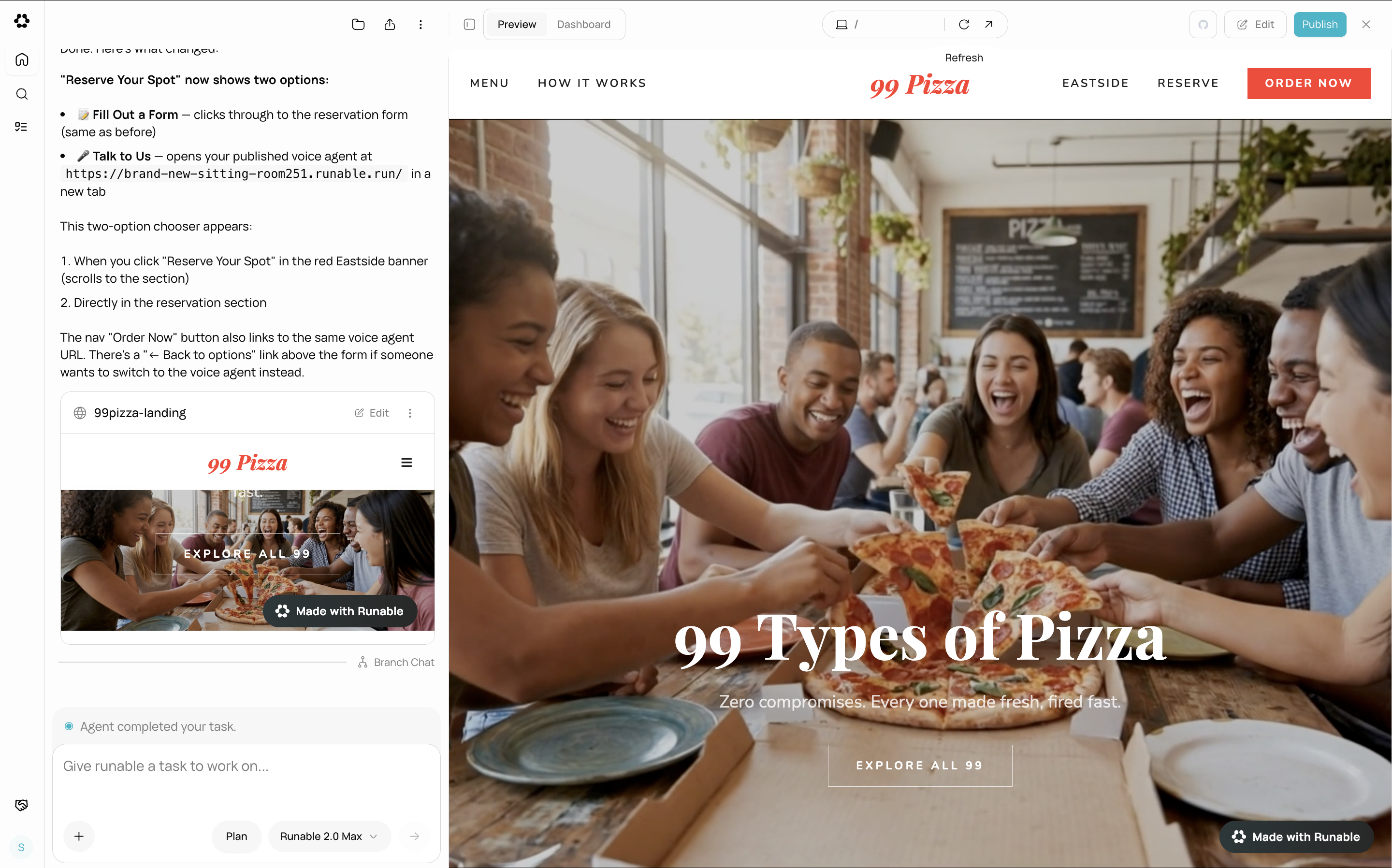
Watch the live preview
As the agent writes code, a live preview appears in the side panel. The preview updates in real time as the agent adds features and makes changes.
The live website preview updating in real time as the agent writes code.
5
Refine through conversation
Ask for changes directly in the chat. The agent edits the code and the preview updates.
Change a visual element.
Add a new feature.
6
Deploy when ready
When you are happy with the result, click the Publish button in the website header. Your site goes live with a public URL at yoursite.runable.site.See Deploy & Go Live for full deployment details.
Turn on Plan Mode before sending your first message for complex websites. The agent researches, asks smart questions, and writes a full plan before building. This prevents having to redo significant work later.