Add API keys, secrets, and configuration values to your website.
Environment variables let you store API keys, secrets, and configuration values that your website’s code needs at runtime. They are stored securely and injected into your website during build and deployment.
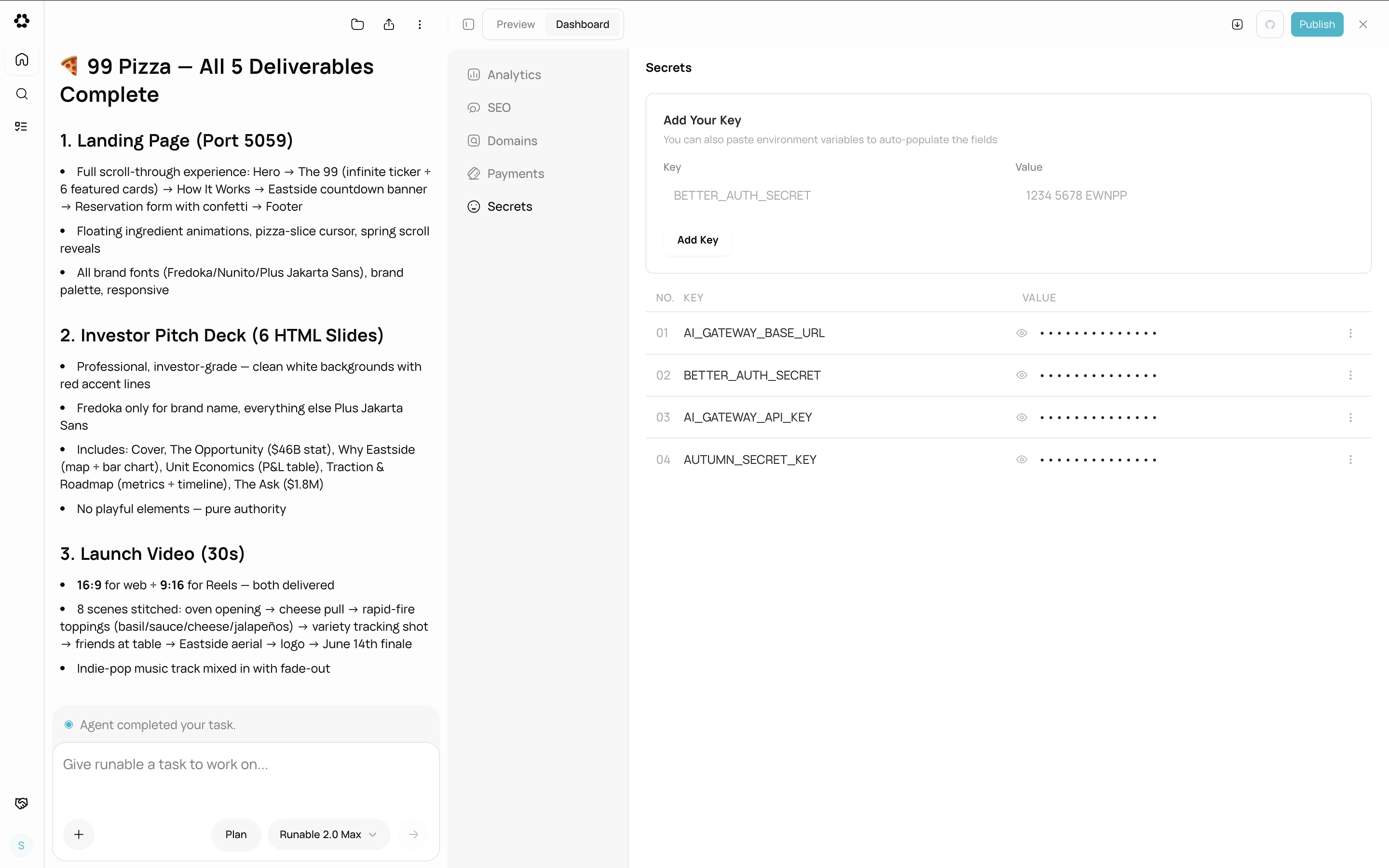
Go to the chat where your website was built. Click the Dashboard tab, then select Secrets from the sidebar.
2
Add a variable
Click Add and enter a key-value pair. The key is the variable name (for example, GOOGLE_MAPS_API_KEY) and the value is the secret.
The Secrets section showing environment variables with add, edit, and delete controls.
3
Save
Click Save. The variable is written to your website’s .env.local file. If your website is already published, the variable is also applied to the live deployment automatically.
Third-party API keys (Google Maps, SendGrid, Twilio, etc.)
Feature flags or configuration toggles
External service credentials
Any secret your website backend needs at runtime
Never hardcode API keys or secrets in your website’s source code. Always use environment variables. The agent follows this practice automatically, but if you are adding integrations manually, put secrets here.