
Sign in
Go to runable.com and sign in using one of four methods You land on the home dashboard with an input bar at the center.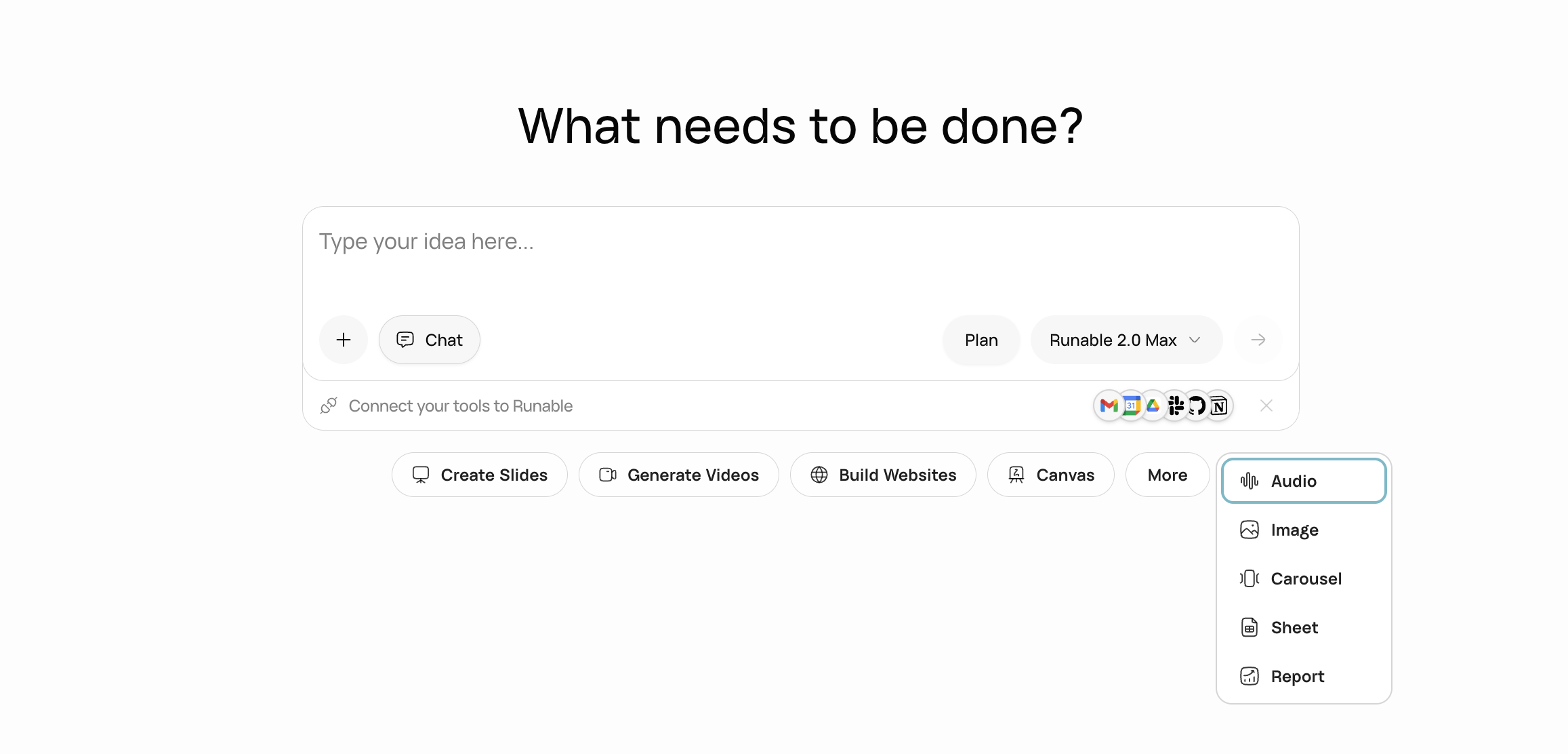
The Runable home dashboard with the input bar and artifact type shortcuts.
Pick what you want to create
Click an artifact type below the input bar before sending your message. Each type configures the agent with the right tools for the job.
You can also skip the artifact picker entirely. Type your prompt and the agent figures out which type to use.
Write a detailed prompt
The more context you give, the better the output. Here are prompts you can copy and use right now.- Slides
- Website
- Video
- Report
- Image
- Audio
Investor pitch deck for a fintech startup
Answer the agent’s questions
Before building, the agent asks a few short questions to make sure it gets things right. The questions depend on what you are creating, but typically cover:- Target audience and tone
- Visual style or color preferences
- Structure (how many pages, slides, or sections)
- Specific features or integrations needed
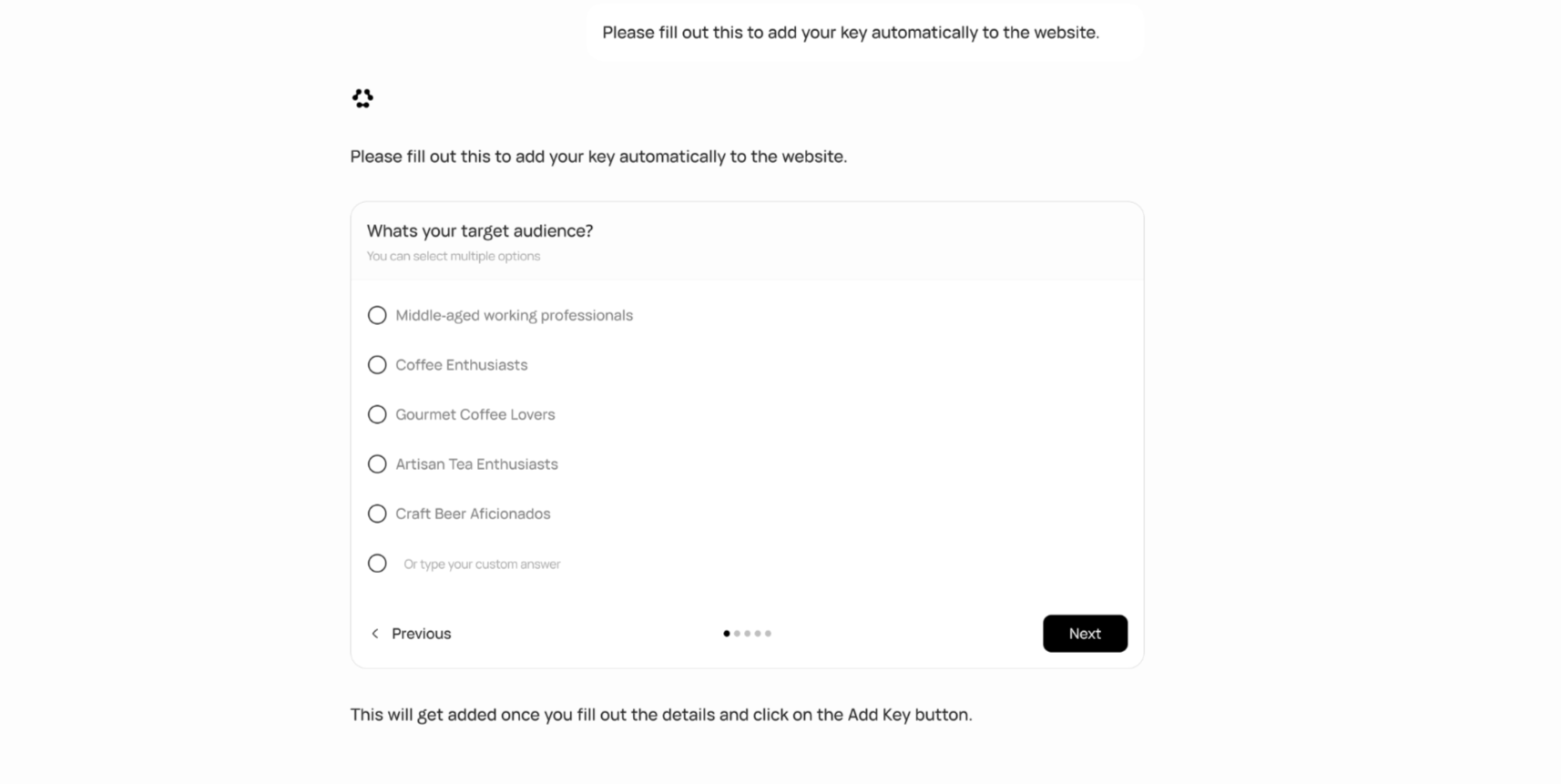
The agent asking clarifying questions before starting to build.
Watch it build in real time
Once you answer, the agent starts working. Every agent chat gets its own isolated sandbox environment.Refine by talking
When the output appears, keep the conversation going. Tell the agent what to change.Restyle a section of your website
Restructure a slide in your presentation
Add a new feature to your website
Did not like a change? Click the rollback button on any previous message to restore that exact version. Or branch the conversation to try a different direction without losing your current work.
Know your input bar
Two things that will save you time
Use Plan Mode for complex projects
If your project has more than one or two moving parts (a multi-page website with Stripe, a database, and user auth), turn on Plan Mode before sending your message.The agent researches your request, asks clarifying questions, and writes a structured plan showing exactly what it will build and in what order. You review, adjust, and approve. Only then does it start.This saves you from the “that is not what I meant” moment three steps into a build.Save your preferences to memory
Tell the agent your defaults once and it remembers them across every future conversation.Set your brand defaults once. The agent remembers this in every future chat.
Next steps
Plans and credits
See which plan fits your usage and how credits work.
How the agent works
Understand the agent loop, sandbox, tools, and real-time streaming.