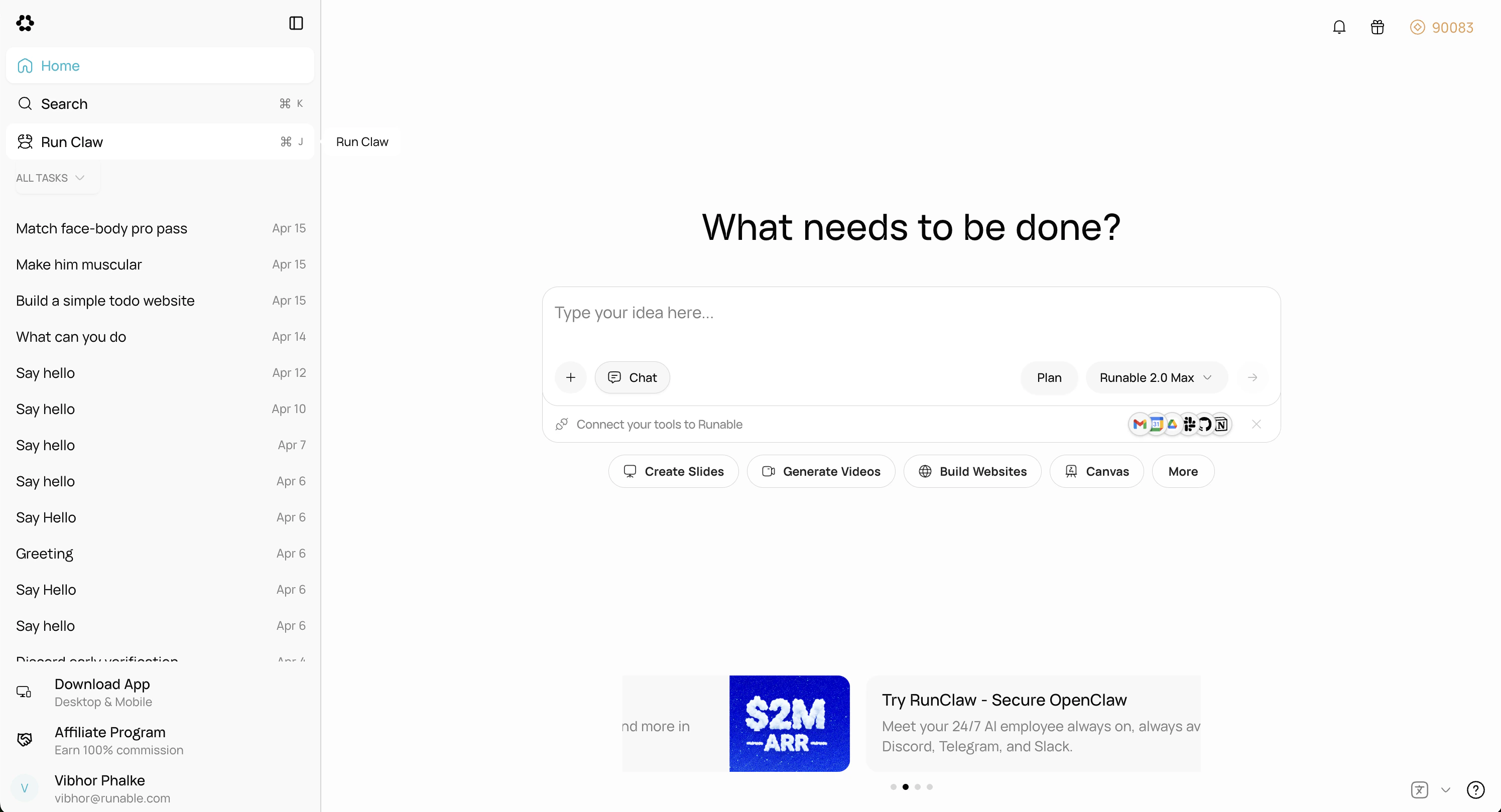
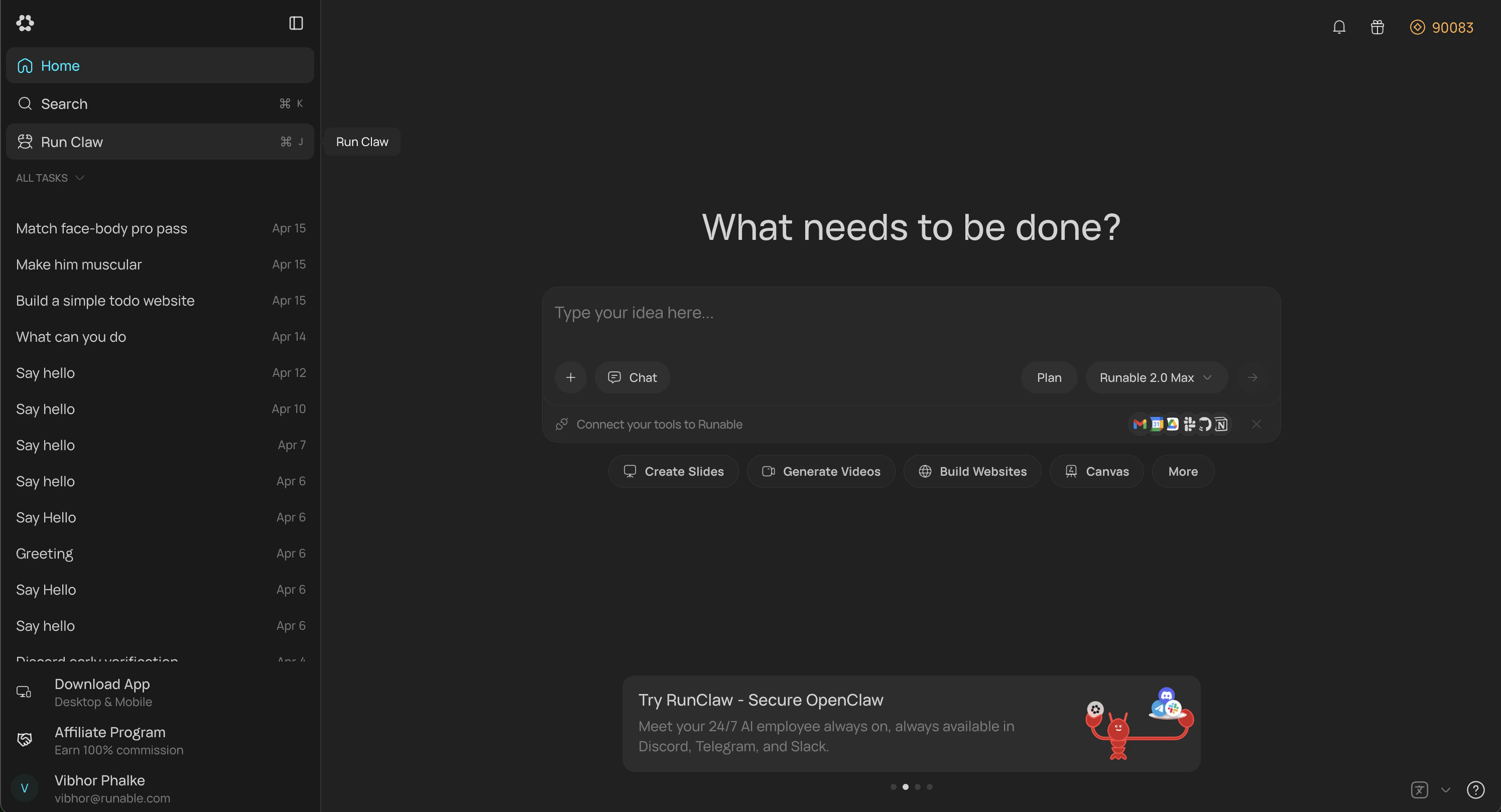
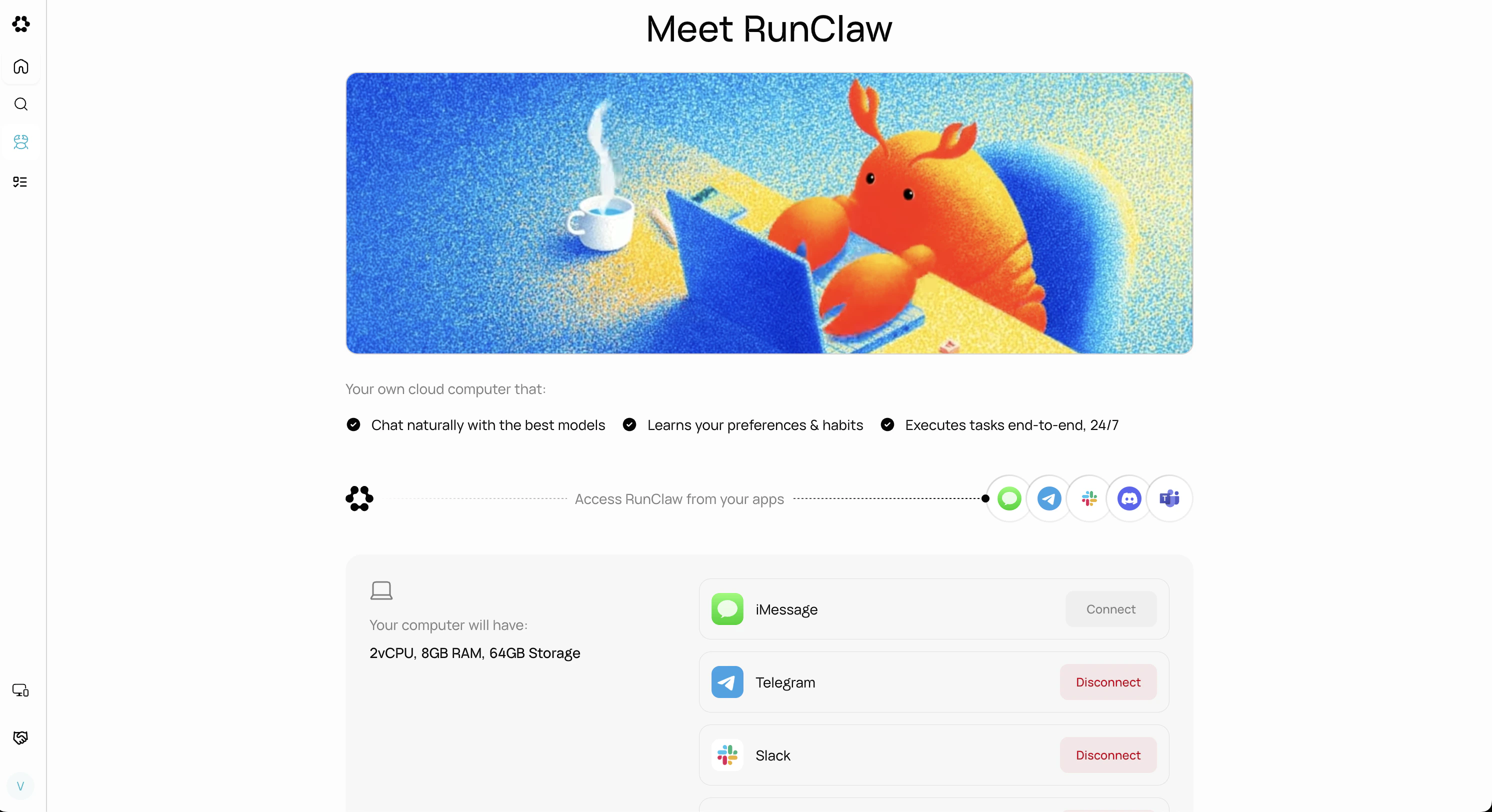
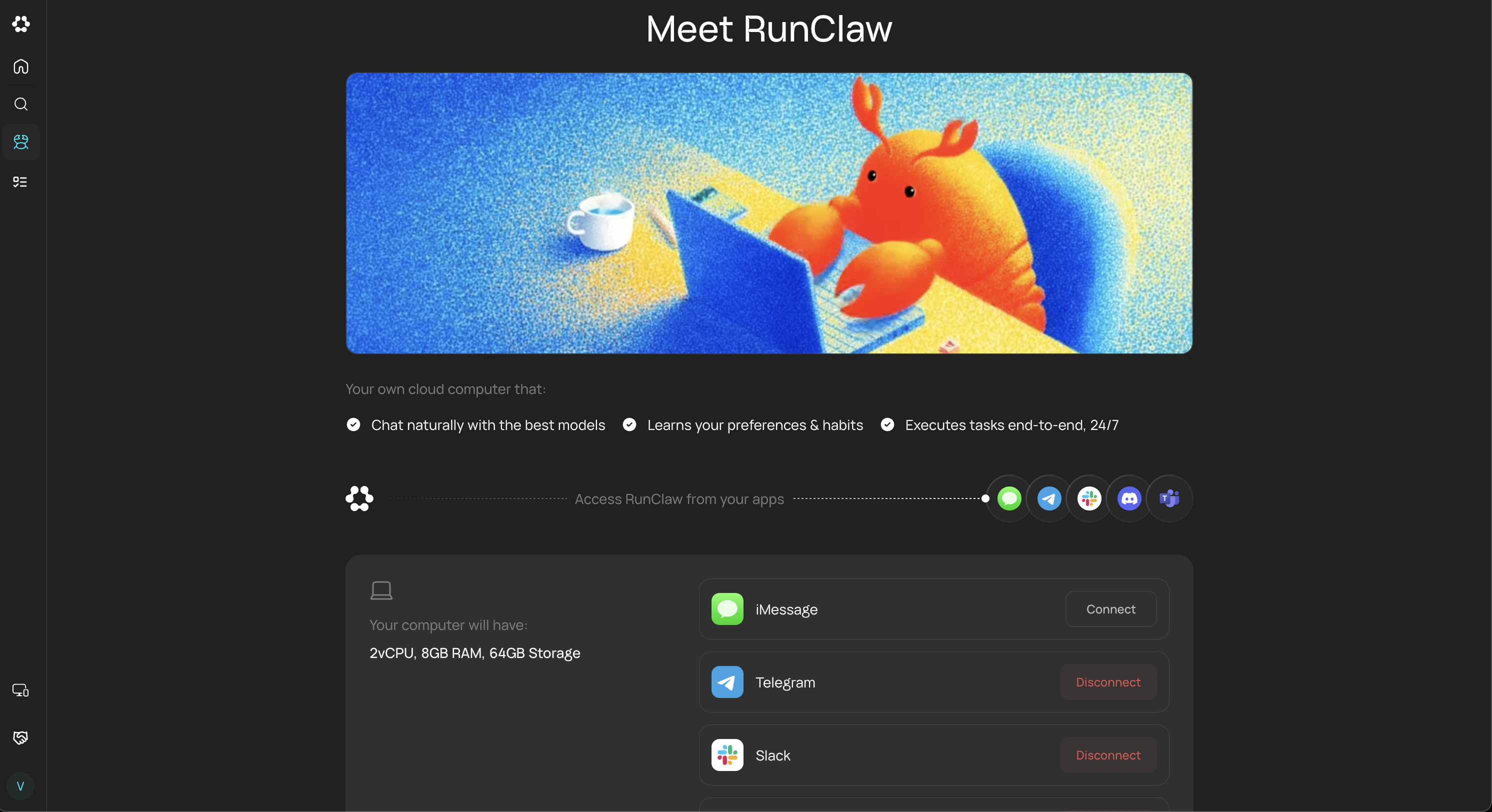
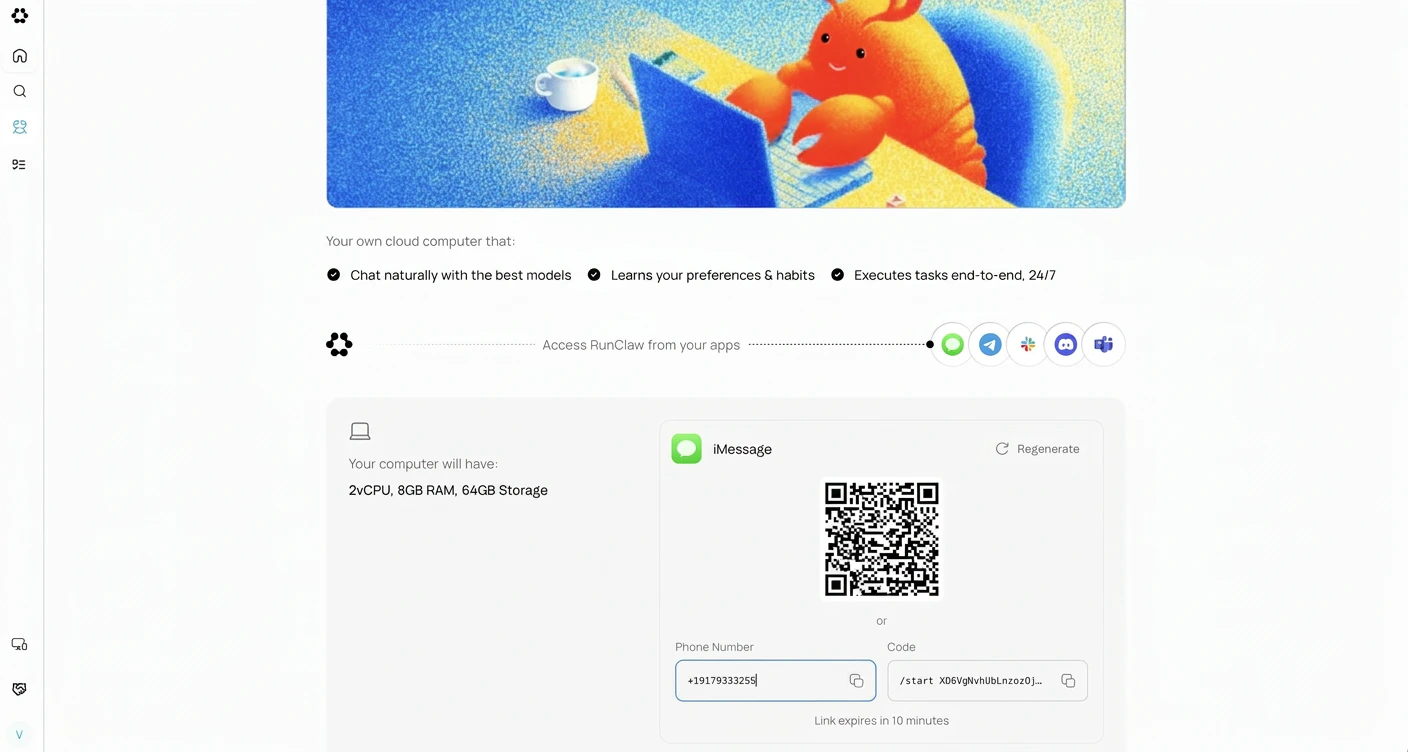
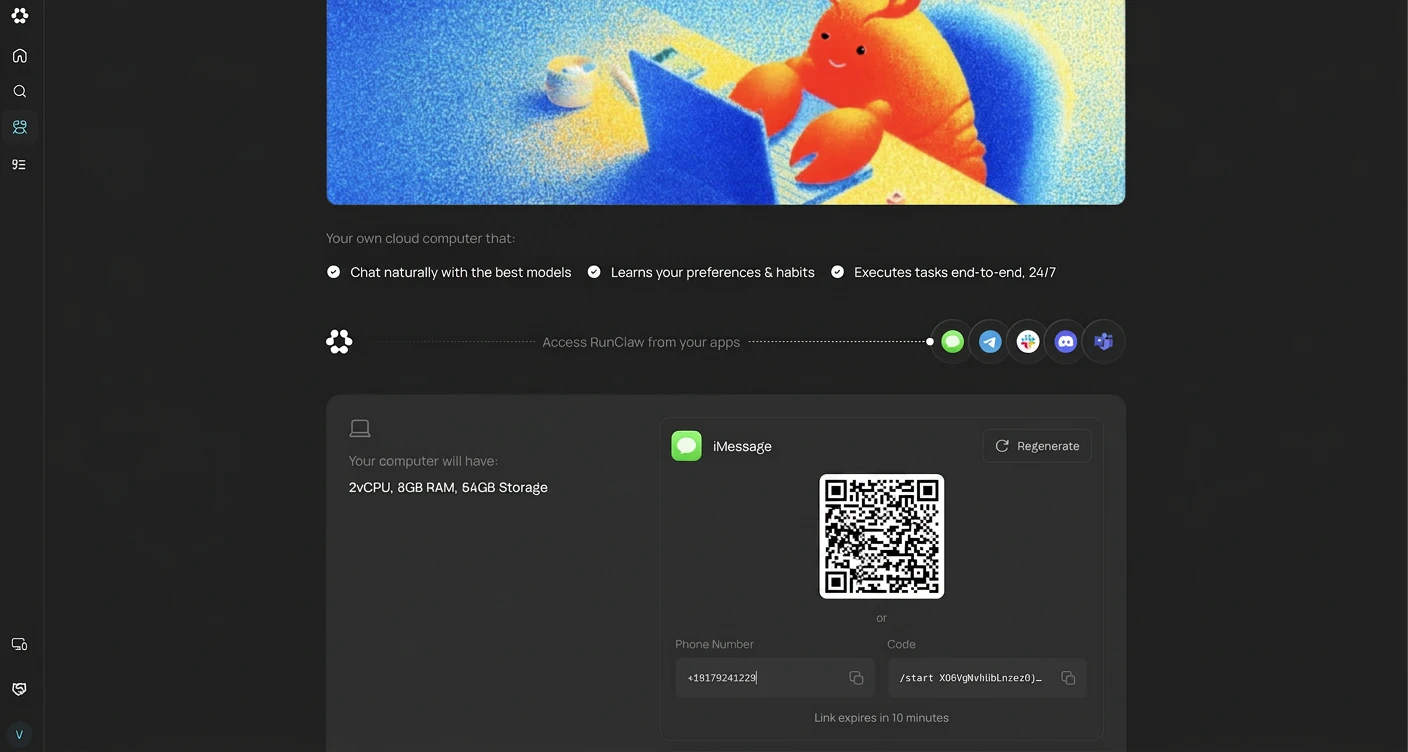
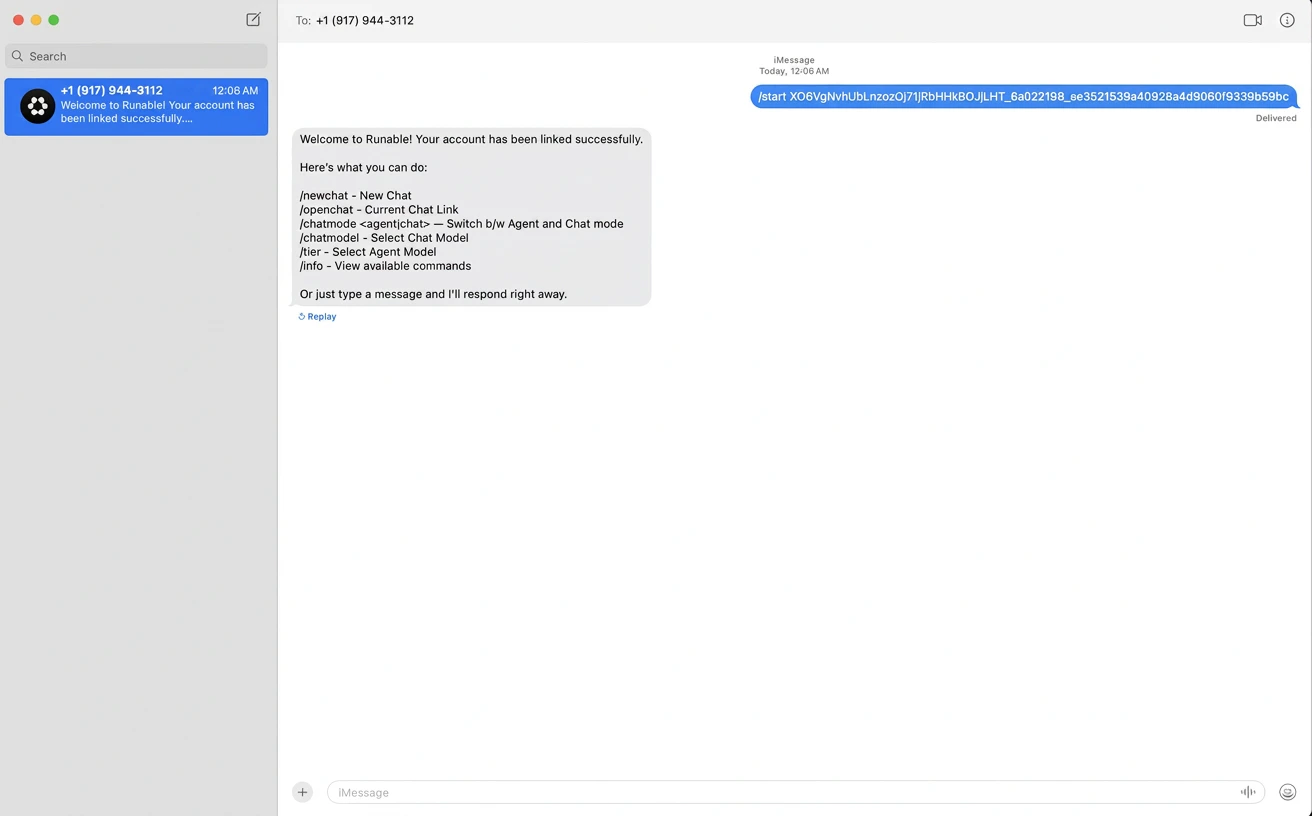
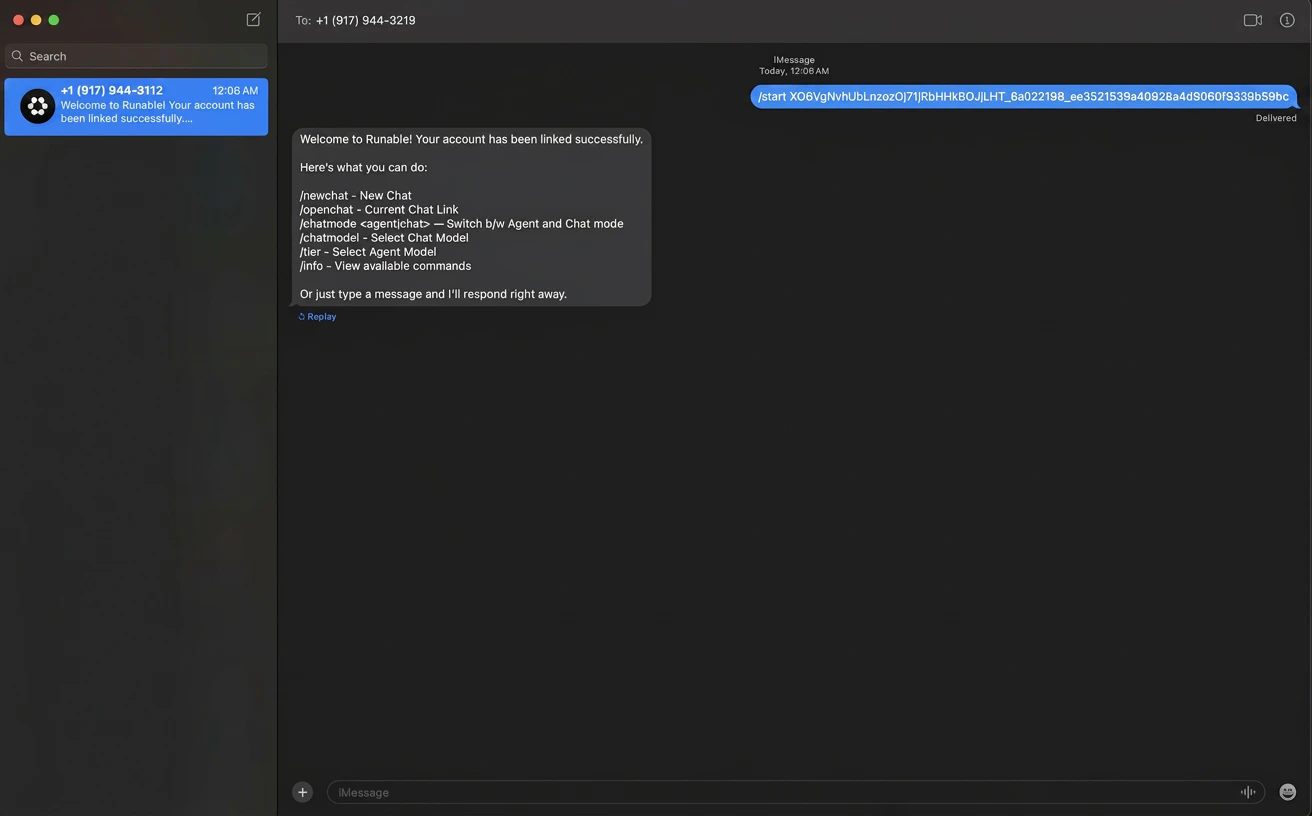
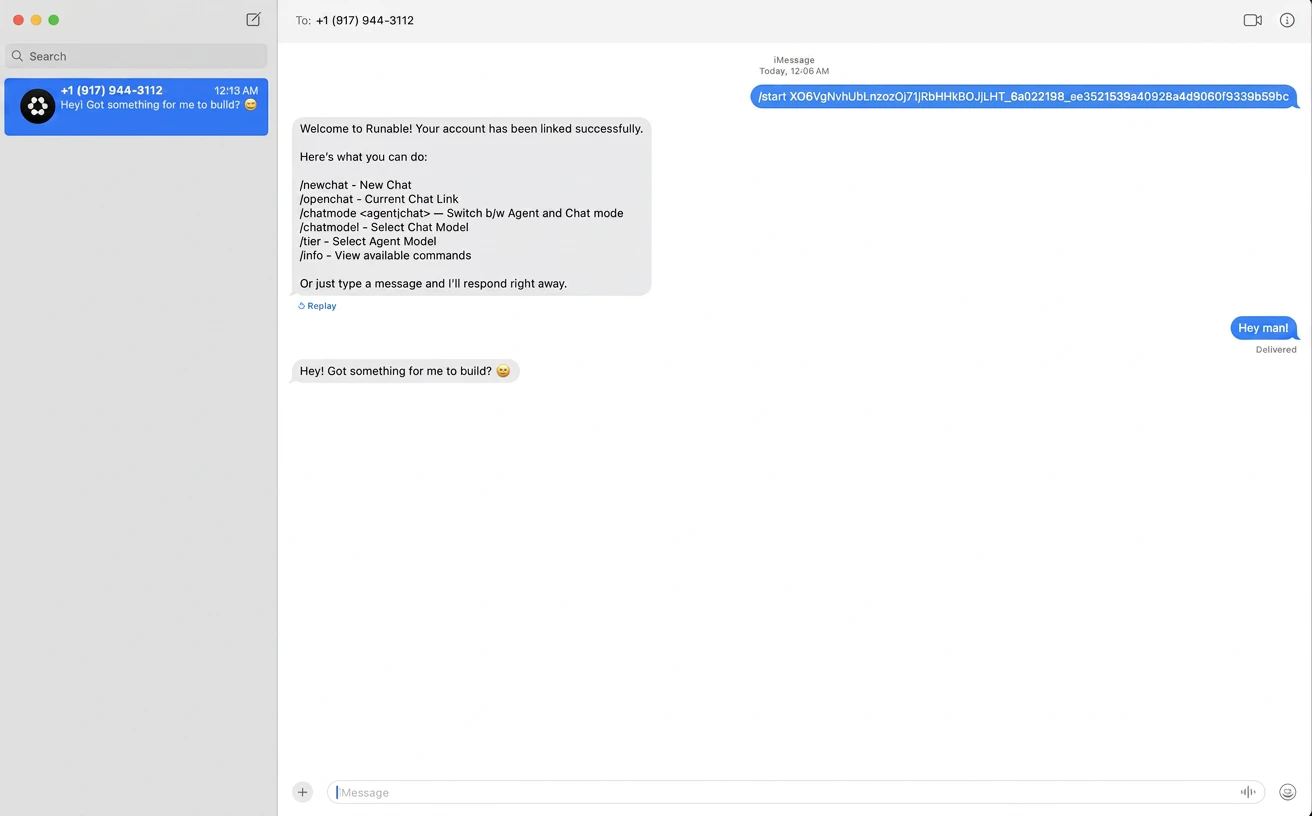
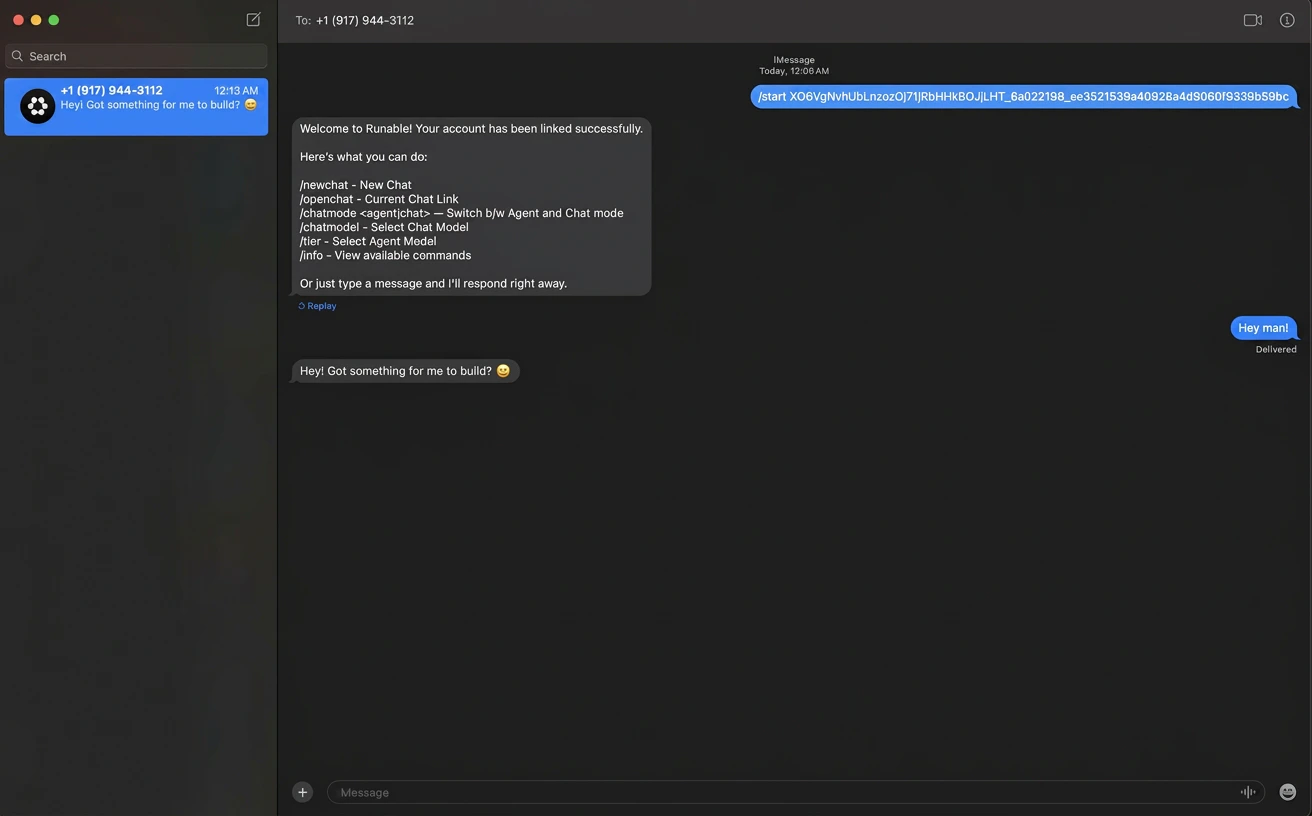
Use Runable on iMessage. Just send the message to Runable contact
The iMessage integration connects the Runable agent to your Messages app. Text your assigned Runable number to start a private conversation from any Apple device. Each conversation stays tied to one persistent chat, syncing across iPhone, iPad, and Mac. Generated artifacts (images, slides, videos) appear as rich previews you can tap to open right inside the thread.
View your current mode and switch between Runable Chat mode and Agent mode. Use /chat or /agent to switch. Mode changes apply only to new chats.
/chatmodel
List available LLMs and switch between them with /chatmodel <number>. Command is chat mode only. Changes apply immediately to the current session.
/newchat
Start a new conversation thread.
/openchat
View your current session.
/tier
View available agent tiers (Max, Pro, Lite) and switch between them with /tier <number>. Agent mode only. Changes apply immediately to current session.
/info
View the full list of available commands and how to use them.