
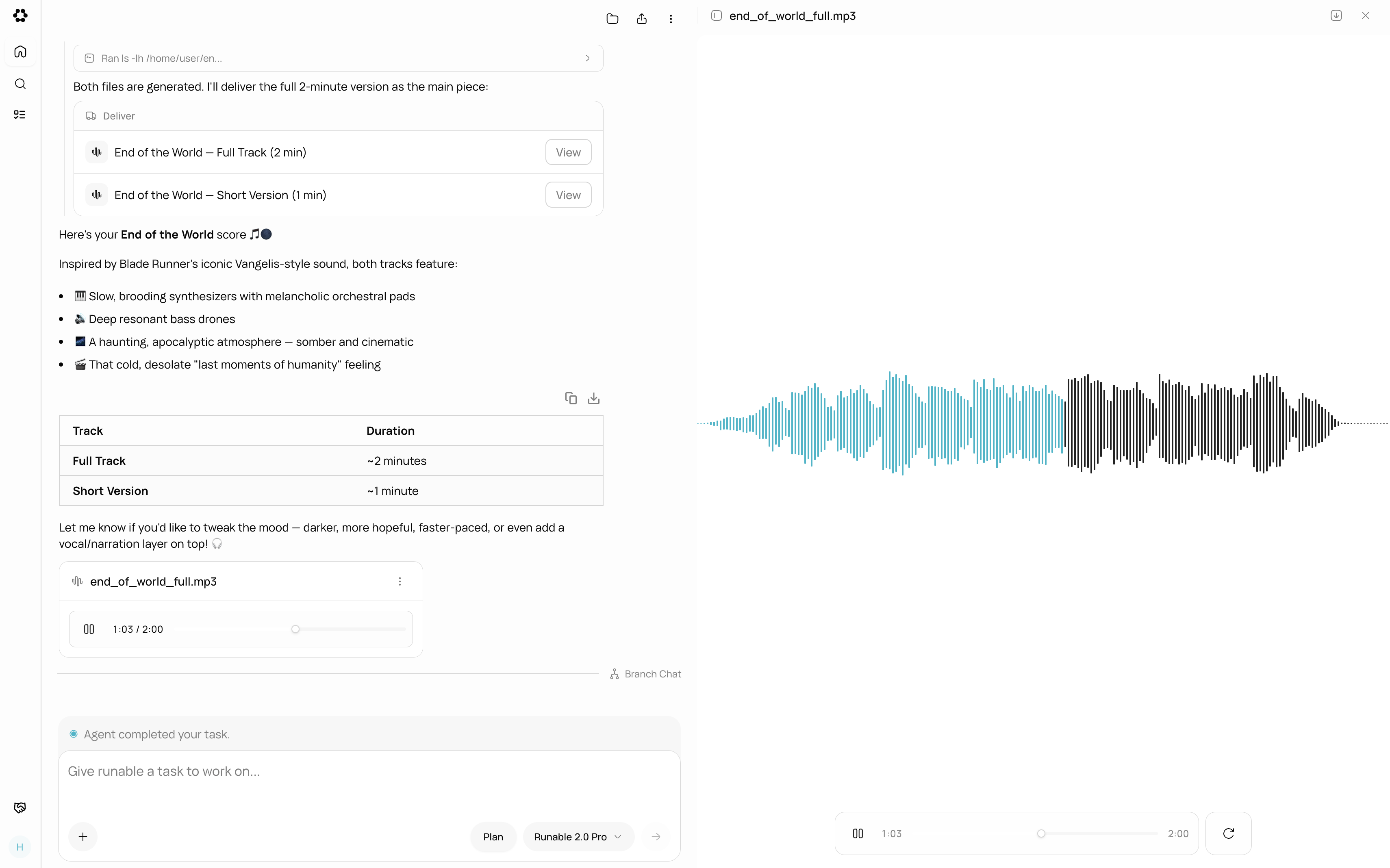
An audio file generated by the agent, displayed in the chat with a waveform player.
What you can do
Text-to-Speech
Convert text into natural-sounding speech with 6 preset voices.
Multi-Speaker Dialogue
Generate conversations between multiple speakers from a script.
Music Generation
Compose original music from a text prompt describing genre and mood.
Sound Effects
Generate sound effects from a text description with loop support.
Voice Cloning
Clone any voice from audio samples and use it across all audio tools.
Voice Swap
Replace the voice in a recording while keeping emotion and timing.
Dubbing
Dub audio or video content into another language automatically.
Transcription
Convert speech to text with speaker labels and audio event tags.
Preset voices
For text-to-speech and dialogue, 6 preset voices are available:
You can also use a cloned voice for any operation. See Voice Cloning.
Output format
All audio files are generated as MP3 (128kbps, 44.1kHz) or WAV. Files appear in the chat with a waveform player for instant playback. Click Download to save to your device.What AI Audio does not support
- Real-time audio streaming or live voice interaction.
- Merging or mixing two audio tracks together (for example, voice over background music).
- Editing audio waveforms directly (trimming, cutting, fading). Use an external audio editor for post-production.
- Generating audio longer than 10 minutes in a single operation for music.
Next steps
Text-to-Speech
Convert your first text into natural speech.
Music Generation
Compose original music from a text description.