
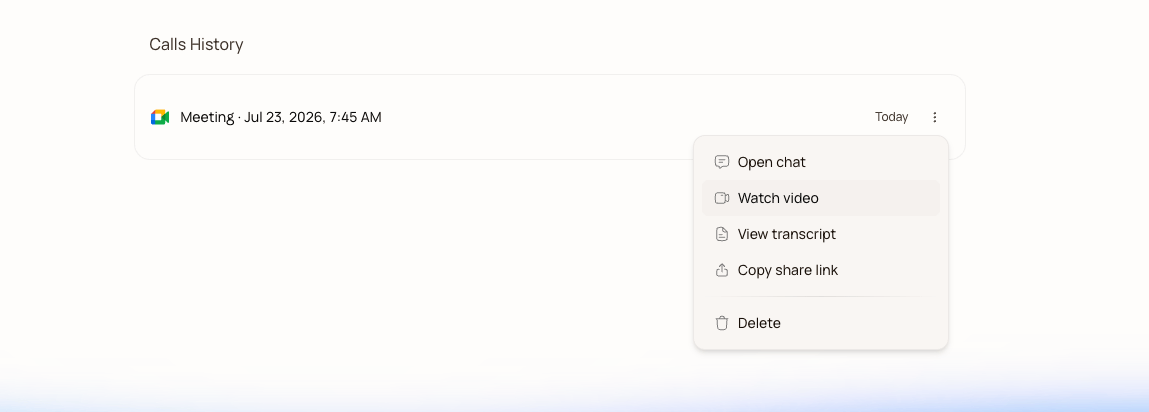
422e1c07baa38a8aa514fa0e607a7bc059bec3dd2001f0420ce35e1d57557c18

A finished meeting, recap pinned at the top
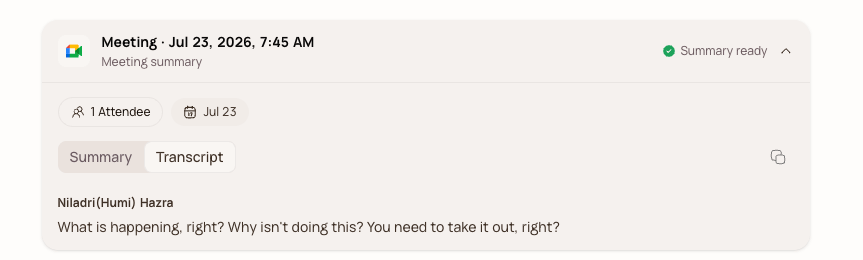
Each finished meeting opens as a chat with the recap pinned at the top. You can flip between the Summary and the full diarized Transcript, copy either, preview or download the MP4, and download the transcript as a text file.
599b894ffc791d875eb097f5edd47f813374321ea477e419099c352f0bfa6667

Flip between Summary and Transcript

Sharing is a public link. Anyone with it sees the notes and transcript without signing in, which is the difference between “sharing notes” and “asking your client to create an account.” More in Share meeting notes.

Ask the meeting anything

Because the meeting is a chat, you can just ask it things:
The agent answers from the transcript, and since it’s a full Runable chat, it can also go further: turn the meeting into a slide deck, a project brief, or a report, the same way any Runable conversation can.

Next steps

Follow-up actions

Let the agent do the follow-up automatically after every meeting.

Share meeting notes

One public link — every recipient gets their own private chat.