
Telegram is the fastest platform to connect. You tap one link, press Start, and the bot is ready. From there, you message it like any other Telegram contact and the Runable agent responds in real time.Documentation Index
Fetch the complete documentation index at: https://docs.runable.com/llms.txt
Use this file to discover all available pages before exploring further.
How to connect
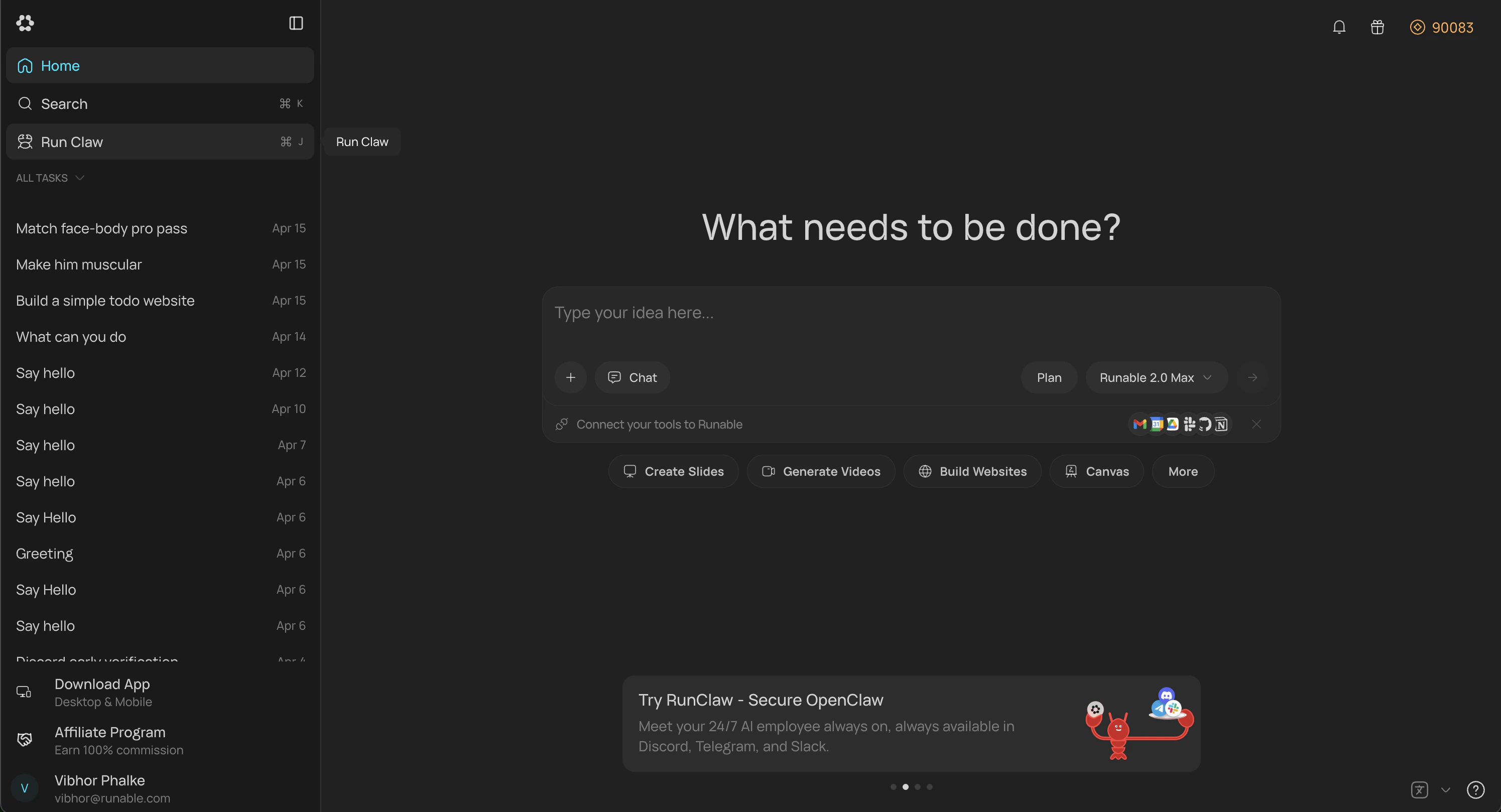
Open RunClaw settings
In the Runable web app, go to Sidebar → Run Claw. You can also go to Settings → Runclaw and find same option there.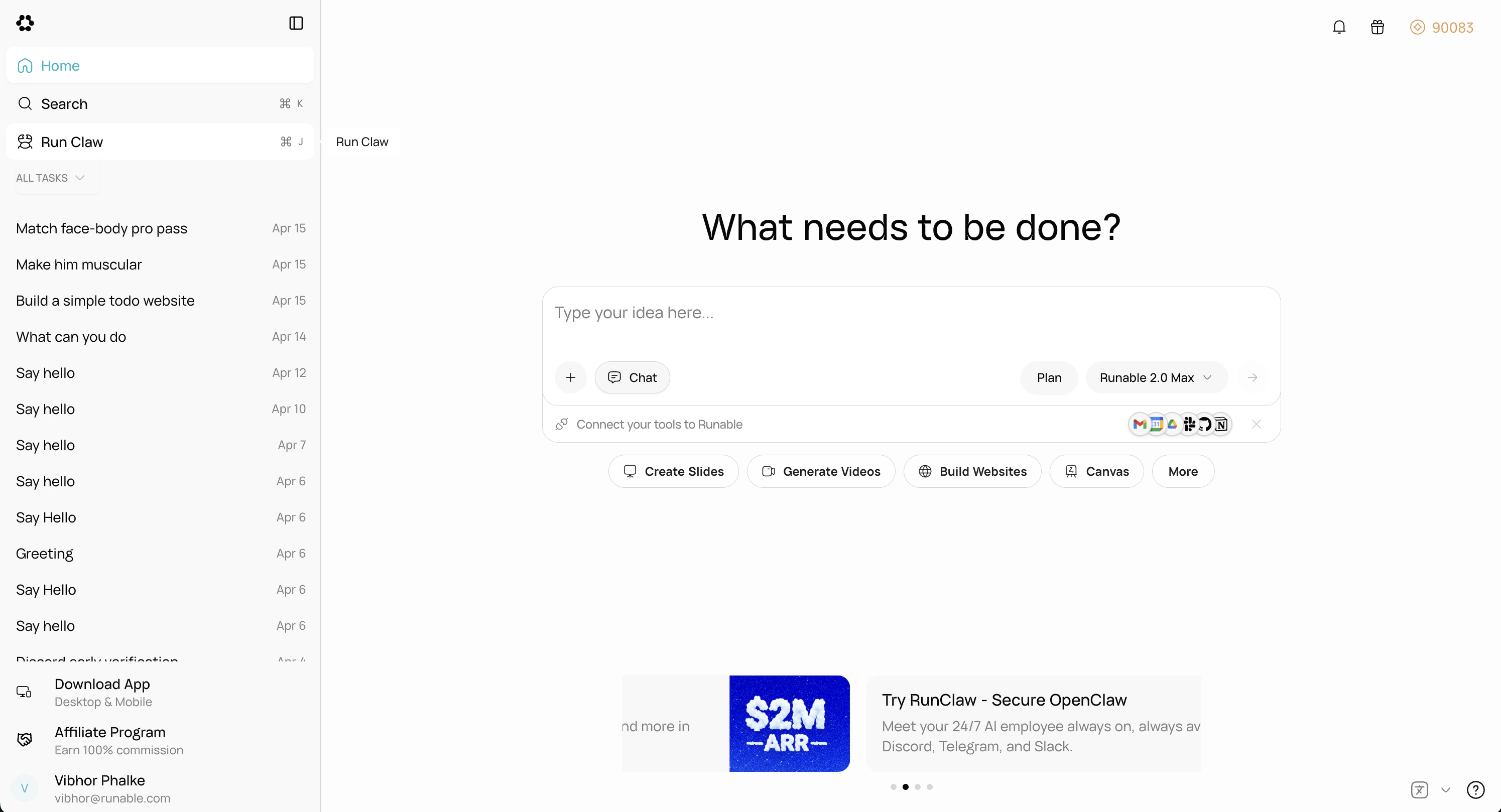
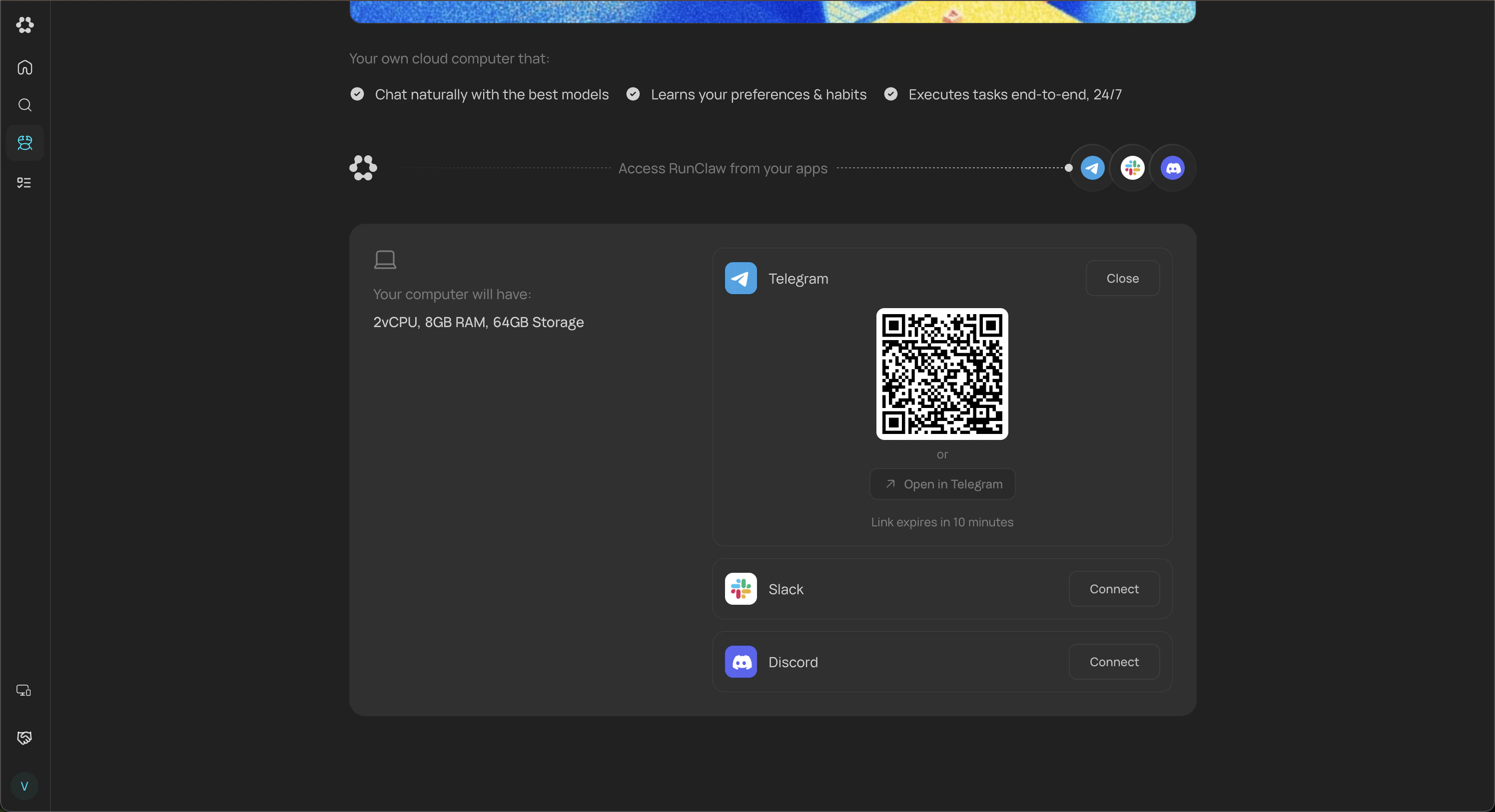
Connect Telegram
Click Connect on the Telegram card. You’ll see a QR code and an open link. Scan the QR with your phone or tap the link to start a chat with the bot in Telegram.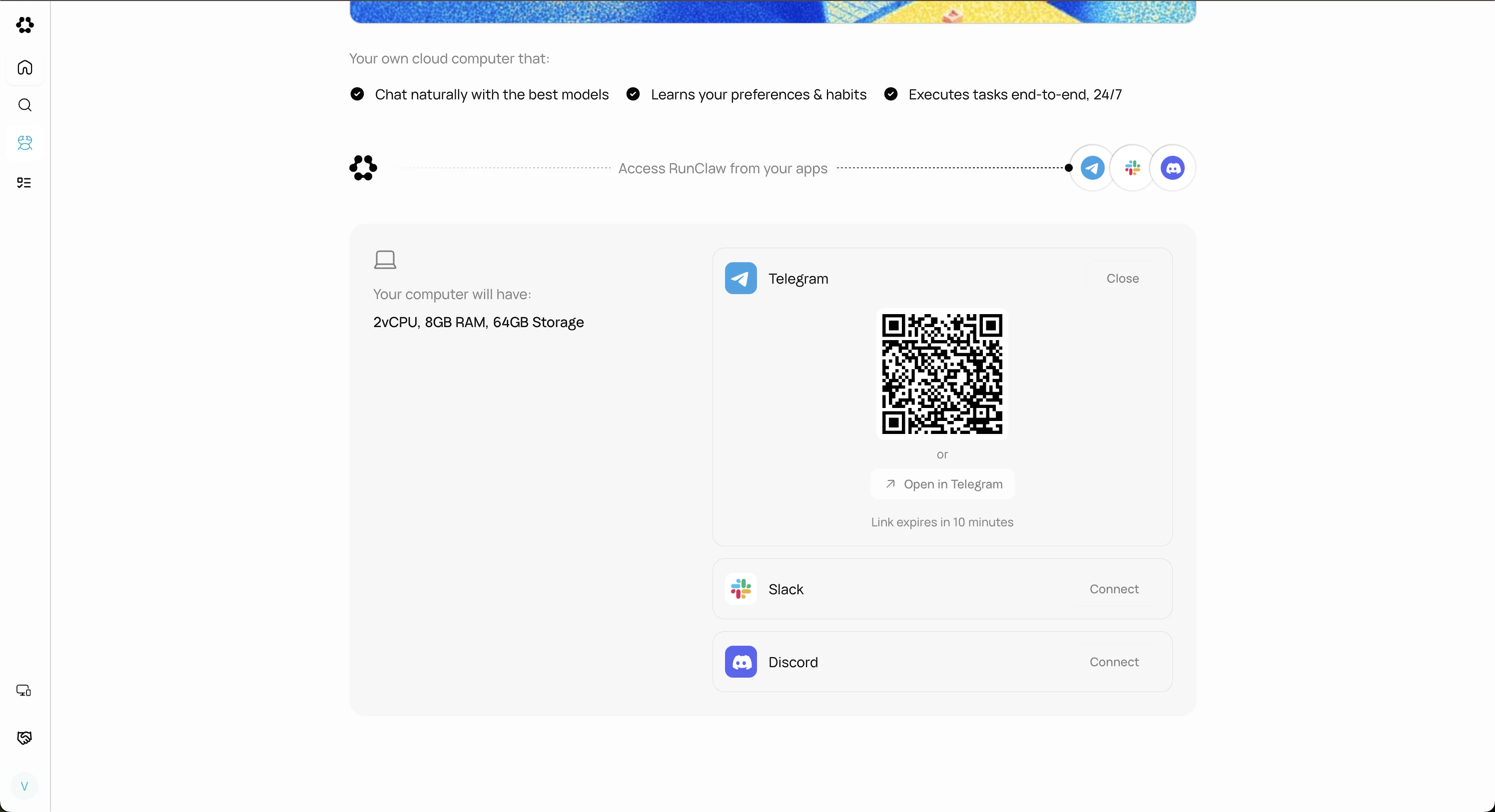
Start Chat Screen
You’ll be redirected to the Start Bot screen for the Runable bot. Tap Start Bot to send a 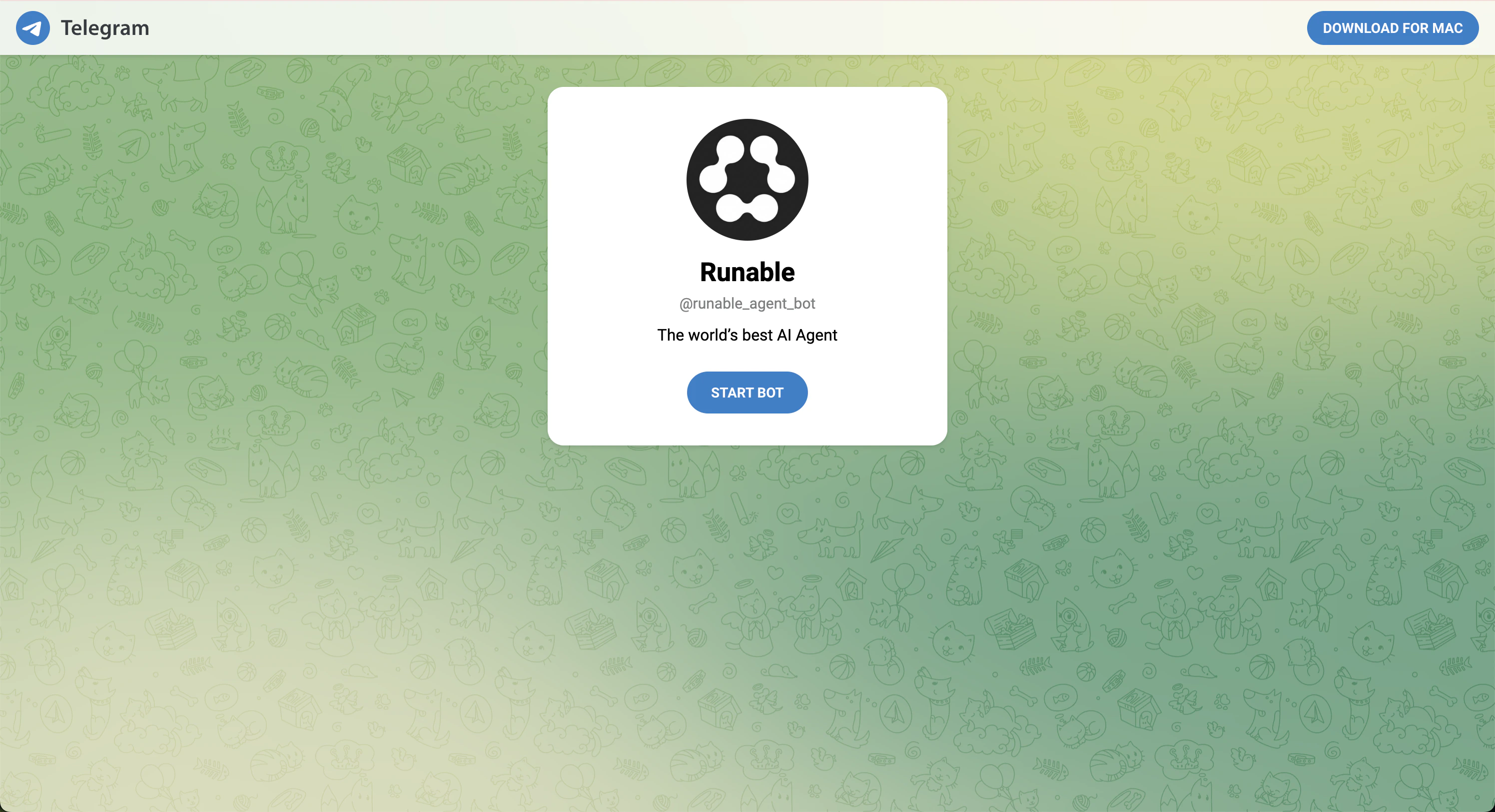
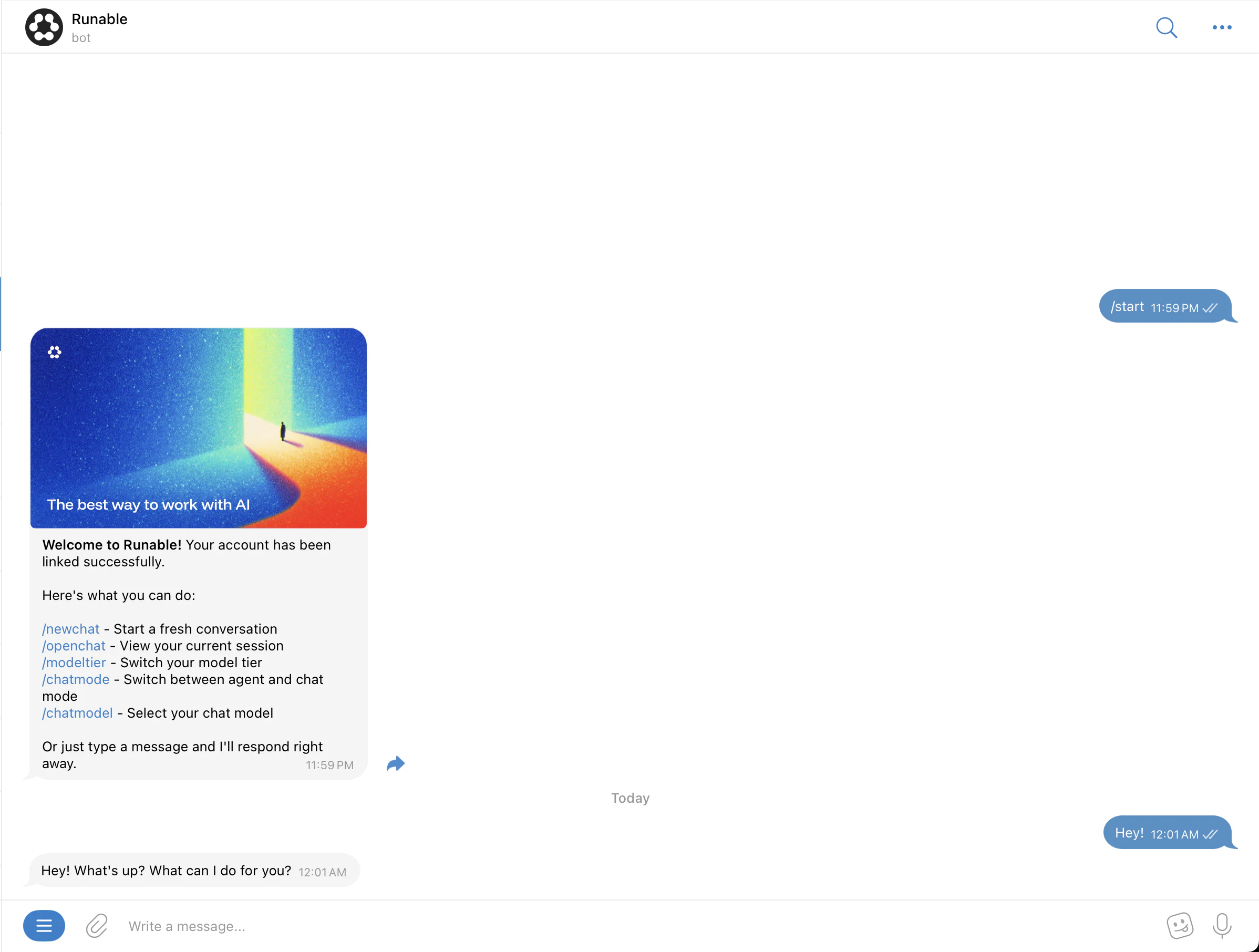
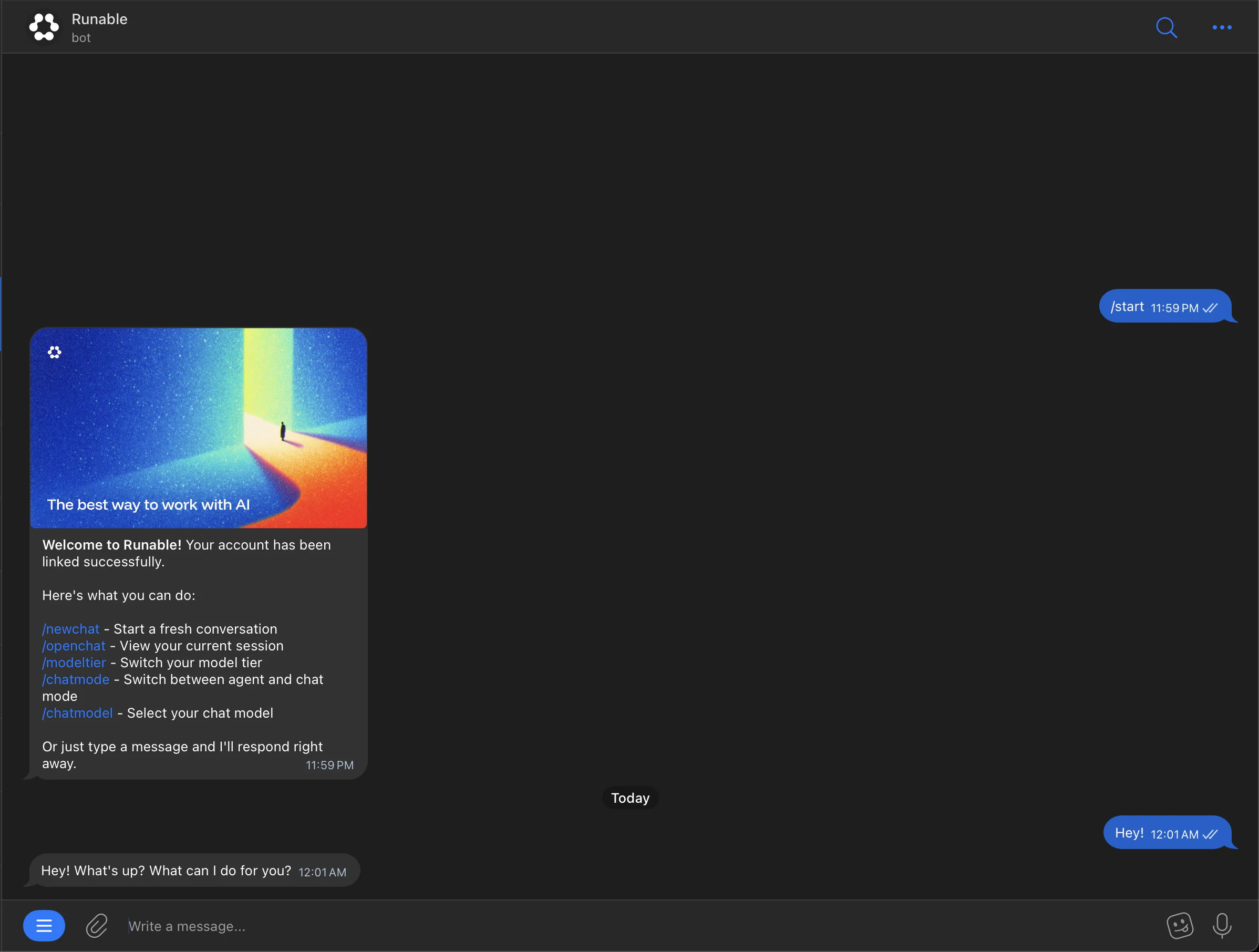
/start command, which links your Telegram account to Runable. This requires Telegram to be installed on your device (desktop or mobile) or signed in to Telegram Web, without an active Telegram session, the button won’t work.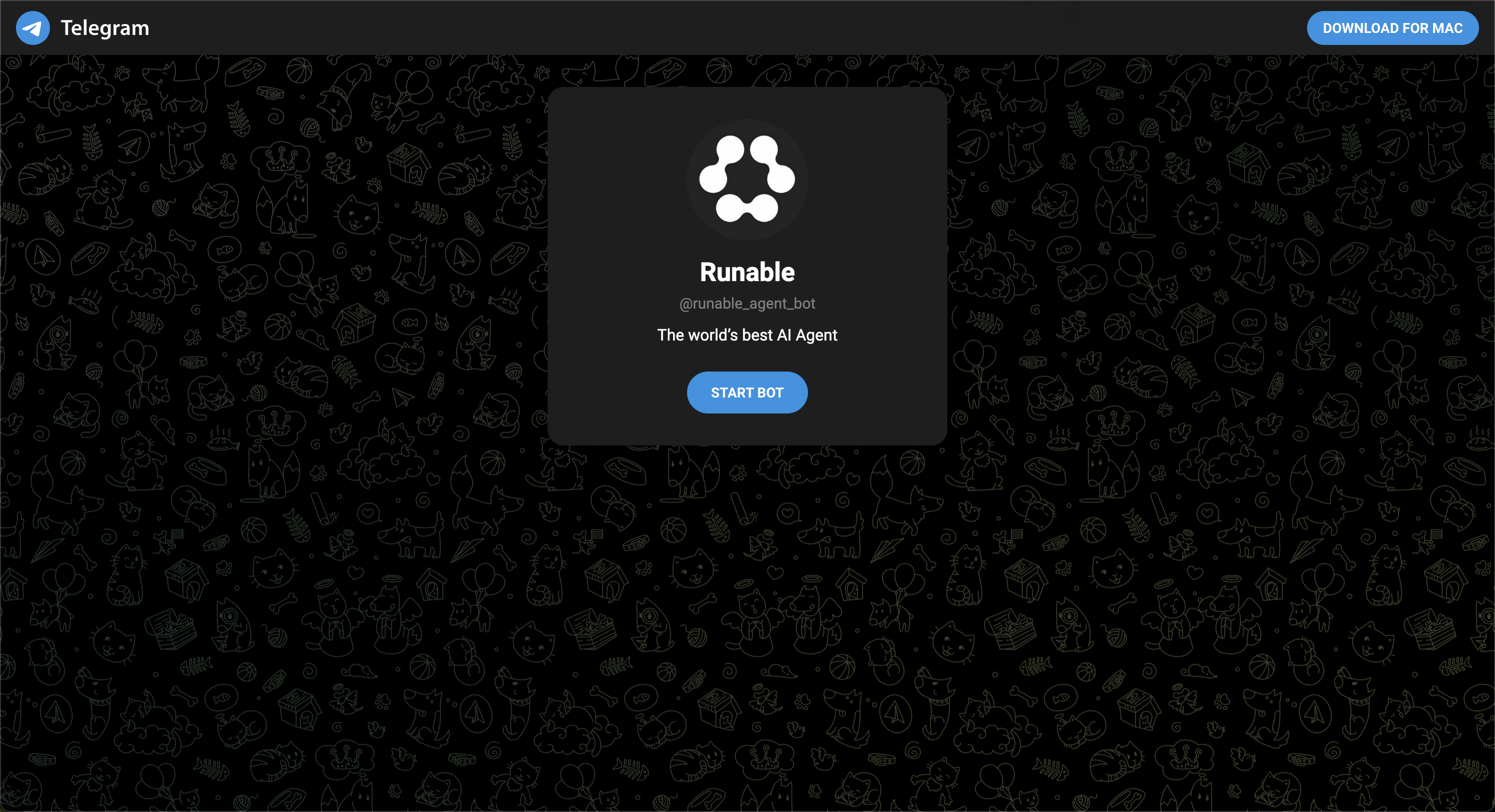
Send files
Attach files (images, documents, videos) to your messages the way you normally attach files in Telegram. The agent receives and processes them.Slash commands
Telegram supports these slash commands for managing your connection:| Command | What it does |
|---|---|
/newchat | Start a new conversation. |
/openchat | You’ll receive a chat link where your current session is synced with the Runable app. |
/modeltier | Switch between Lite, Pro, and Max modes. |
/chatmode | Switch between Runable Chat mode and Agent mode. Mode changes apply to new chats only. Use /newchat to start one. |
/chatmodel | Switch between different LLMs from various providers, available only in Chat mode. |
How to disconnect
Go back to Settings → Run Claw in the Runable web app. Click Disconnect on the Telegram card. Your Telegram account is unlinked immediately.Important Details
- The bot supports DMs only. It cannot be added to group chats or channels.
- Each Telegram account can be linked to one Runable account at a time. To connect a different Runable account, disconnect the existing one first from your Runable settings.
Next steps
Connect Slack
Add Runable to your Slack workspace with channel support.
Connect Discord
Add Runable to your Discord server with thread-based conversations.