
The Discord integration adds the Runable agent to your server. DM the bot for private conversations or mention it in any channel. The bot automatically creates threads to keep conversations organized. Generated artifacts (websites, decks, videos) appear inline with embed previews you can interact with right in Discord.Documentation Index
Fetch the complete documentation index at: https://docs.runable.com/llms.txt
Use this file to discover all available pages before exploring further.
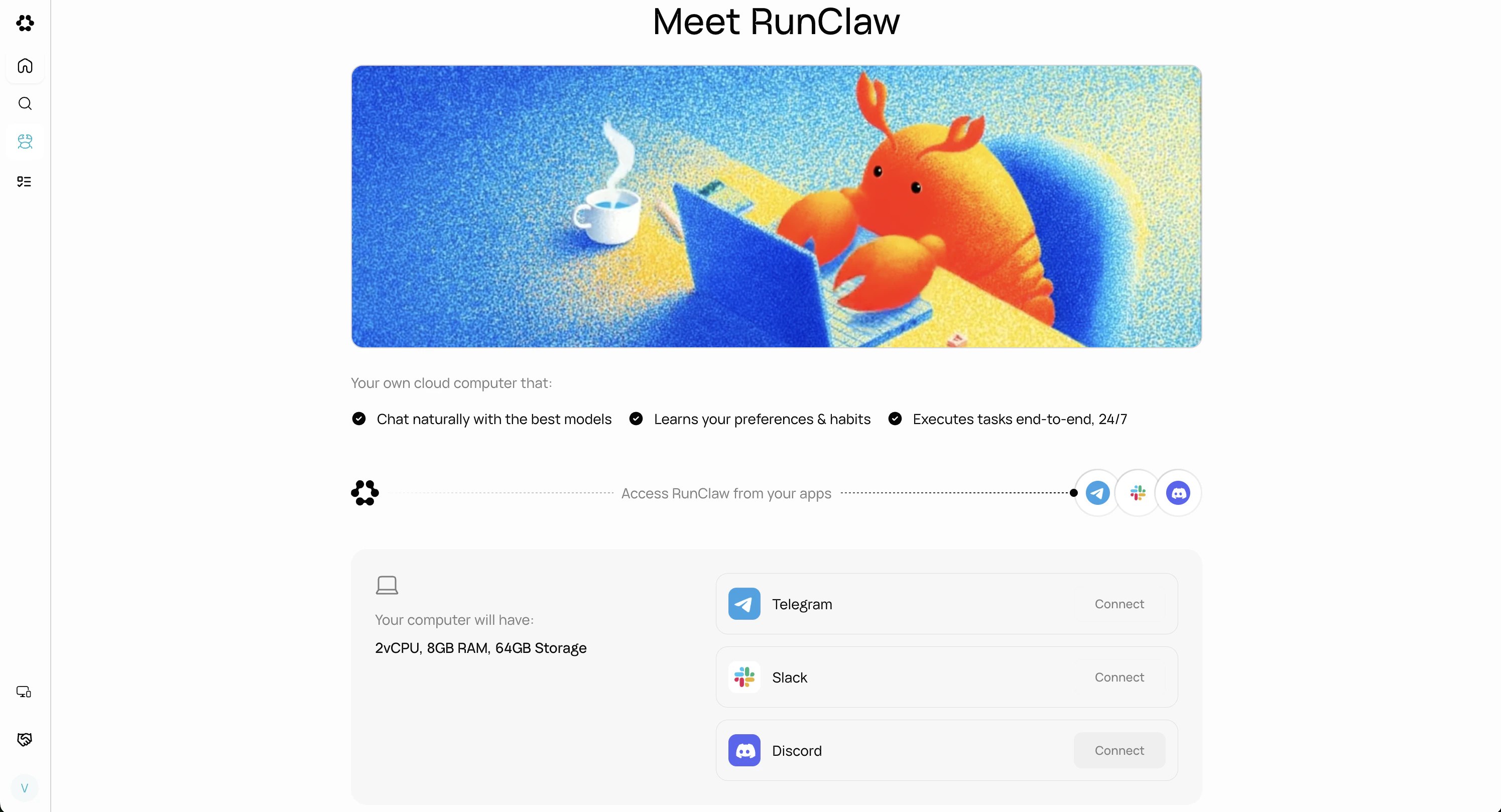
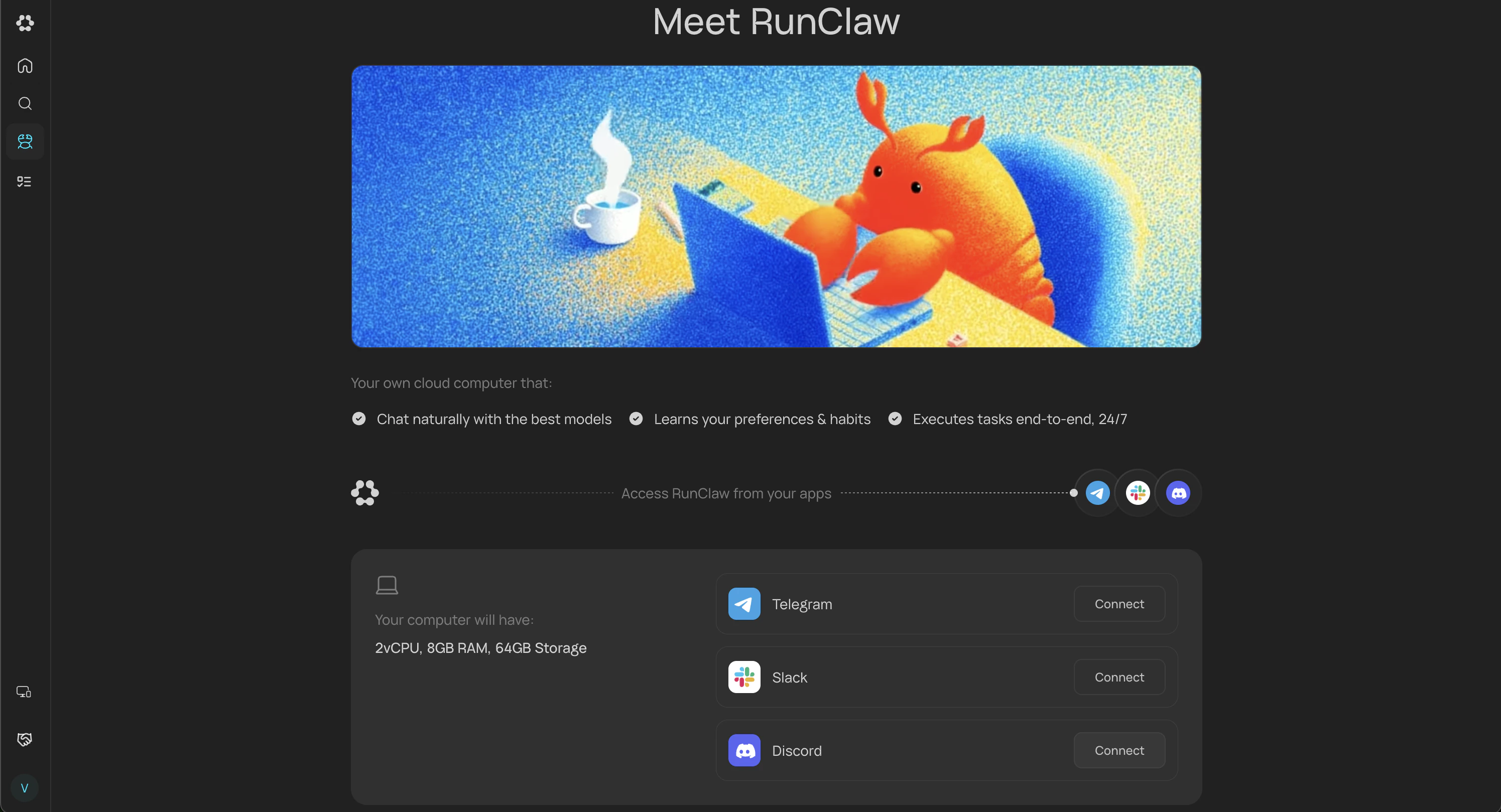
How to connect
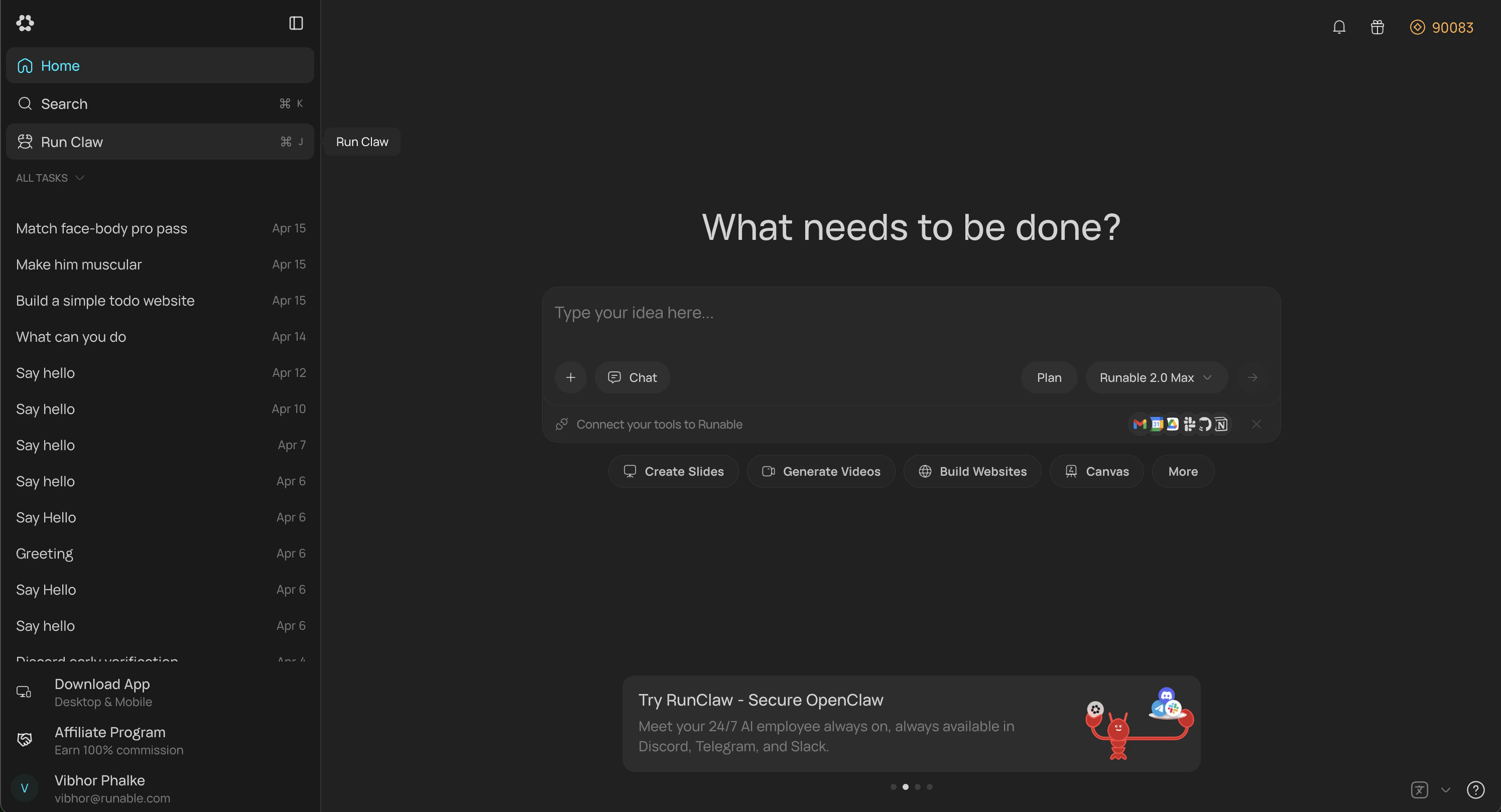
Open RunClaw Page
In the Runable web app, go to **Sidebar **→ Run Claw. You can also go to Settings → Runclaw and find same option there.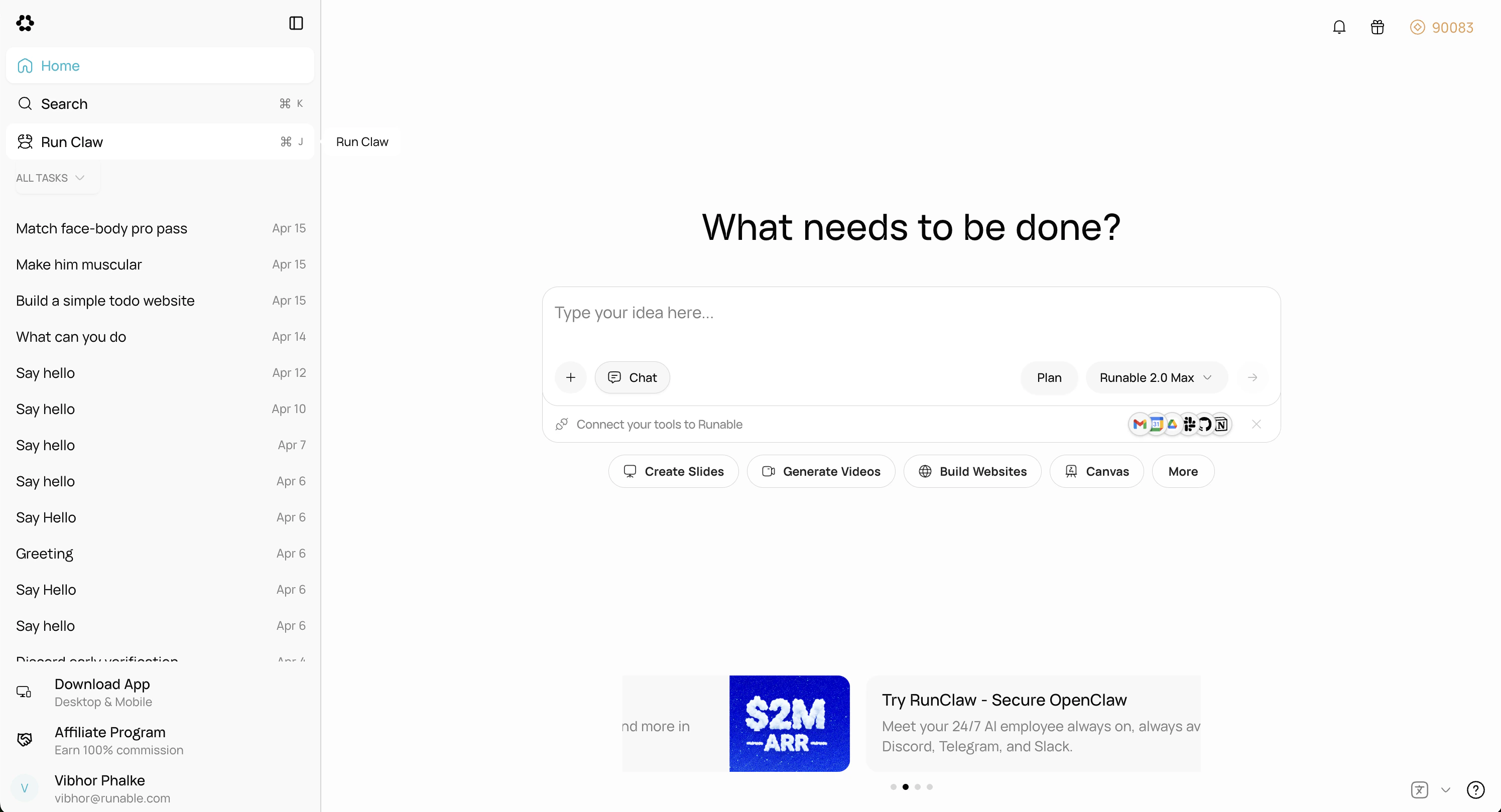
Select Server And Authorize
After clicking Connect, the Discord OAuth screen appears. Select the server where you want to add the bot and authorize access.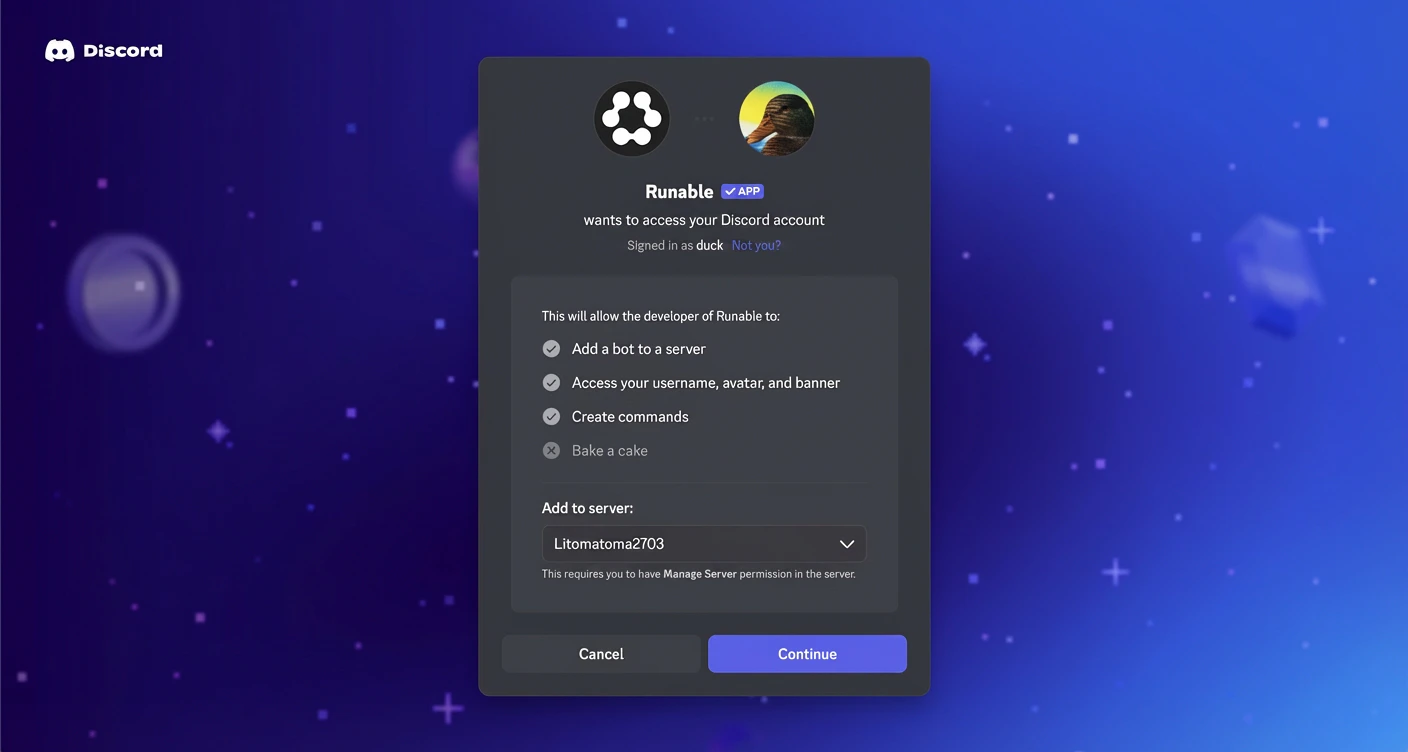
Confirmation
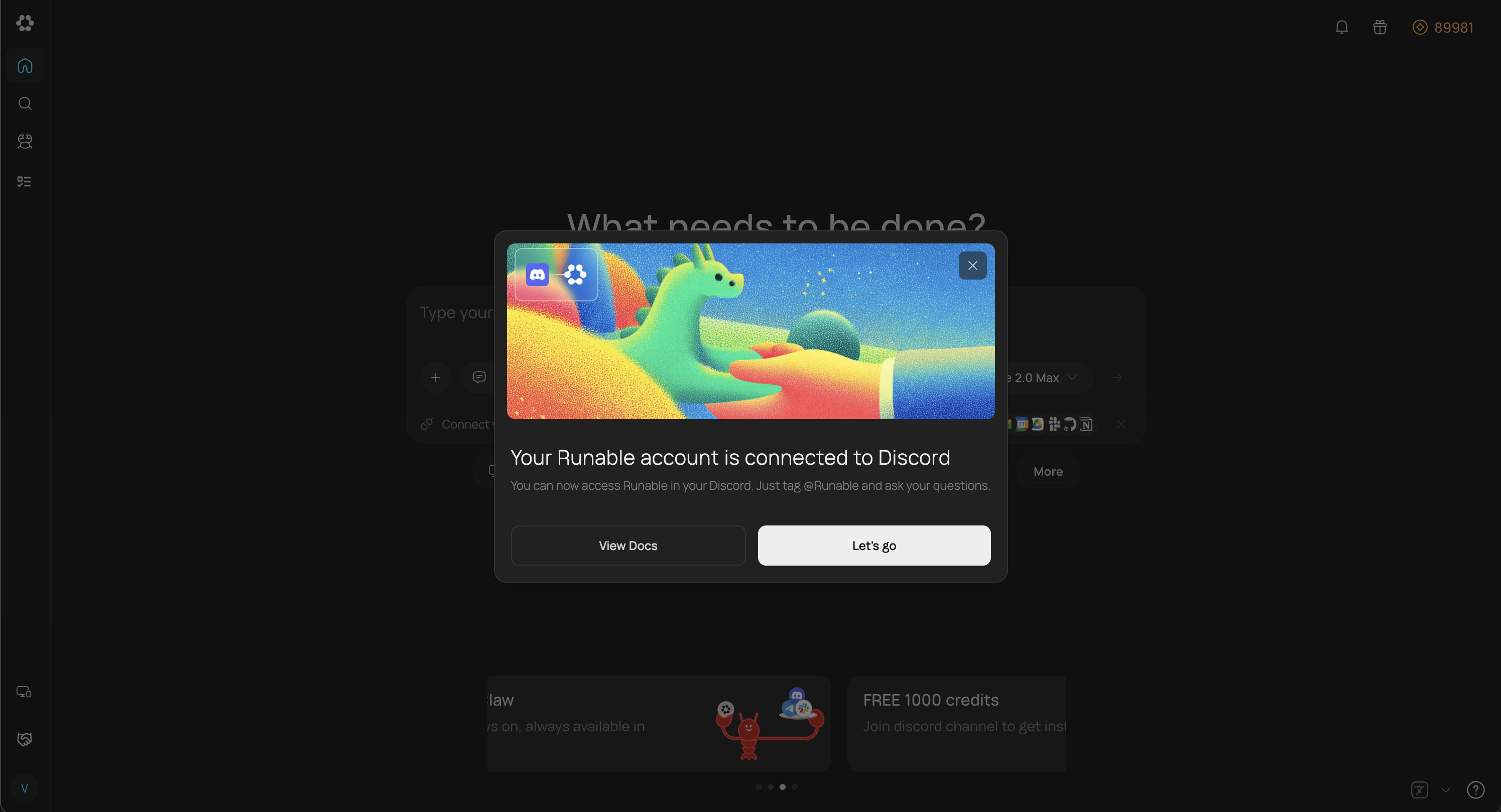
After authorization succeeds, you’ll be redirected to Runable and a confirmation popup will appear.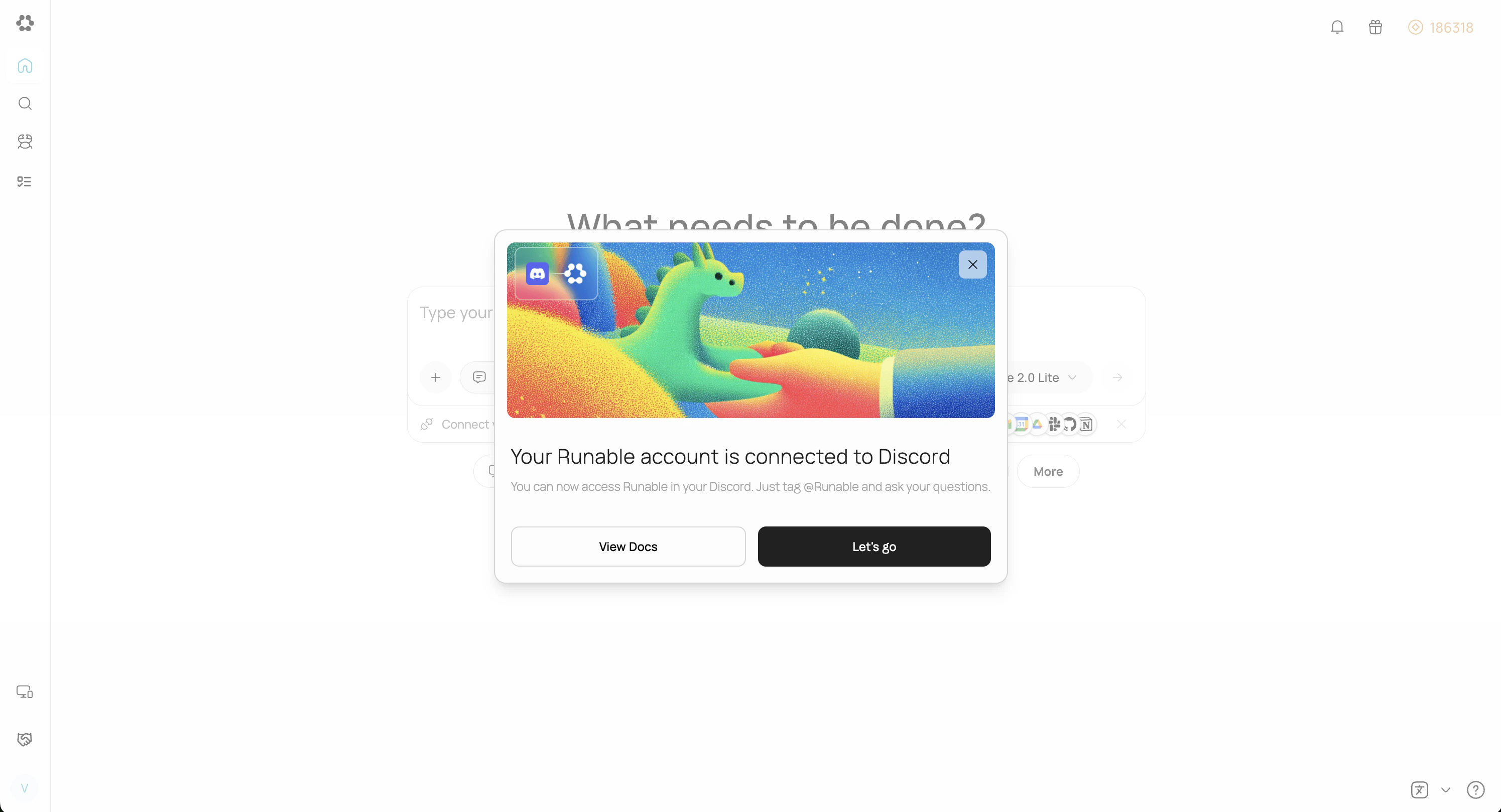
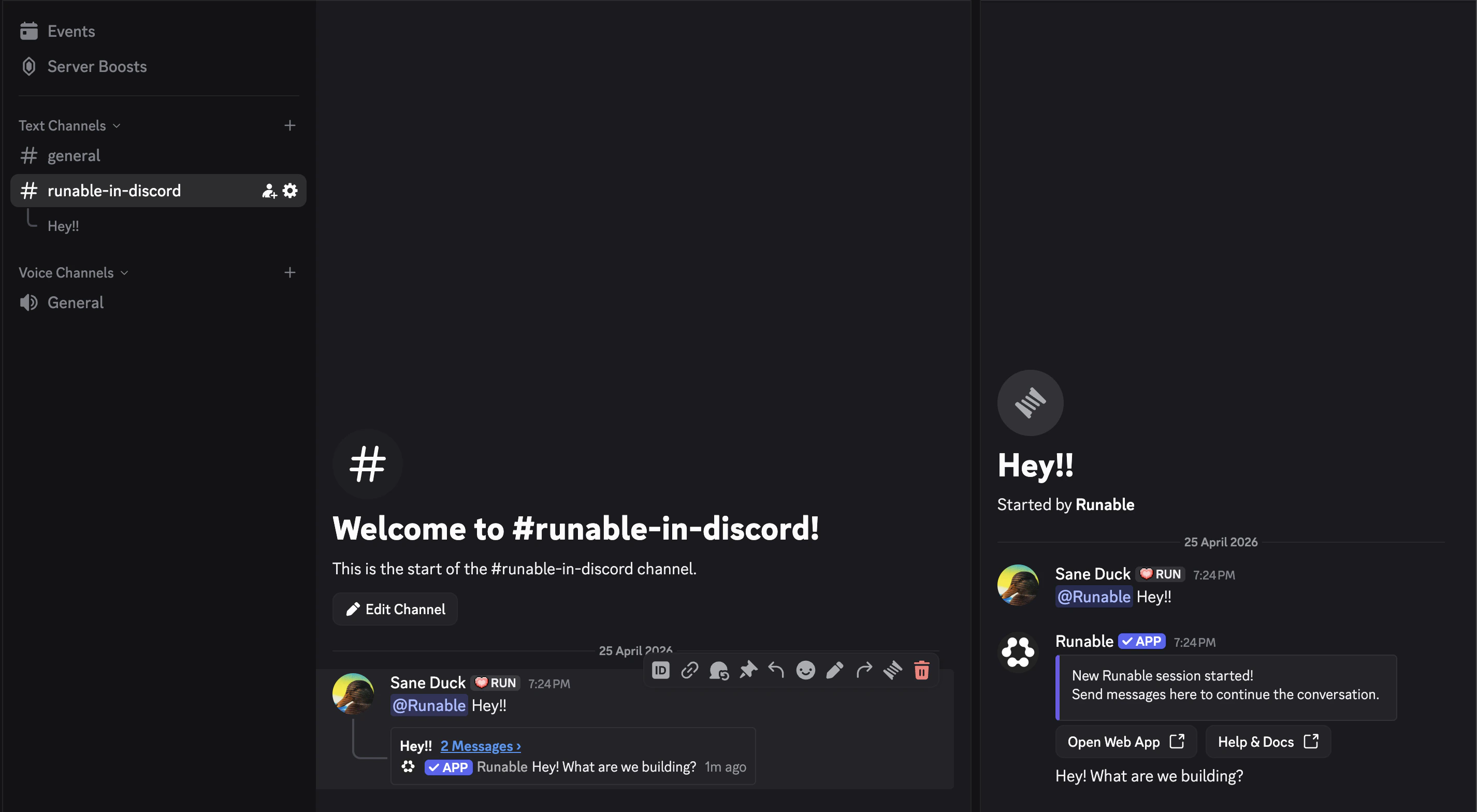
Two ways to use Discord
DM the bot
Find the Runable bot in your Discord member list or send it a direct message. The conversation stays private between you and the bot.Best for personal tasks and private requests.Chat in server channels
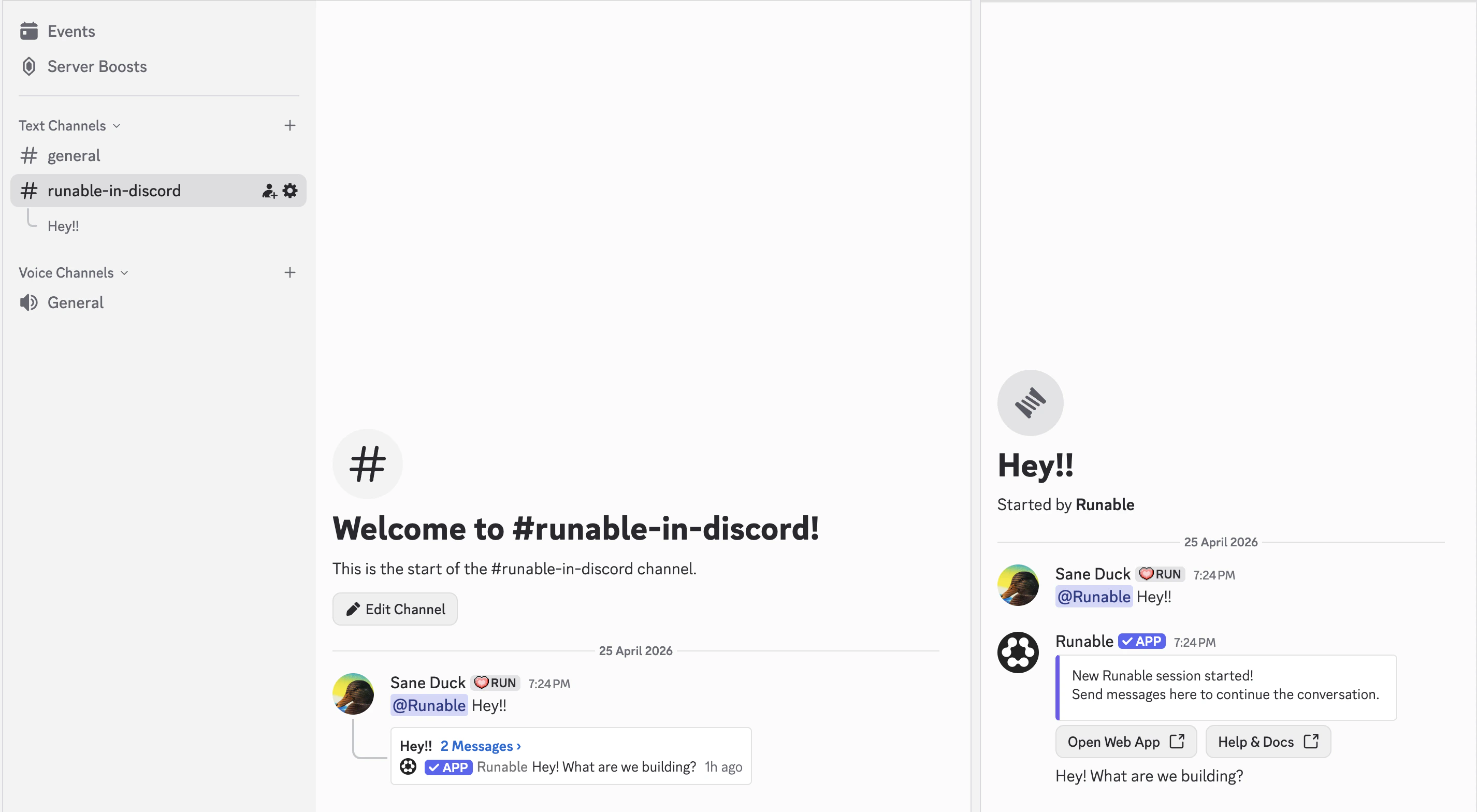
Send a message in a server channel. The bot automatically creates a thread for the conversation. This keeps the main channel clean and each request gets its own thread.Best for team access, shared projects, and keeping conversations organized.Send files
Attach files to your messages the way you normally attach files in Discord. The agent receives and processes all file types.Supported Commands
| Command | What it Does |
|---|---|
/chatmode | Switch between Runable Chat mode and Agent mode. Mode changes apply only to new chats or threads. |
/chatmodel | Switch between different LLMs from various providers, available only in Chat mode. |
/newchat | Start a new conversation thread. Available only in DMs. |
/session | View your current session. Available only in DMs. |
/settings | Switch between different chat modes (Lite, Pro, and Max) to match your needs. |
How to disconnect
Go back to Settings → Run Claw in the Runable web app. Click Disconnect on the Discord card or remove the bot from the server.Important Details
- When one user installs Runable on a Discord server, members in the server can use the bot. All usage is billed to the account that installed it.
- Direct messages with the bot are limited to the user who installed it on the server.
- Discord provides native access control for the bot. Go to Server Settings → Integrations → Runable → Manage to configure who can use it and other settings.
- Runable only processes messages that mention it directly. It does not see the surrounding thread or conversation history. Thread context is a planned feature.
Next steps
Connect Telegram
Set up Runable in Telegram with slash commands and instant connection.
Connect Slack
Add Runable to your Slack workspace with channel support.