
.png?fit=max&auto=format&n=J3TfNmZhqEoKcaaO&q=85&s=468b5adb026aa33181cc81ab54ab68db)
How Building Works
Tell AI what you want to build:- Purpose and audience
- Key features needed
- Design preferences (or reference images)
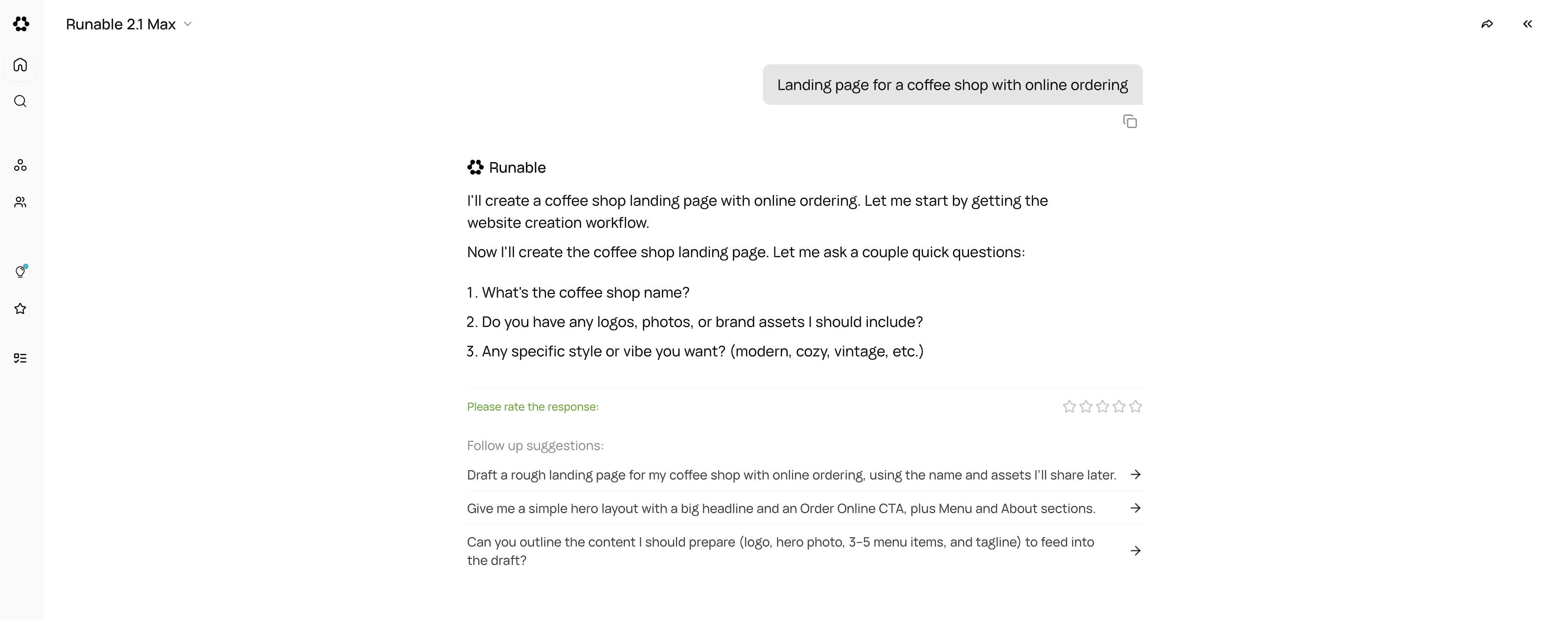
AI Works in Tasks
Your request becomes a task list: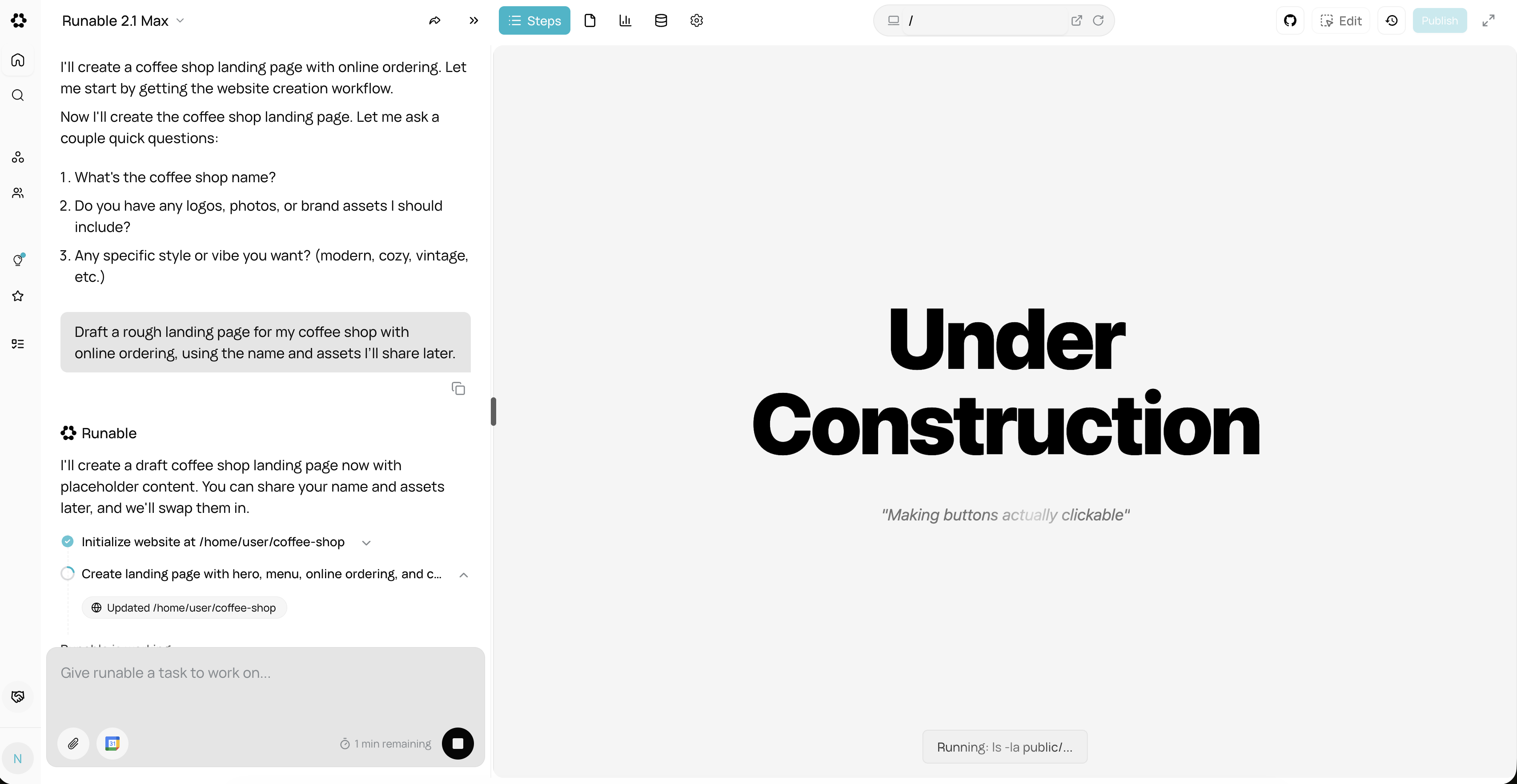
Watch progress in real-time
Iterative Refinement
After the first draft: Review in preview:- Test on different screen sizes (desktop, tablet, mobile)
- Navigate through pages
- Check functionality
Three Editing Modes
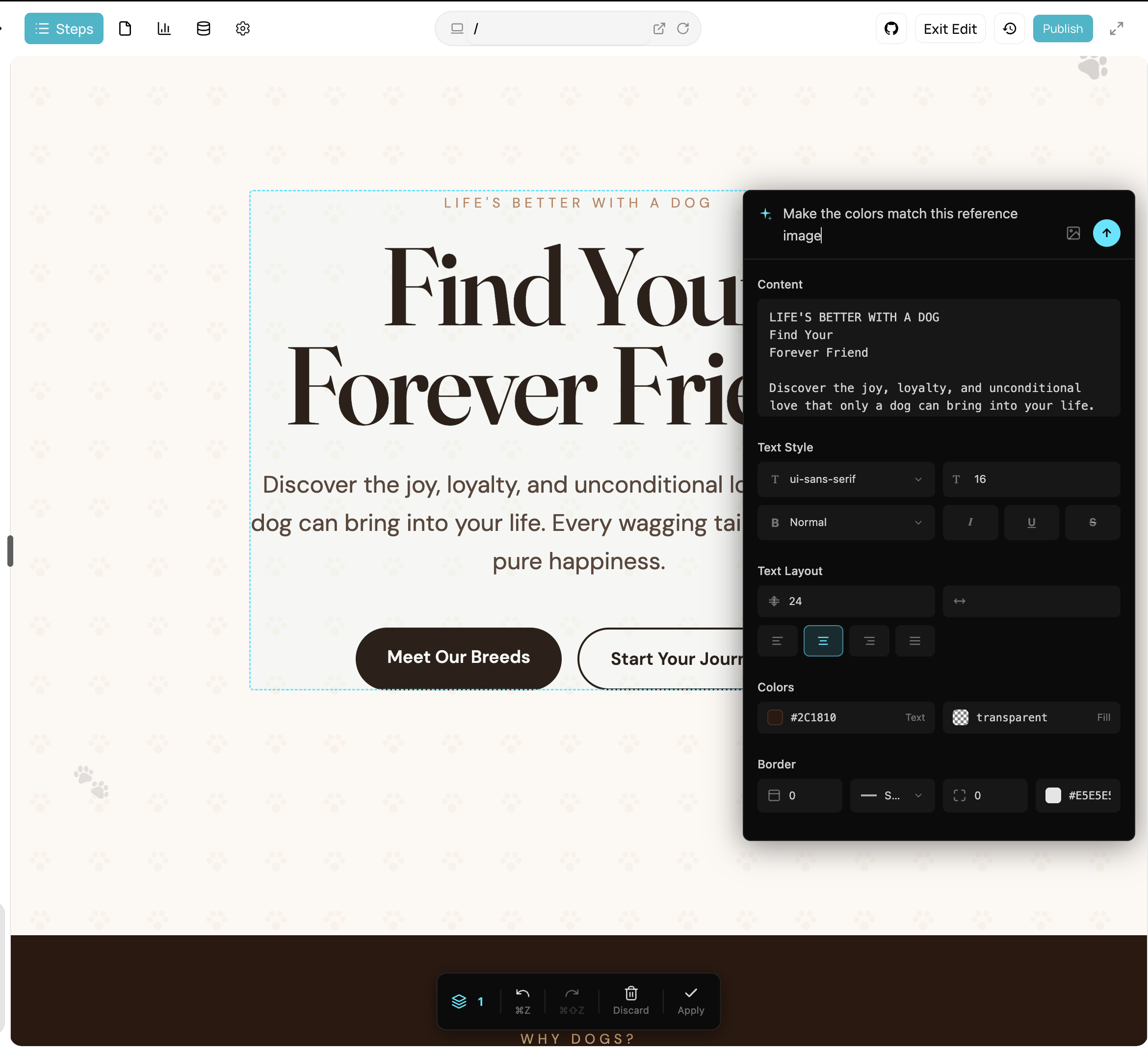
Visual Editor
Click any element to edit it directly.What you can change: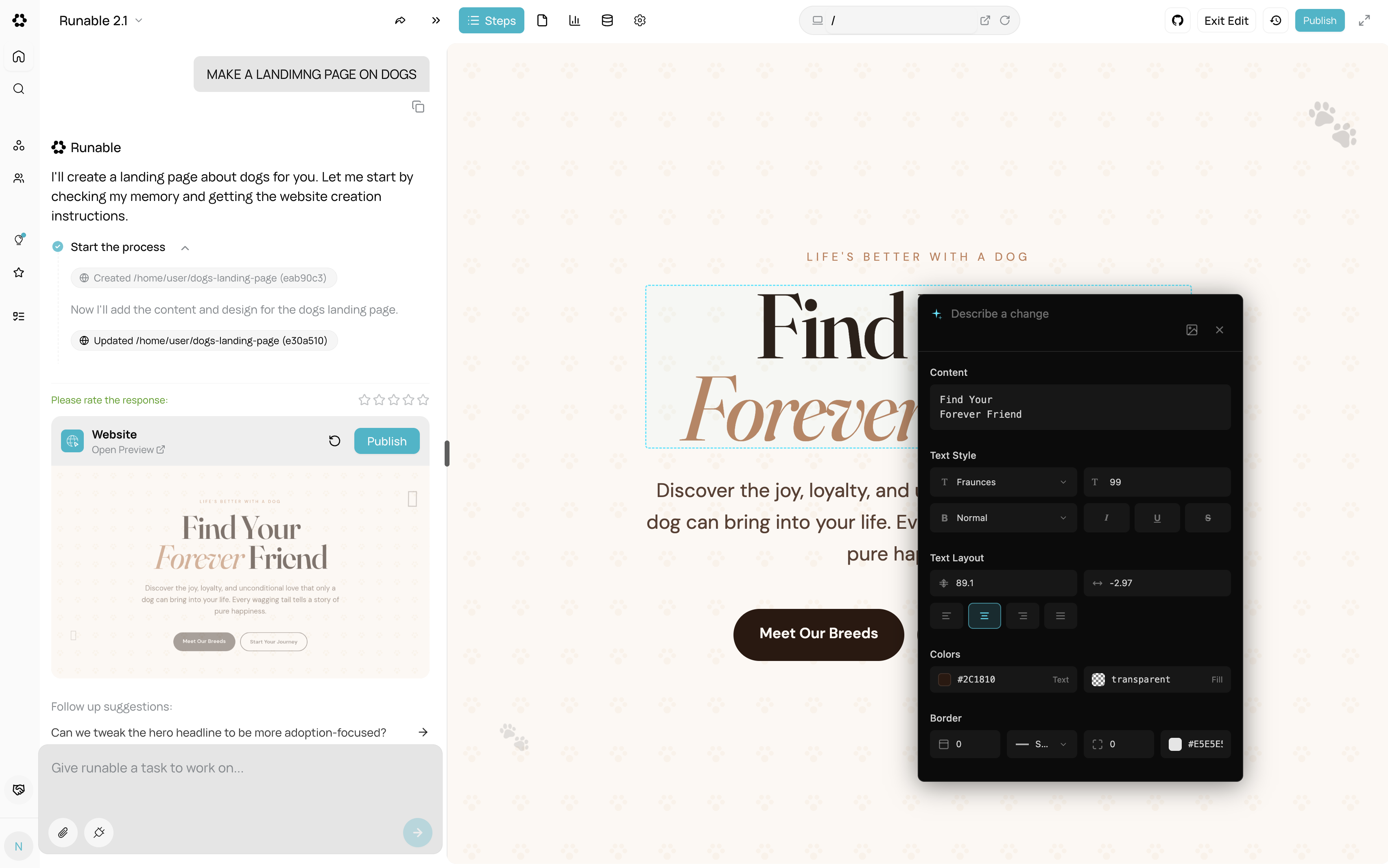
- Text content (click and type)
- Colors and styles (select element, modify CSS)
- Images (upload and replace)
- Layout and spacing
- Toggle “Edit” mode in the header
- Click any element on the page
- Make your changes
- Submit to apply
For developers
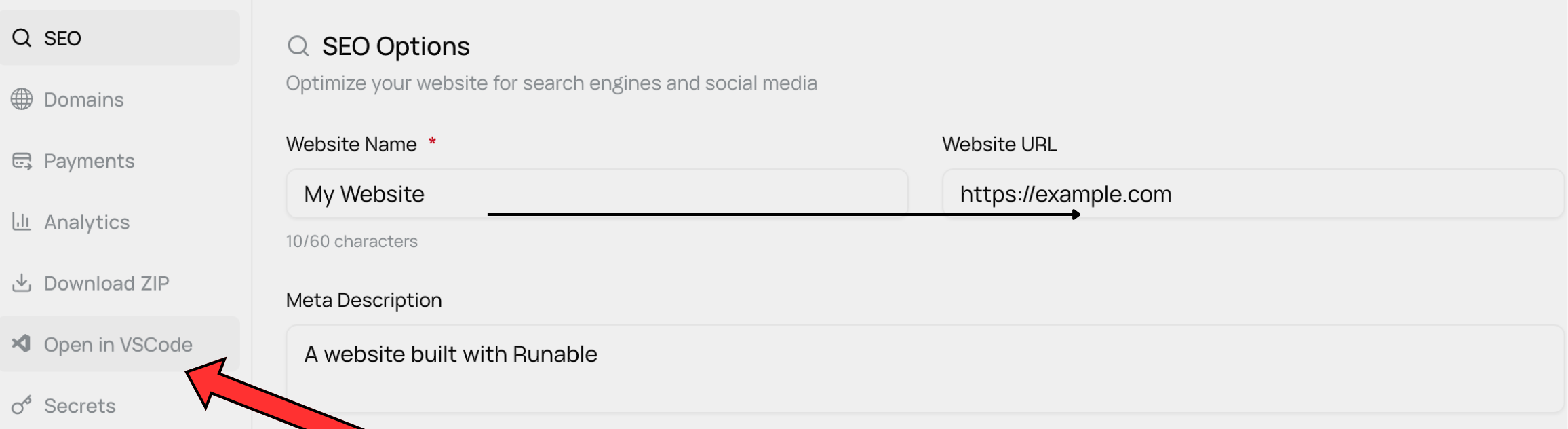
- Click “Open in VSCode” to edit files directly
- Run terminal commands (npm, bun, git)
- Modify any file in the project
- Database migrations and scripts
Functional Changes
Through chat:Design Changes
With reference images:- Color palette
- Typography
- Layout style
- Spacing and proportions
Version Control
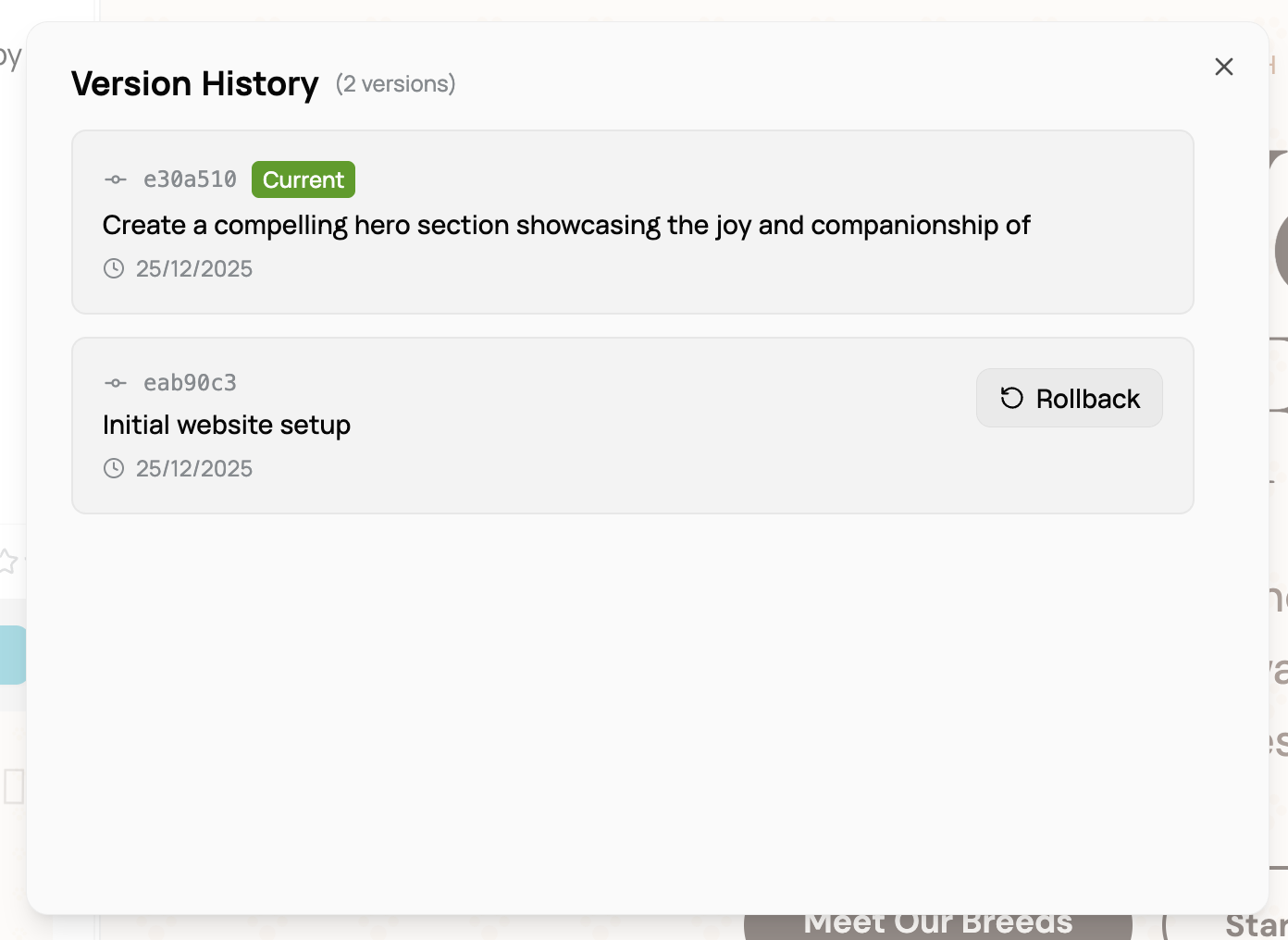
Each update creates a snapshot:- Full git commit with description
- Timestamp and change summary
- Rollback available instantly
Tips for Success
Be specific: “Add a hero section with headline, subtext, and CTA button” beats “Make a homepage” Share references: Upload images instead of describing designs—AI sees what you see Start simple: Build core features first, add polish later Test often: Check preview after each major changeUse the right tool:
- Quick fixes → Visual editor
- New features → AI chat
- Precise control → Code editor
Getting Help
Stuck on something ? Ask AI in chat:Ready to build ? Start a new AI Website or use an inspiration