
.png?fit=max&auto=format&n=J3TfNmZhqEoKcaaO&q=85&s=468b5adb026aa33181cc81ab54ab68db)
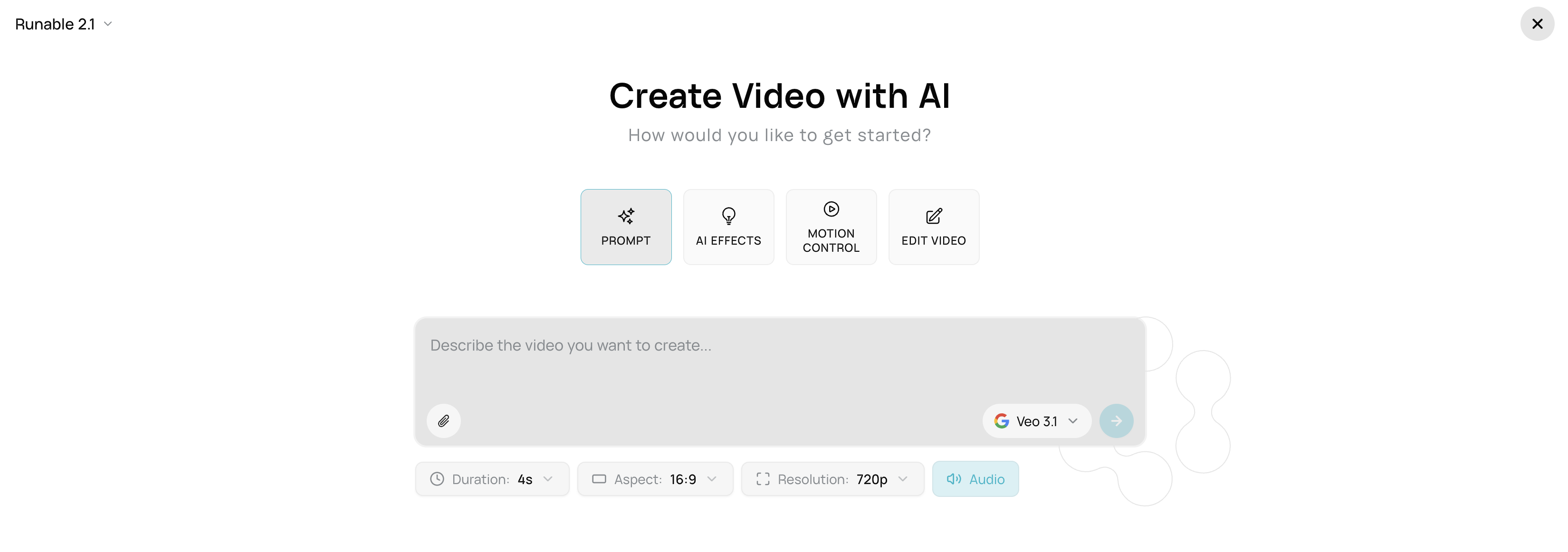
Step 1 — Choose AI Video
- Select Image-to-Video if you have a reference image of the person
- Or select Prompt (Text-to-Video) to generate from description
- Confirm the mode matches your content type
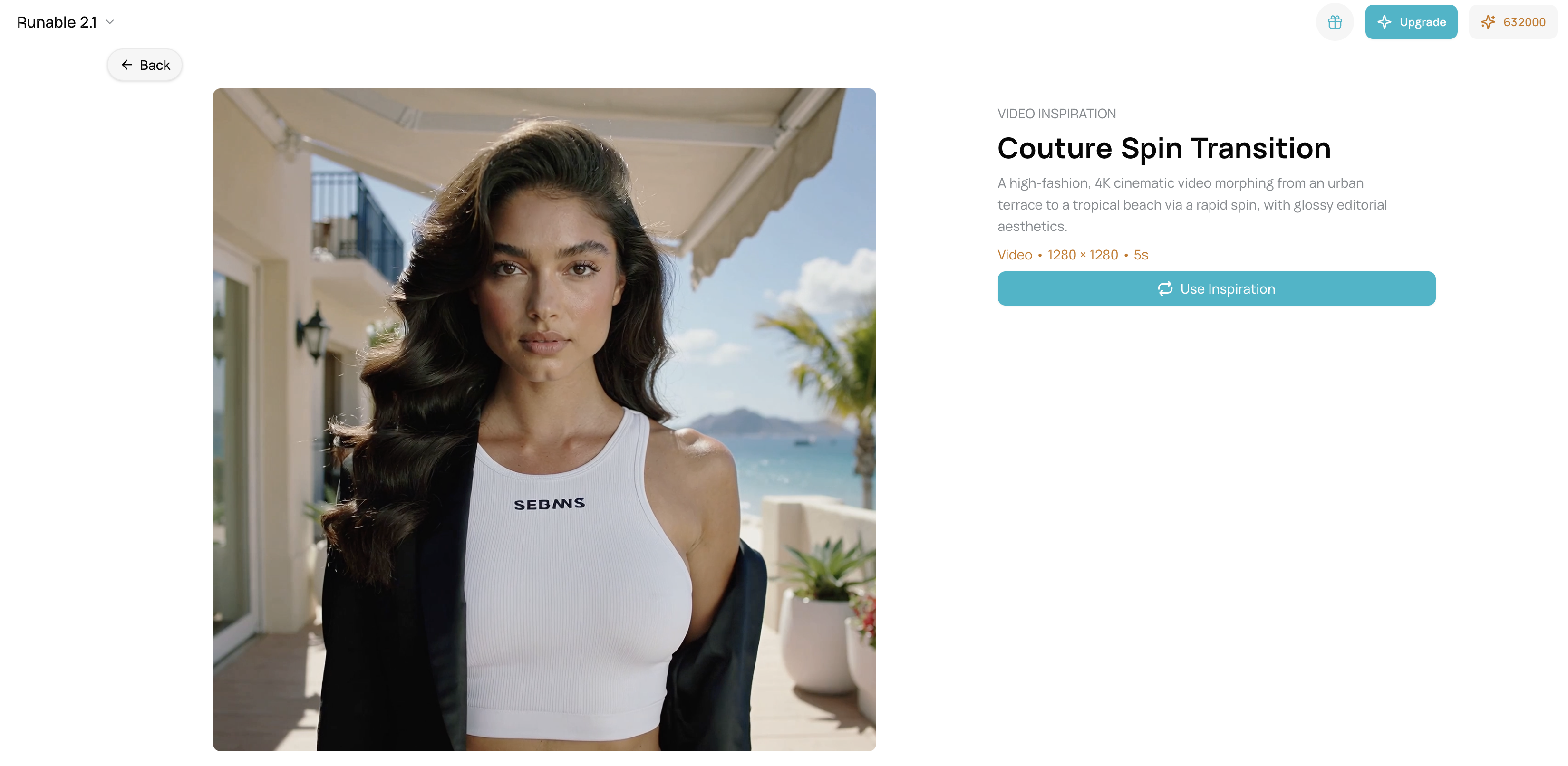
Step 2 — Choose a Video Inspiration
- From Video Inspirations, select your chosen style (e.g., “Concert Performance”, “Dance Showcase”, “Music Video”)
- Preview the inspiration to confirm motion style, lighting, and energy level
- Verify aspect ratio matches your platform (9:16 for social, 16:9 for web)
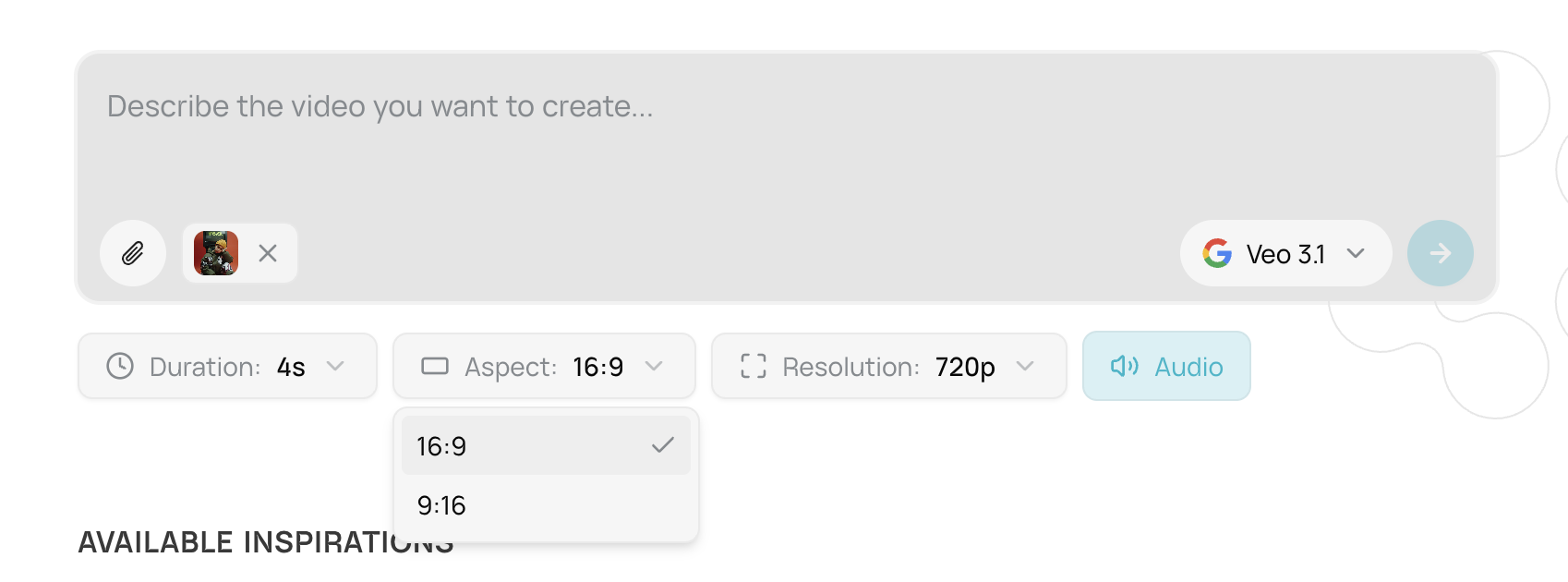
Step 3 — Customize Settings
- Model: Choose based on quality needs (Seedance Pro for budget, Veo 3.1 for premium)
- Duration: Select 6-8s for energetic content
- Resolution: Start at 720p for iterations, upgrade to 1080p for final
- Audio: Toggle on if creating for social media
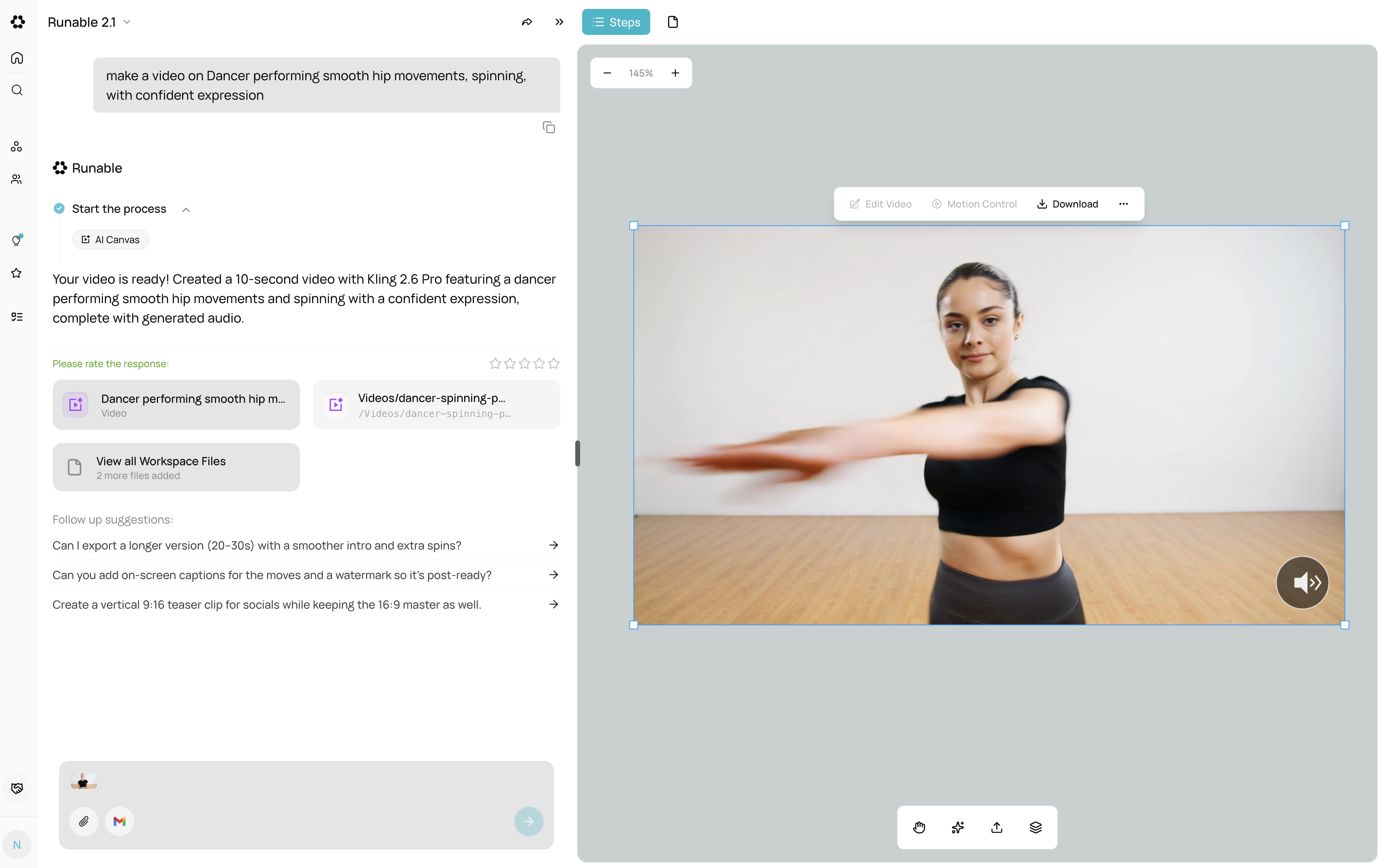
Step 4 — Write Your Prompt Keep it focused on the action only — the inspiration handles style, lighting, and camera work. Example prompts:
Step 5 — Generate
- Click Generate
- Video processes based on model (20-60 seconds depending on choice)
- Preview in canvas when ready
Step 6 — Refine (Optional)
- Video Effects — Adjust motion speed, lighting intensity, or color tone
- Canvas — Edit videos or adjust timing in timeline
- Compare variations — Generate 2-3 versions to choose the best
- Export — Download when satisfied
Tips for Best Results
- Start with a clear concept — Define the action before generating
- Match inspiration to content type — “Concert” inspiration for music videos, “Lifestyle” for casual content
- Choose resolution early — 720p for drafts, 1080p for final based on platform
- Keep prompts action-focused — “Person dancing, spinning, jumping” not “beautiful dancing with dramatic lighting”
- Treat motion and pacing together — They work best when kept consistent with the inspiration style
- Avoid over-describing — Let the inspiration handle technical details (camera work, lighting, mood)
- Test with budget models first — Use Wan 2.5 or Seedance (50-480 credits) to validate concept
- Finalize at 720p before upgrading — Only export to 1080p when composition and motion are locked
-
Use consistent settings across series — Same model, resolution, and aspect ratio for multiple videos
- Common Refinement Workflow
- Generate with inspiration + basic prompt (Seedance Pro Fast, 720p, 360 credits)
- Review motion and pacing — Does it match your vision?
- Regenerate if major change required (full cost) — Only when concept needs to shift
- Upgrade to 1080p for final export (when motion is perfect)