
.png?fit=max&auto=format&n=J3TfNmZhqEoKcaaO&q=85&s=468b5adb026aa33181cc81ab54ab68db)
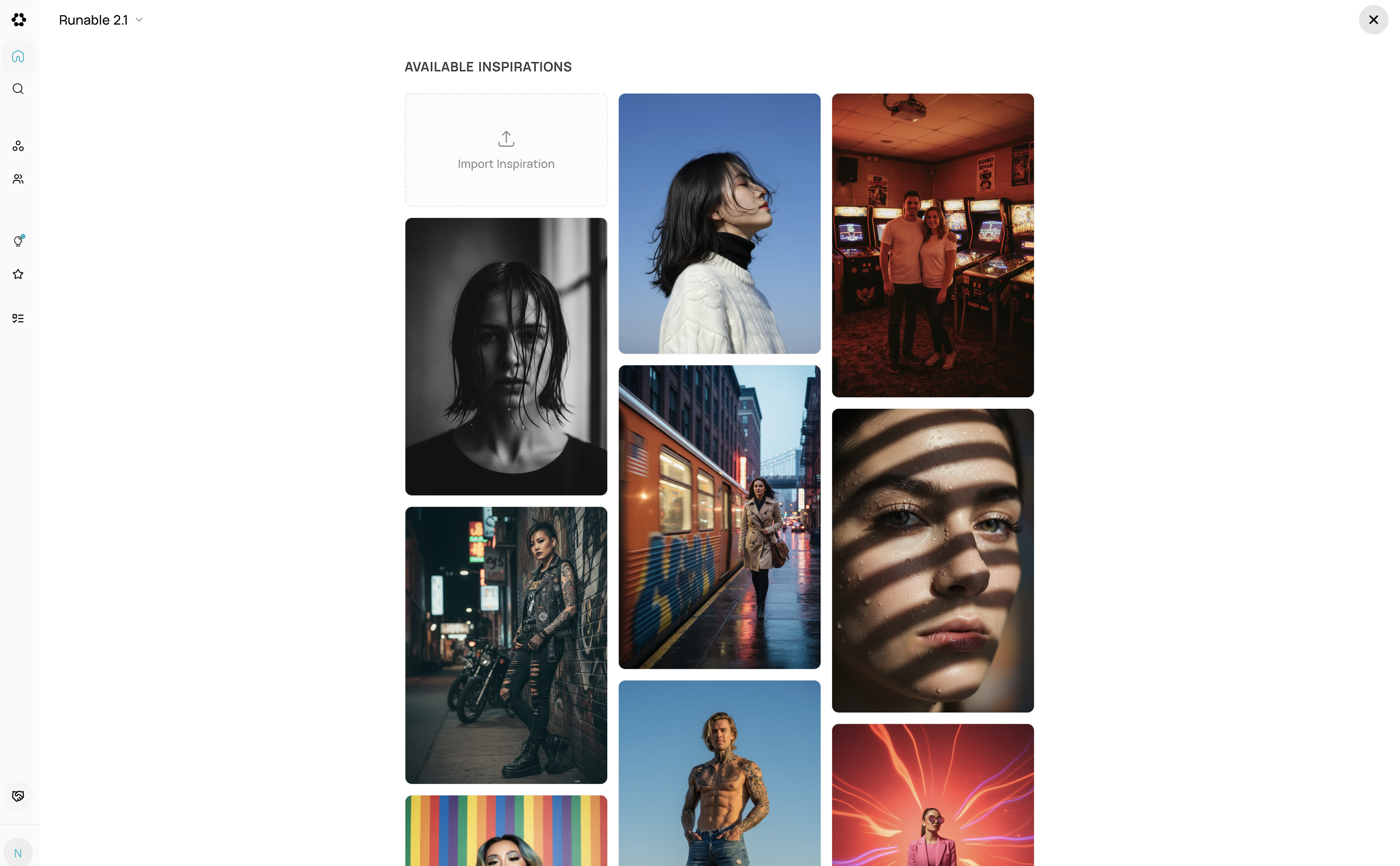 How it works:
1. Select an Inspiration
How it works:
1. Select an InspirationBrowse templates and choose a visual style (minimalist, vibrant, cinematic, etc.) 2. Customize
- Choose model (GPT-Image, Flux, SeeDream, Gemini)
- Select aspect ratio
- Pick inspiration style reference
Describe what you want. The template’s style is automatically applied—no need to describe styling. 4. Generate
AI creates your image with consistent template styling applied. 5. Refine (Optional)
- Edit with AI — Adjust lighting, colors, mood
- Canvas — Crop or reposition
- Export — Download (PNG, JPG, WebP)
Why use Inspirations:
- Pre-set styling saves prompt space
- Consistent professional results
- No need to describe style details
- Quick refinements with Edit with AI