
.png?fit=max&auto=format&n=J3TfNmZhqEoKcaaO&q=85&s=468b5adb026aa33181cc81ab54ab68db)
How to Create a Carousel ?
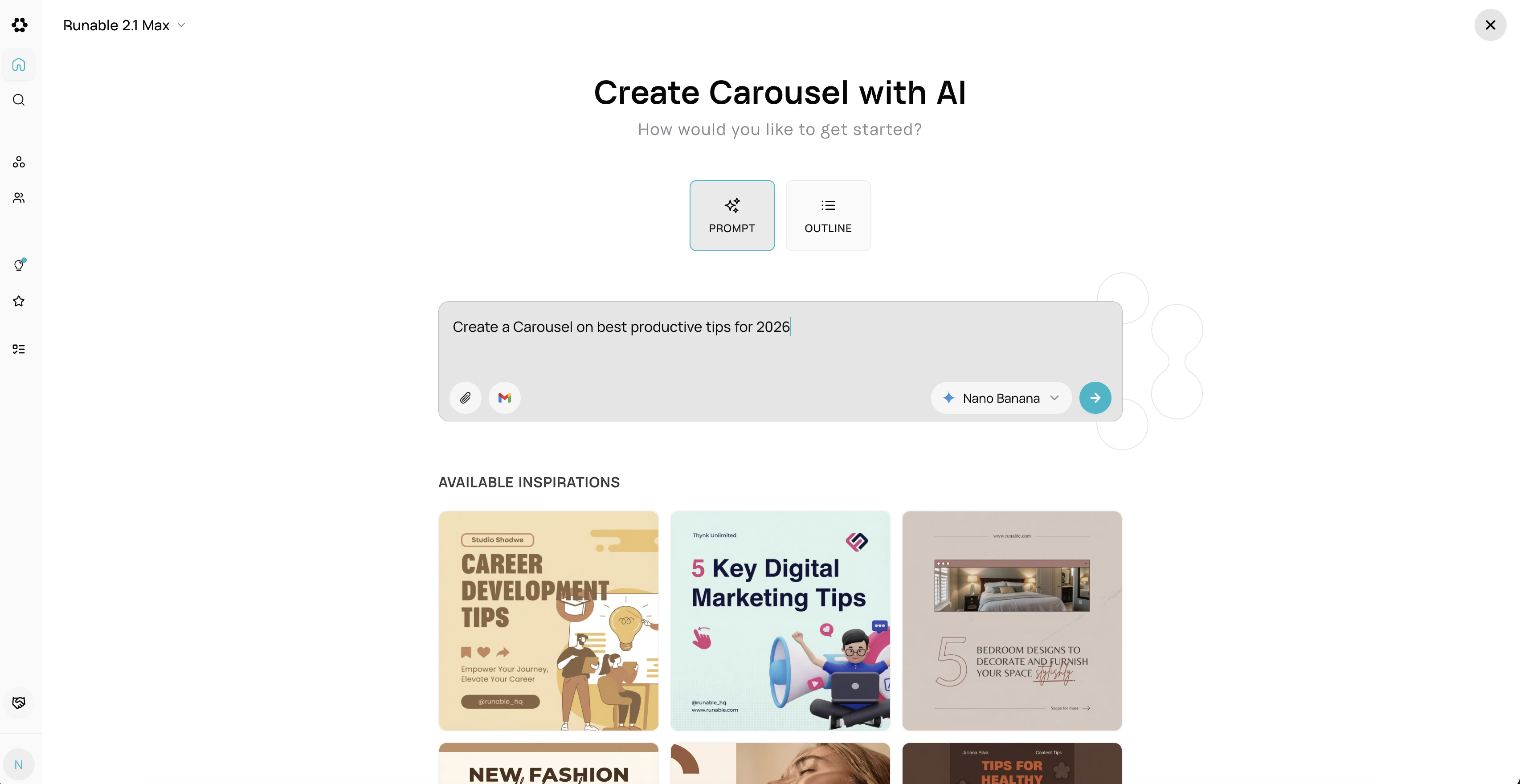
Method 1: From Artifact Picker
- Click “AI Carousel” in the artifact picker
- Enter your topic/prompt (e.g., “5 tips for productivity”)
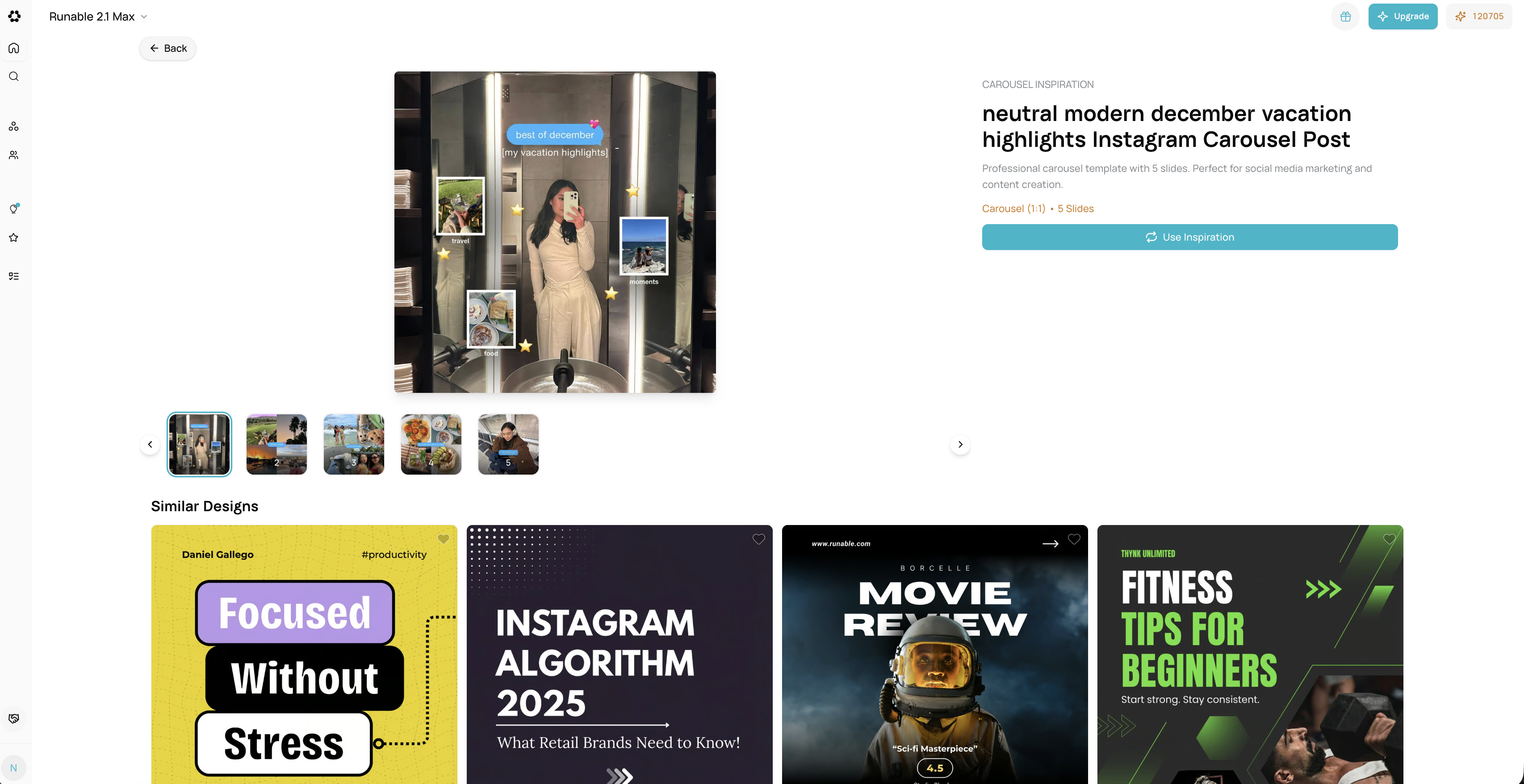
- Optional: Select a template for visual style
- Click Generate
- It creates 5-7 carousel slides automatically
What You Get
- 5-7 Slides – Complete carousel sequence
- Storytelling Structure – Hook → Problem → Solution → Results → CTA
- Visual Consistency – All slides match in style and aspect ratio
- Grouped Items – Slides automatically linked together
- Horizontal Layout – Arranged side-by-side on canvas
