> ## Documentation Index
> Fetch the complete documentation index at: https://docs.runable.com/llms.txt
> Use this file to discover all available pages before exploring further.
# AI Websites
> Build and deploy full-stack web apps with a database, file storage, payments, custom domains, and analytics all from a prompt.
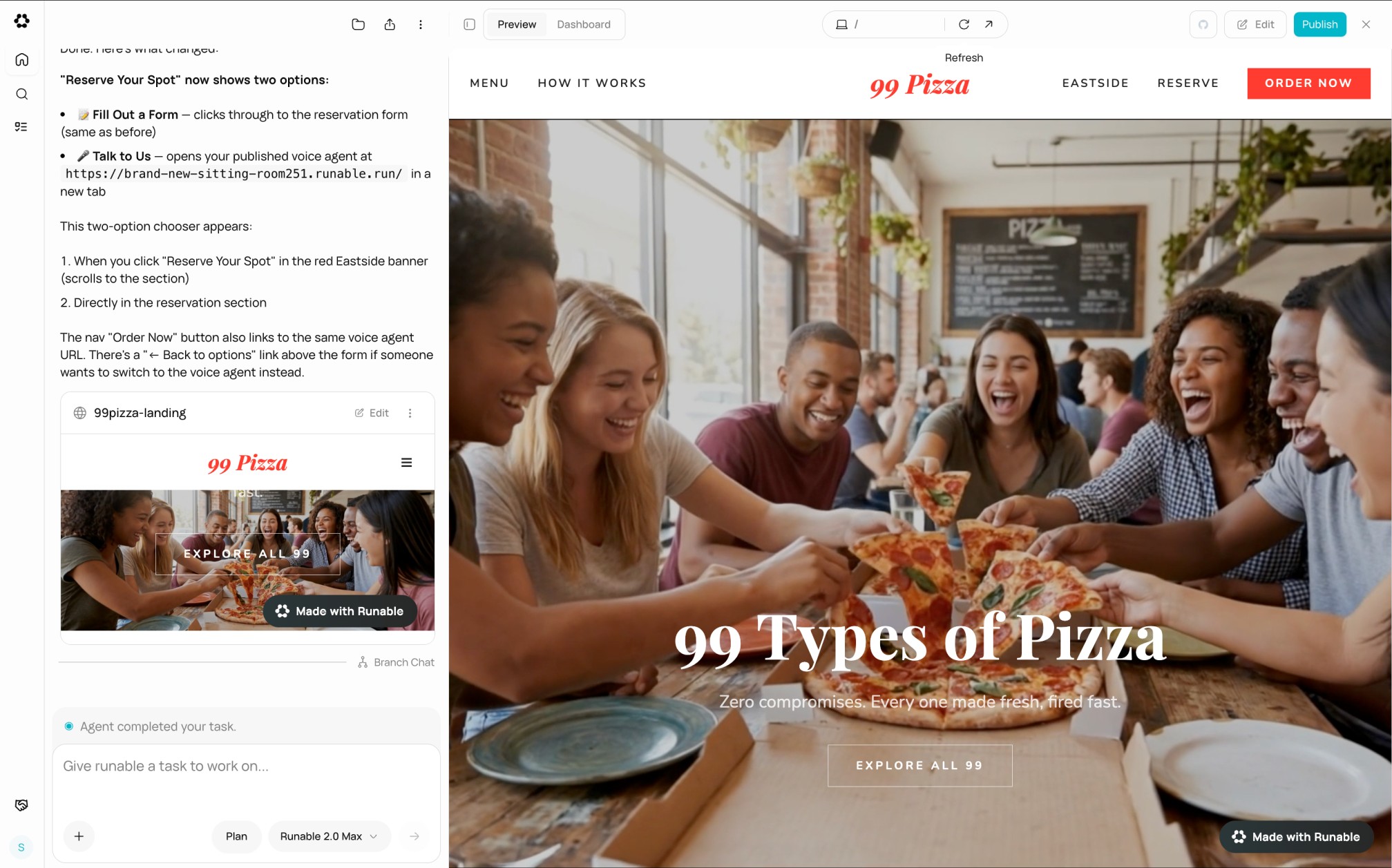
AI Websites lets you build and deploy complete web applications through conversation. The agent writes the code, sets up the infrastructure, and deploys your site live, all from a single chat. Every website comes with a database, file storage, payment processing, custom domain support, and analytics built in.
## What every website includes
Every site gets a public URL at yoursite.runable.site the moment it is deployed.
A SQLite database at the edge for storing users, content, and application data.
Object storage for images, documents, uploads, and any files your app needs.
Stripe integration for accepting payments, subscriptions, and one-time charges.
Connect your own domain with automatic SSL. No manual certificate management.
Built-in page view and event tracking. See who visits and what they do.
Additional capabilities:
The agent can add user authentication to your site with sign-up, sign-in, and session management. Supports email magic links and social OAuth providers.
Your website gets its own AI gateway. The agent can build chatbots, AI assistants, and smart features into your site that run on your Runable credits.
Your website can send transactional emails (welcome emails, receipts, notifications) through the built-in email service.
Configure page titles, descriptions, Open Graph images, favicons, and social preview cards from the website dashboard.
Export your website code to a GitHub repository. The agent generates SSH keys and pushes the code for you.
## How it works
```mermaid actions={false} theme={null}
%%{init: {'theme': 'base', 'themeVariables': { 'primaryColor': '#e6fafb', 'primaryTextColor': '#1a1a2e', 'primaryBorderColor': '#01b7cb', 'lineColor': '#01b7cb', 'fontFamily': 'Inter, sans-serif', 'fontSize': '14px' }}}%%
flowchart LR
A("Describe your site"):::step --> B("Agent writes code"):::step --> C("Live preview"):::step --> D("Refine in chat"):::step --> E("Click Deploy"):::step
classDef step fill:#e6fafb,stroke:#01b7cb,stroke-width:2px,rx:12,ry:12,color:#1a1a2e
```
The agent scaffolds a React + Vite project, writes frontend and backend code, sets up the database, and starts a live preview server. You see the website in the side panel as it is being built. When you are ready, click Deploy and the site goes live.
AI Websites is available on Starter, Pro, and Unlimited plans. On the Free plan, website creation requires upgrading.
## The website dashboard
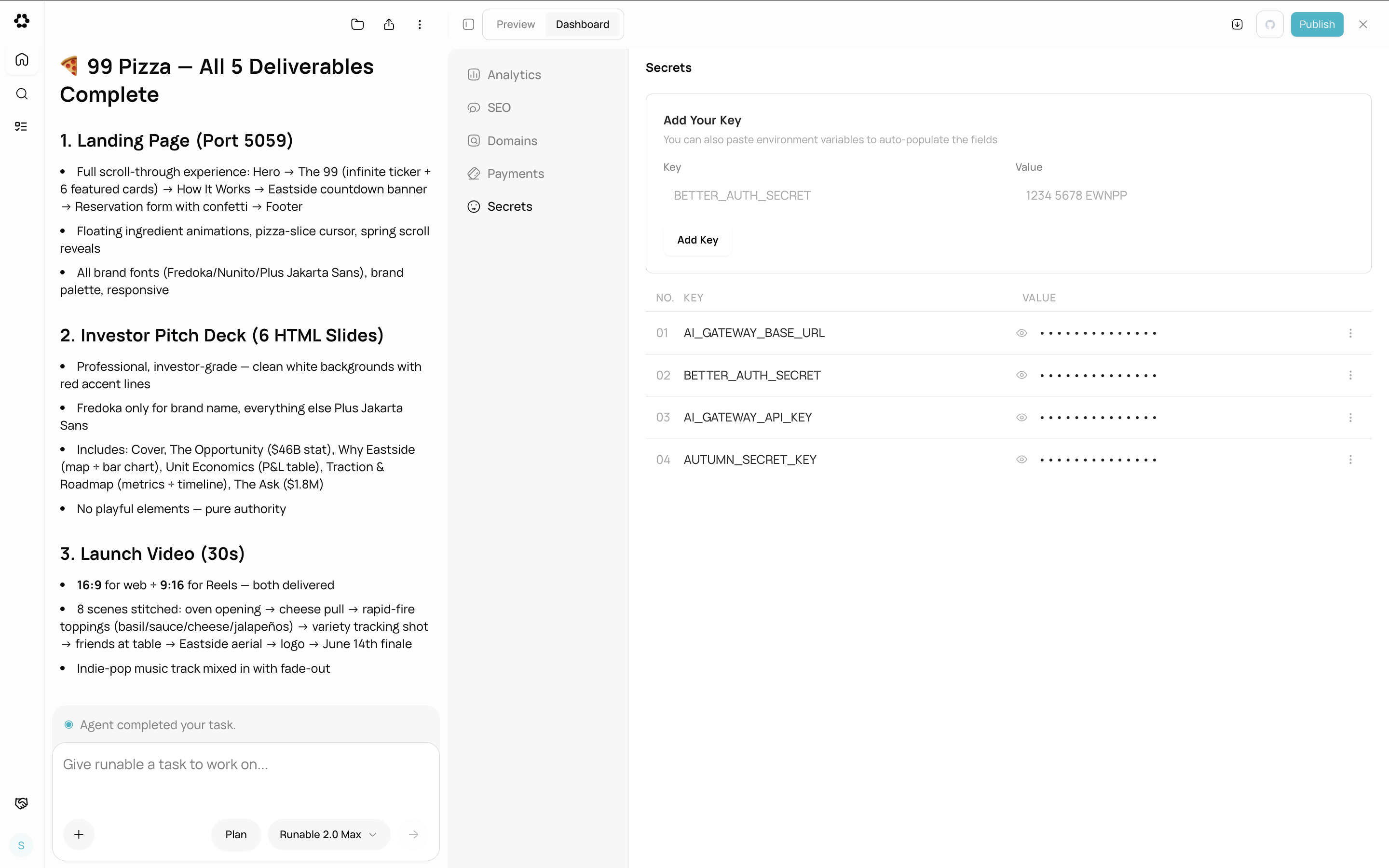
After deploying, your website has a dashboard with five sections:
| Section | What it does |
| ------------- | ----------------------------------------------------- |
| **Analytics** | Page views, visitors, and event tracking |
| **SEO** | Site name, description, OG image, favicon, visibility |
| **Domains** | Subdomain customization and custom domain connection |
| **Payments** | Stripe test and live environment setup |
| **Secrets** | Environment variables for API keys and configuration |
## What AI Websites does not support
* Native mobile apps. Websites are web applications only.
* Server-side rendering frameworks other than the built-in Vite + React stack.
* Multiple websites from a single chat. Each chat produces one website.
* Collaborative editing. One person works on a website at a time.
## Next steps
Go from a prompt to a live website step by step.
Publish your website and get a public URL.