> ## Documentation Index
> Fetch the complete documentation index at: https://docs.runable.com/llms.txt
> Use this file to discover all available pages before exploring further.
# Flow
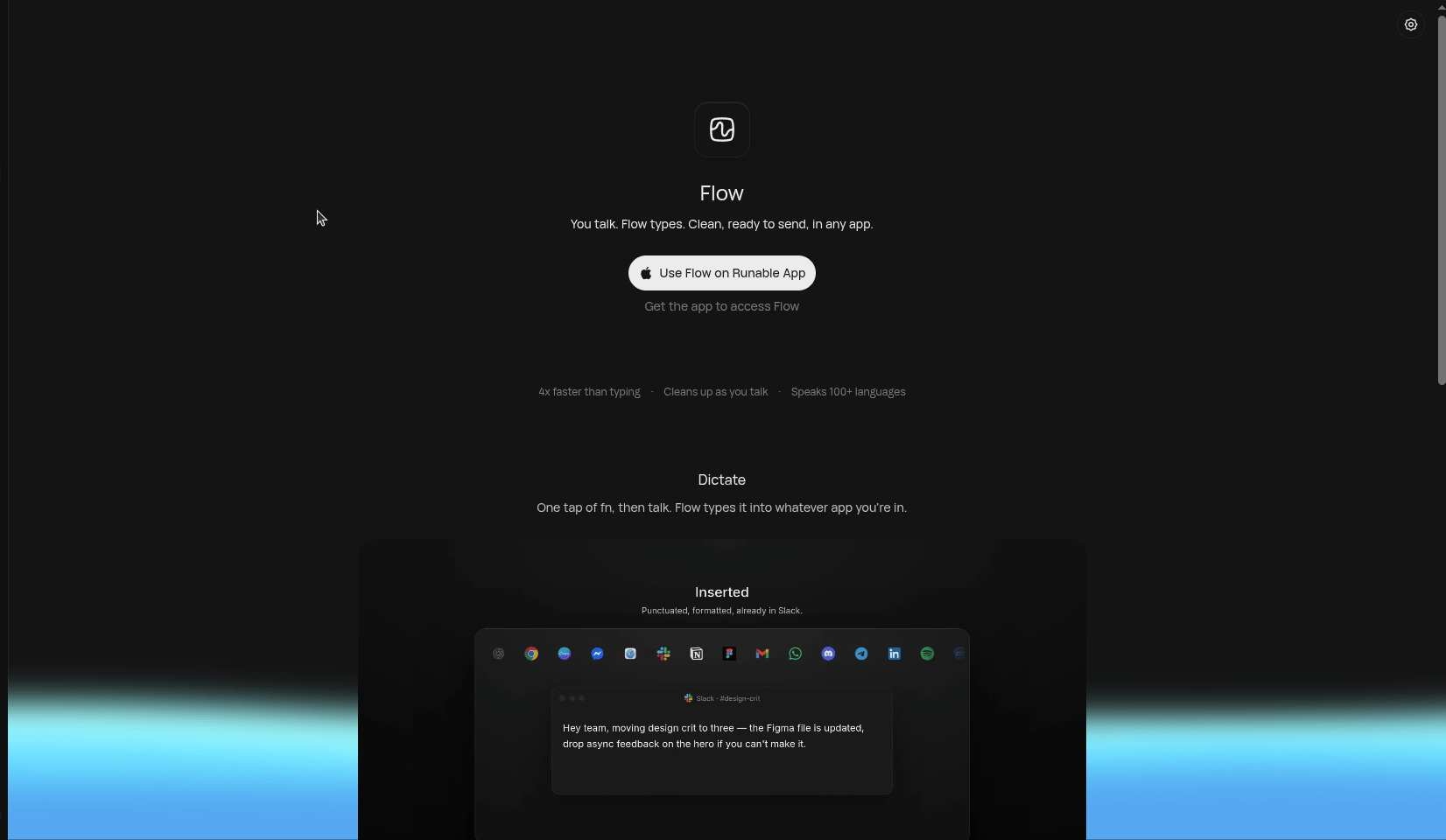
Flow is Runable's voice dictation tool. Tap the fn key, speak, and Flow types clean, ready-to-send text into whatever app you're in — email, Slack, docs, code editors, anywhere.
It doesn't just transcribe. Flow cleans up your speech as you talk — removing filler words and tidying your sentences into polished writing, about 4x faster than typing.
 ## Key features
You can say it faster than you can type it. Flow keeps up with natural speech.
Filler words, false starts, and rambling get tidied into ready-to-send writing.
Dictate in any of 100+ languages and Flow transcribes accurately.
Flow types directly into whatever app has focus — no copy-pasting needed.
## Install Flow
Flow ships with the Runable desktop app. Get it from [runable.com/flow](https://runable.com/flow).
Flow is free with Runable — there's no separate subscription.
Flow needs microphone access to hear you and accessibility access to type into other apps. macOS will prompt you on first use.
## Use Flow
Click into any text field — a reply in Slack, an email draft, a doc, a terminal.
One tap of fn starts dictation. Speak naturally — don't worry about ums, pauses, or restarting a sentence.
Your words appear in the app as polished, ready-to-send text. Tap fn again to stop.
Speak the way you'd talk to a colleague. Flow handles the cleanup — you don't need to dictate punctuation or speak in perfect sentences.
## Availability
Flow is currently available on macOS via the Runable desktop app. It's included with every Runable account at no extra cost.
## Key features
You can say it faster than you can type it. Flow keeps up with natural speech.
Filler words, false starts, and rambling get tidied into ready-to-send writing.
Dictate in any of 100+ languages and Flow transcribes accurately.
Flow types directly into whatever app has focus — no copy-pasting needed.
## Install Flow
Flow ships with the Runable desktop app. Get it from [runable.com/flow](https://runable.com/flow).
Flow is free with Runable — there's no separate subscription.
Flow needs microphone access to hear you and accessibility access to type into other apps. macOS will prompt you on first use.
## Use Flow
Click into any text field — a reply in Slack, an email draft, a doc, a terminal.
One tap of fn starts dictation. Speak naturally — don't worry about ums, pauses, or restarting a sentence.
Your words appear in the app as polished, ready-to-send text. Tap fn again to stop.
Speak the way you'd talk to a colleague. Flow handles the cleanup — you don't need to dictate punctuation or speak in perfect sentences.
## Availability
Flow is currently available on macOS via the Runable desktop app. It's included with every Runable account at no extra cost.